Canonical Tag Checker
Check canonical tags in HTML source code. Detect missing, self-referencing, or conflicting canonical URLs with detailed warnings.
- 100% free
- No sign-up
- Clear controls
- Open and use
- Parses <link rel="canonical"> from HTML source
- Detects missing canonical tags
- Checks self-referencing vs cross-domain canonicals
- Warns about multiple conflicting canonical tags
- Validates URL format (absolute, no hash, no whitespace)
- Runs in your browser -- your HTML is never sent anywhere
What is Canonical Tag Checker?
A canonical tag (rel=canonical) tells search engines which version of a page is the preferred one when duplicate or similar content exists at multiple URLs.
This tool parses HTML source code to find canonical tags, check if they are self-referencing, detect conflicts from multiple canonical declarations, and validate URL format. Proper canonical implementation is critical for preventing duplicate content penalties in search rankings.
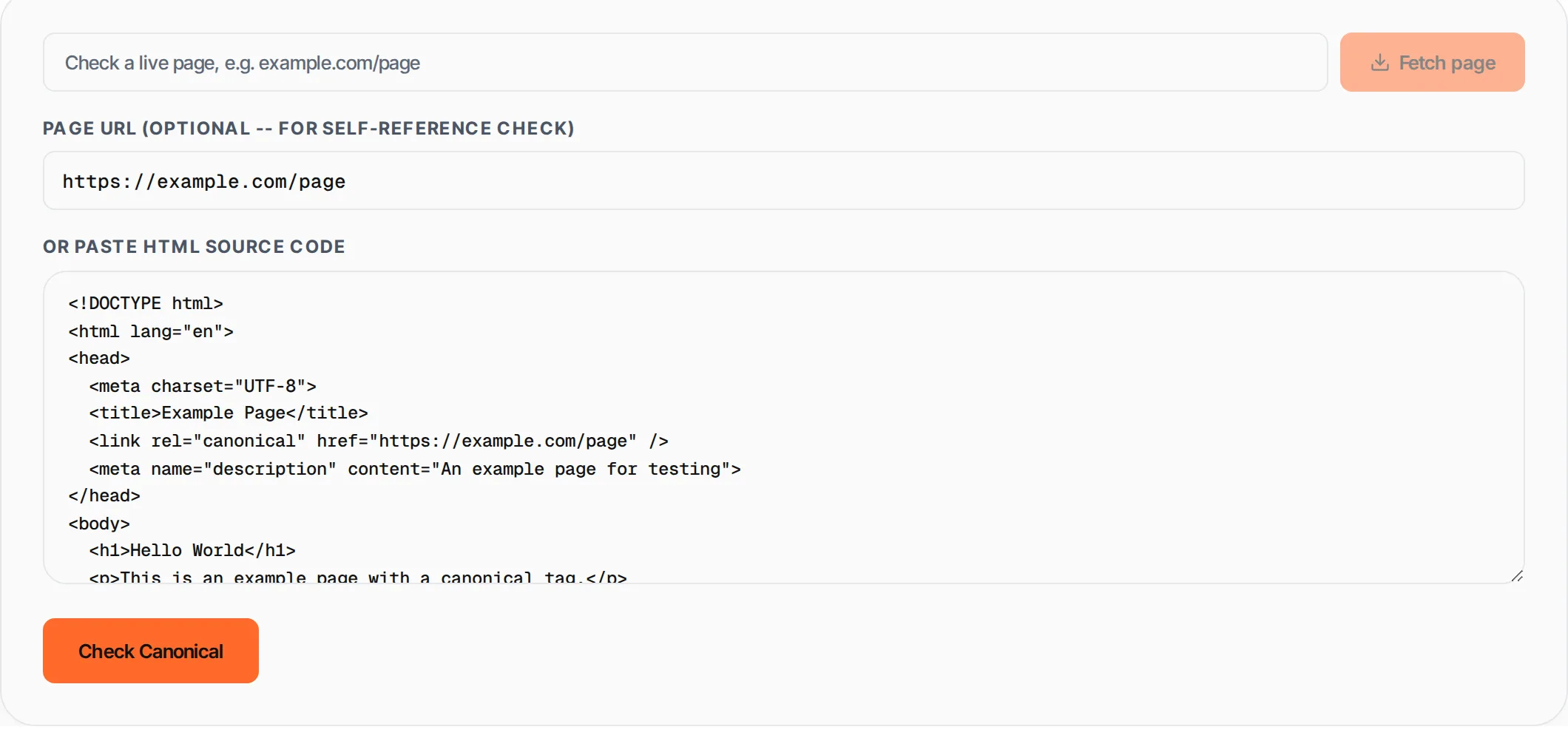
How to use Canonical Tag Checker
- 1
Get the HTML source
Visit the page you want to check. Right-click anywhere on the page and select "View Page Source" (or press Ctrl+U). Copy the entire HTML source code.
- 2
Enter the page URL
Optionally enter the current page URL in the URL field. This allows the tool to check whether the canonical is self-referencing (points to itself) or points to a different page.
- 3
Paste the HTML
Paste the copied HTML source code into the text area. The tool will search for <link rel="canonical"> tags in the markup.
- 4
Review results
Click Check Canonical. The tool shows the canonical URL found, whether it is self-referencing, any warnings (missing, multiple, malformed), and actionable recommendations.
Everything this tool
does for you
- Finds <link rel="canonical"> tags in HTML source code
- Detects missing canonical tags with setup instructions
- Checks self-referencing vs cross-page canonical status
- Warns about multiple conflicting canonical declarations
- Validates URL format (absolute URL, no hash fragments)
- Detects query parameters and whitespace issues
- Color-coded results: green (good), yellow (warning), red (error)
- Runs in your browser -- your HTML source stays in your browser
Related free tools
Frequently asked questions
Beyond this tool
See the full picture for your website.
Enter your URL for a free audit across eight scored areas. See prioritised issues and clear next steps in one report.
Free to start · No signup required