Robots.txt Generator
Generate a properly formatted robots.txt file to control how search engine crawlers access your site.
- 100% free
- No sign-up
- Clear controls
- Open and use
User-agent: *
Disallow:
- Control which bots can crawl your site
- Block AI bots from scraping your content
- Set crawl delays to protect server resources
- Include sitemap URL for better discovery
- One-click presets for common configurations
What is Robots.txt Generator?
A robots.txt file is a plain text file placed at the root of your website that tells search engine crawlers which pages or sections they are allowed or disallowed from accessing.
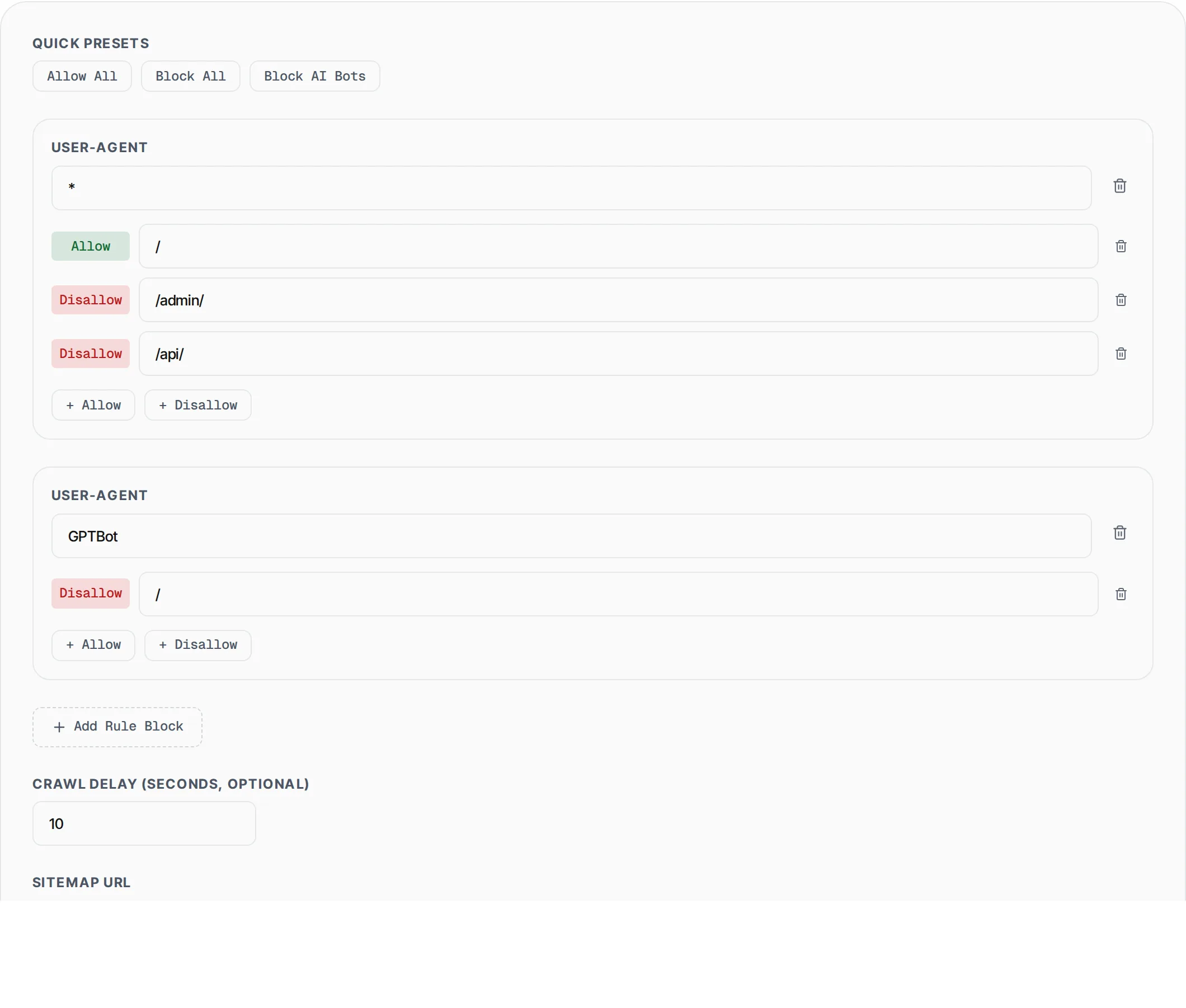
The Robots.txt Generator by SlapMyWeb lets you visually build this file without memorizing the syntax. You can add multiple user-agent blocks, set allow/disallow rules per path, configure crawl delays, and include your sitemap URL -- all with one-click presets for common configurations like blocking AI bots (GPTBot, ClaudeBot, Bytespider, CCBot) from scraping your content.
How to use Robots.txt Generator
- 1
Choose a preset or start from scratch
Click "Allow All", "Block All", or "Block AI Bots" for instant configurations, or build custom rules manually.
- 2
Configure user-agent rules
Set the user-agent name (e.g., Googlebot, GPTBot, or * for all bots), then add Allow and Disallow paths for each agent.
- 3
Add sitemap and crawl delay
Enter your sitemap URL so crawlers discover all pages. Optionally set a crawl delay to protect your server from aggressive bots.
- 4
Copy and upload
Copy the generated robots.txt content and save it as a file named robots.txt in your website root directory.
Everything this tool
does for you
- Visual editor with multiple user-agent blocks
- One-click presets: Allow All, Block All, Block AI Bots
- Block GPTBot, ChatGPT-User, ClaudeBot, Bytespider, CCBot
- Add unlimited Allow and Disallow path rules
- Sitemap URL inclusion for crawler discovery
- Configurable crawl delay per user-agent
- Real-time preview as you edit
- One-click copy to clipboard
Further reading
Related free tools
Frequently asked questions
Beyond this tool
See the full picture for your website.
Enter your URL for a free audit across eight scored areas. See prioritised issues and clear next steps in one report.
Free to start · No signup required