JavaScript Formatter & Minifier
Beautify or minify JavaScript code instantly. Strips comments, normalizes indentation, compresses whitespace for production.
- 100% free
- No sign-up
- Clear controls
- Open and use
No output yet- Beautify with 2/4 space indent
- Minify for production
- Strips comments
- Shows size savings
- 100% browser — no upload
What is JavaScript Formatter & Minifier?
A JavaScript formatter and minifier is an essential developer tool that transforms your JavaScript code between two states: readable (beautified) and compressed (minified).
When you beautify JavaScript, the tool adds proper indentation, line breaks, and consistent spacing so the code is easy to read, debug, and maintain. When you minify JavaScript, it strips all comments, collapses whitespace, and compresses operator spacing to produce the smallest possible file size. Smaller JavaScript files load faster, reducing page load times and improving Core Web Vitals scores like Largest Contentful Paint (LCP) and Total Blocking Time (TBT). This free online JavaScript formatter runs entirely in your browser — no code is uploaded to any server, making it safe for proprietary codebases. Whether you are cleaning up minified third-party scripts or preparing your own code for production deployment, this tool handles both directions instantly.
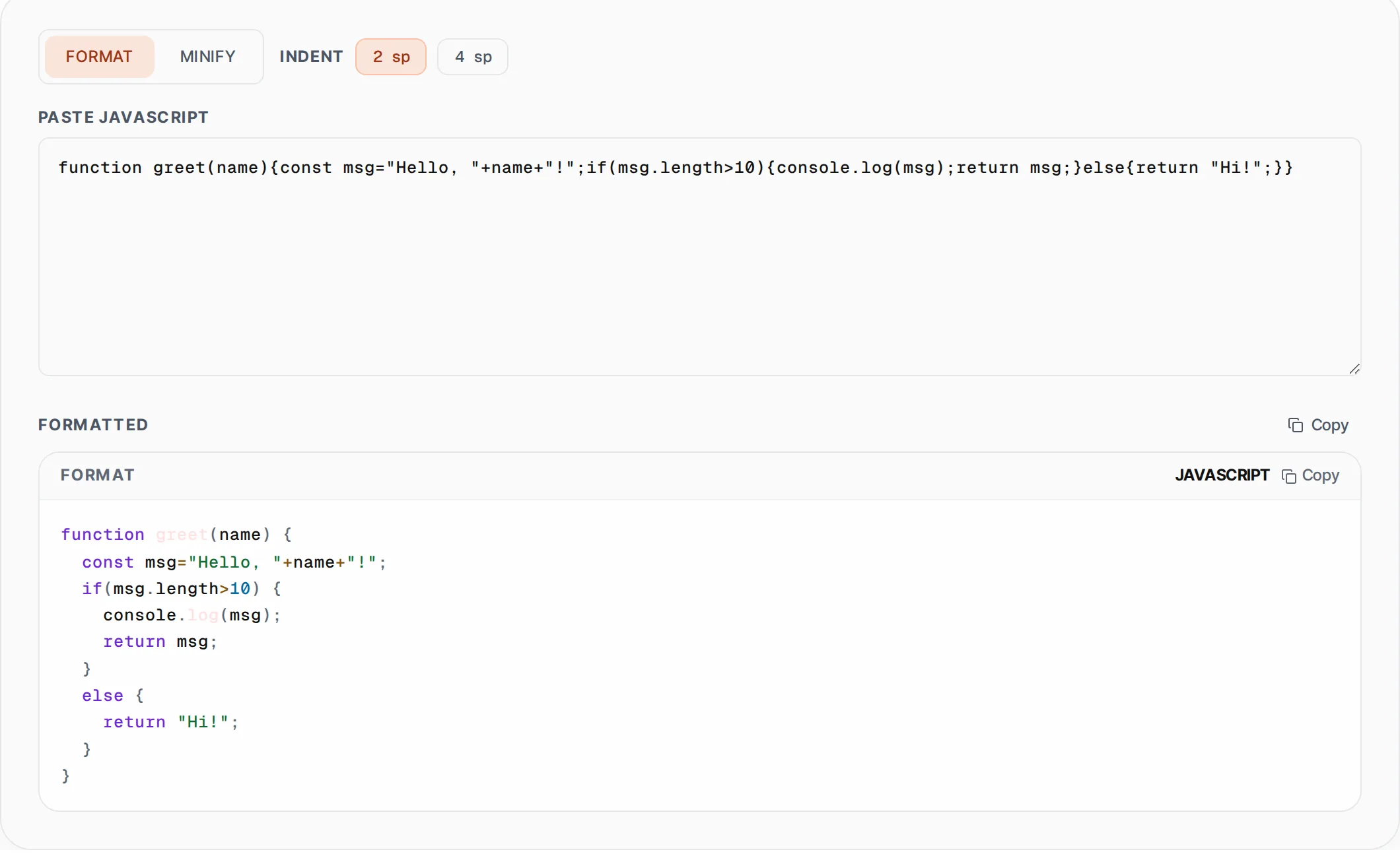
How to use JavaScript Formatter & Minifier
- 1
Paste your JavaScript code
Copy your JavaScript source code and paste it into the input textarea. The tool accepts any valid JS including ES6+, arrow functions, template literals, and more.
- 2
Choose format or minify mode
Click "Format" to beautify the code with proper indentation (choose 2 or 4 spaces), or click "Minify" to compress it by stripping comments and collapsing whitespace.
- 3
Copy the result
Click the Copy button to copy the formatted or minified output to your clipboard. For minified code, you will see the size savings percentage displayed above the output.
Everything this tool
does for you
- Beautify JavaScript with 2-space or 4-space indentation
- Minify JS by removing comments and compressing whitespace
- Real-time size savings calculator showing bytes and percentage saved
- Handles ES6+ syntax including arrow functions and template literals
- Runs runs in your browser — your code never leaves the browser
- One-click copy to clipboard with visual confirmation
Related free tools
Frequently asked questions
Beyond this tool
See the full picture for your website.
Enter your URL for a free audit across eight scored areas. See prioritised issues and clear next steps in one report.
Free to start · No signup required