CSS Formatter & Minifier
Beautify CSS with proper indentation or minify it for production. Strips comments, normalizes whitespace. Instant results in your browser.
- 100% free
- No sign-up
- Clear controls
- Open and use
.container {
  display:flex;
  gap:16px;
  padding:24px;
  background-color:#fafafa;
  border-radius:12px
}
.title {
  font-size:24px;
  font-weight:bold;
  color:#111111
}- Beautify with custom indent
- Minify for production
- Strips CSS comments
- Shows size savings
- 100% browser — no upload
What is CSS Formatter & Minifier?
A CSS formatter is a developer tool that restructures cascading style sheet code into clean, readable format with consistent indentation, one property per line, and properly nested selectors.
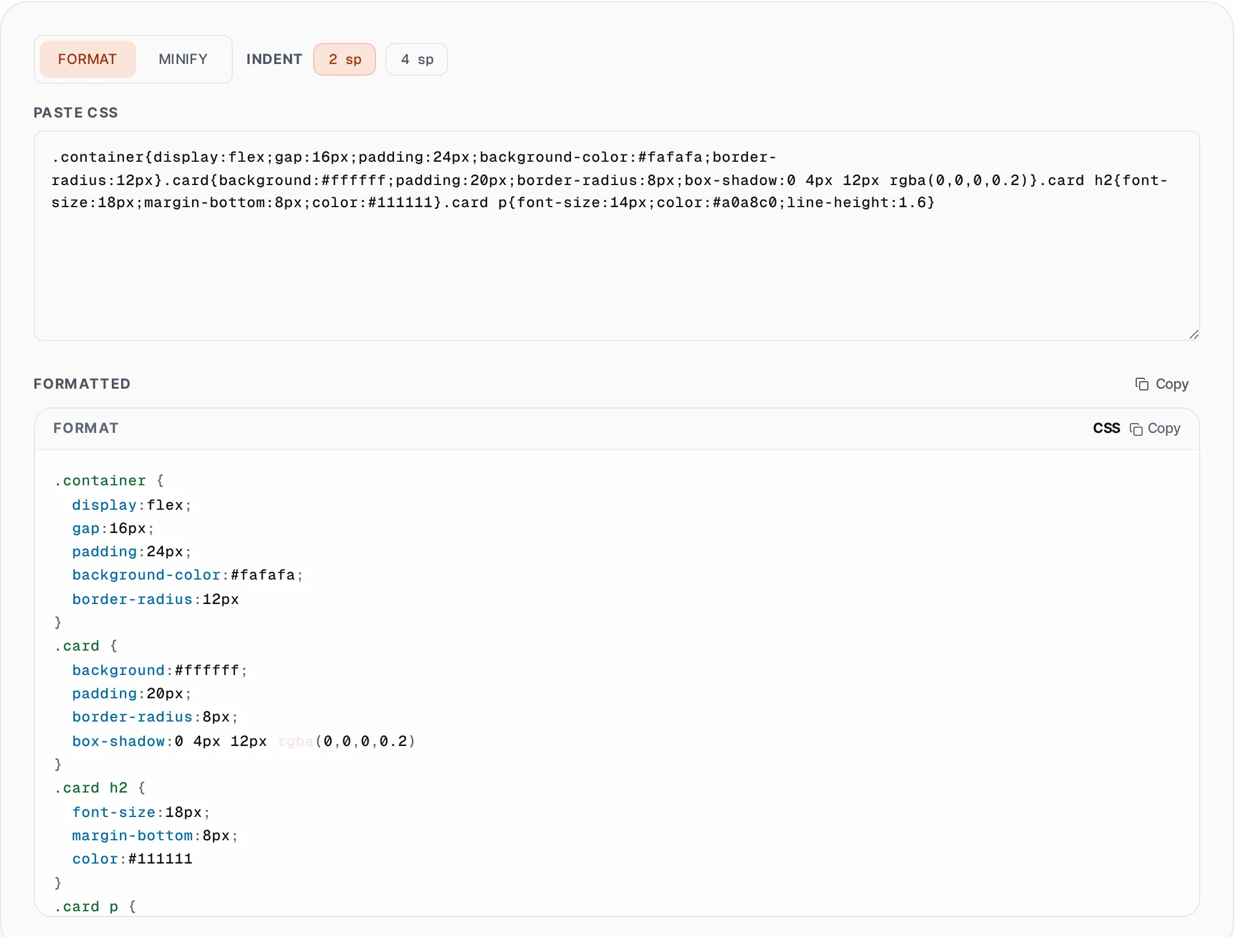
When CSS is written inline, generated by preprocessors, or extracted from minified production files, it becomes a dense block that is difficult to read and maintain. This tool parses your CSS and rebuilds it with your choice of 2-space or 4-space indentation, placing each declaration on its own line and properly indenting nested rules like media queries and keyframe animations. In minify mode, it does the reverse — stripping all comments, collapsing whitespace, removing spaces around selectors and properties, and eliminating trailing semicolons before closing braces. The minified output is the smallest valid CSS representation of your stylesheet, reducing bandwidth and improving page load performance. A size comparison shows exactly how many characters and what percentage was saved. All processing runs in your browser with zero server upload, making it safe for proprietary design systems and client stylesheets.
How to use CSS Formatter & Minifier
- 1
Select format or minify mode
Choose Format to beautify your CSS with clean indentation, or Minify to compress it for production. In format mode, select 2 or 4 space indentation to match your project conventions.
- 2
Paste your CSS
Paste your stylesheet code from your editor, browser DevTools, or build output into the input area. The tool handles selectors, declarations, media queries, and nested rules.
- 3
Copy the output
Click Copy to place the result on your clipboard. In minify mode, check the savings indicator to see how much smaller your CSS became. Use formatted CSS for development and minified for deployment.
Everything this tool
does for you
- Beautify CSS with consistent 2-space or 4-space indentation
- Minify by stripping comments and all unnecessary whitespace
- Removes trailing semicolons before closing braces in minify mode
- Real-time size comparison with percentage savings display
- Handles media queries, keyframes, and nested CSS rules
- Zero server upload — all processing in your browser
Related free tools
Frequently asked questions
Beyond this tool
See the full picture for your website.
Enter your URL for a free audit across eight scored areas. See prioritised issues and clear next steps in one report.
Free to start · No signup required