Skip to tool
Security & Network
What Is My IP
See your public IP address instantly with connection details
- 100% free
- No sign-up
- Clear controls
- Open and use
What this tool does
- Instant IP detection
- Browser and OS info
- Protocol and security status
- One-click copy
The short version
What is What Is My IP?
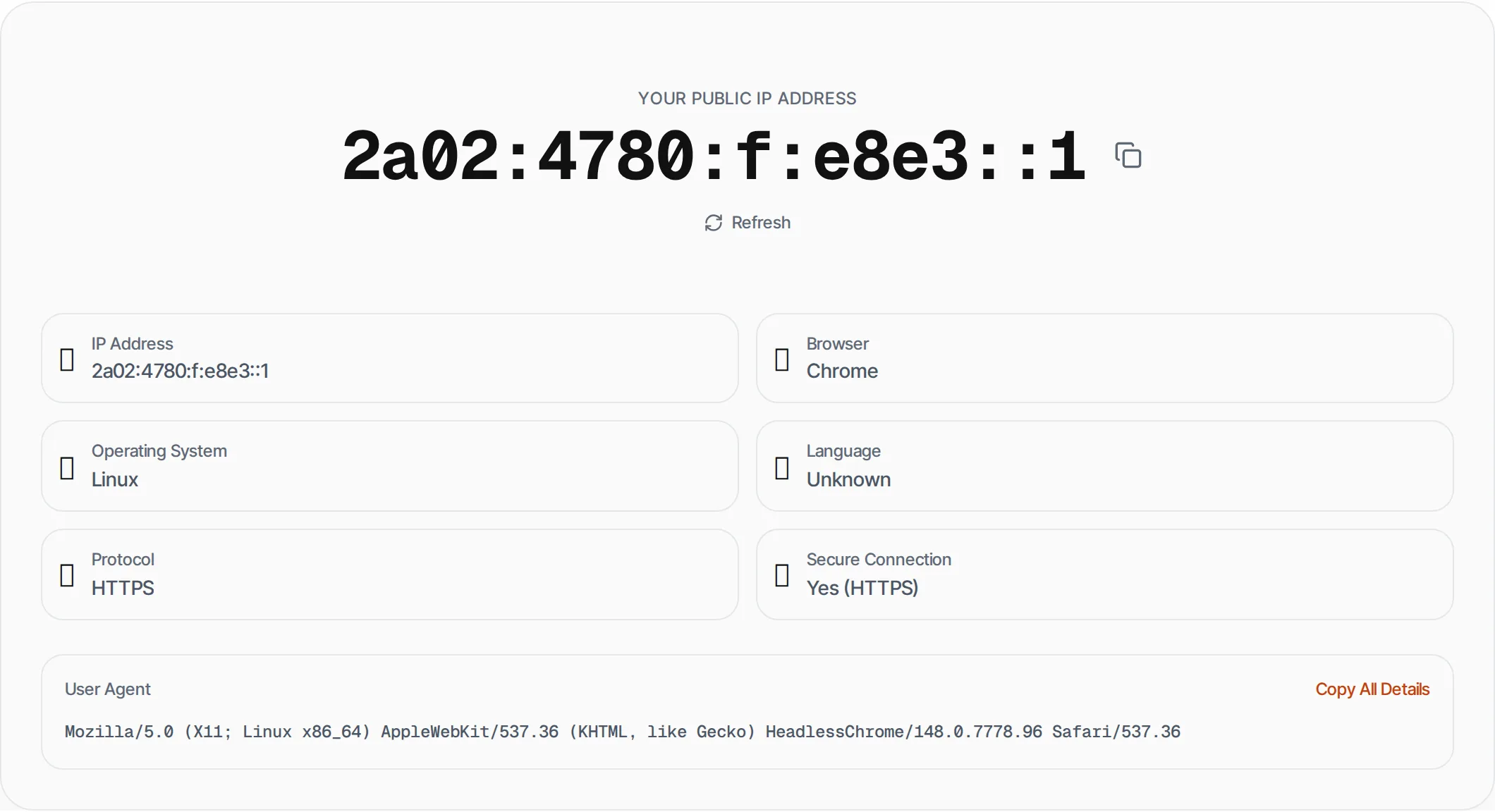
This tool detects and displays your public IP address — the address websites see when you connect.
It also shows your browser, operating system, language preferences and whether you're using a secure HTTPS connection. Your IP address is how the internet identifies your connection.
Step by step
How to use What Is My IP
- 1
Visit the page
Your IP address is detected automatically — no action needed.
- 2
Copy your IP
Click the copy button next to your IP address.
- 3
Review details
See your browser, OS, language and connection security status.
- 4
Refresh
Click Refresh to re-detect (useful if you switched VPN or network).
What's inside
Everything this tool
does for you
- Instant public IP detection
- Browser and OS identification
- Language preference detection
- HTTPS/HTTP connection status
- One-click copy
- Refresh on demand
Keep going
Related free tools
Questions
Frequently asked questions
This shows the IP address your browser presents to websites. If you are using a VPN or proxy, it shows the VPN/proxy IP, not your actual ISP-assigned address.
Most ISPs assign dynamic IP addresses that can change periodically. If you need a static IP, contact your ISP or use a VPN with a dedicated IP.
IP addresses provide approximate location (city level) and can be used to identify your ISP. Use a VPN to mask your real IP for privacy.
We only detect your IP on our server — no data is stored, logged or shared. The detection happens via a simple server request.
Beyond this tool
See the full picture for your website.
Enter your URL for a free audit across eight scored areas. See prioritised issues and clear next steps in one report.
Run a free website audit
Free to start · No signup required