PDF Merger
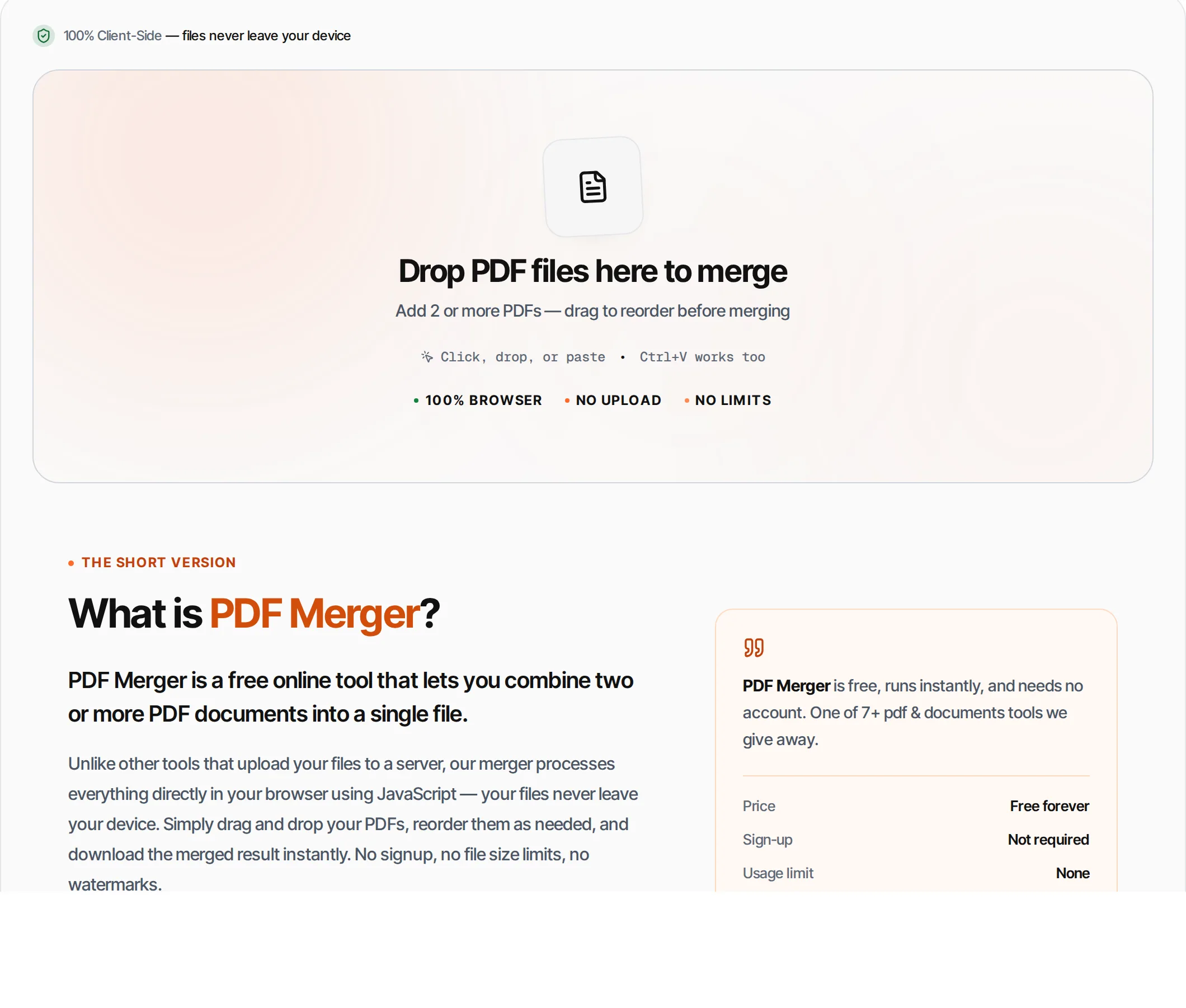
Combine multiple PDF files into a single document. Drag to reorder, then merge — runs in your browser, so the file never leaves your device.
- 100% free
- No sign-up
- Clear controls
- Open and use
What is PDF Merger?
PDF Merger combines two or more PDF documents into a single file in your browser.
Drag in PDF files up to 100 MB each, reorder them, and download the merged result. No signup or output watermark is required. Large groups of files depend on available device memory.
How to use PDF Merger
- 1
Upload PDFs
Click the upload area or drag and drop 2 or more PDF files. You can also paste from clipboard with Ctrl+V.
- 2
Reorder files
Drag the grip handles to arrange files in the order you want them merged. The first file becomes the first pages.
- 3
Click Merge
Hit the merge button (or press Ctrl+Enter). The tool combines all pages from each PDF in sequence.
- 4
Preview result
Review the page count and file size of the merged document to ensure everything looks correct.
- 5
Download
Click Download to save the merged PDF to your device. The original files remain unchanged.
Everything this tool
does for you
- Merge multiple PDF files at once, subject to available device memory
- Drag-and-drop reordering of files
- Page count shown per file before merge
- Runs in your browser — files never uploaded
- PDF files up to 100 MB each
- No signup or account required
- Preserves all formatting, links and bookmarks
- Works on mobile and desktop browsers
Related free tools
Frequently asked questions
Beyond this tool
See the full picture for your website.
Enter your URL for a free audit across eight scored areas. See prioritised issues and clear next steps in one report.
Free to start · No signup required
- Merge multiple PDFs into one
- Drag-and-drop reordering
- Preserves all pages and formatting
- Files never leave your browser
- PDF files up to 100 MB
- No signup required