PDF Page Rotator
Rotate individual PDF pages or all pages by 90, 180 or 270 degrees — runs in your browser, so the file never leaves your device.
- 100% free
- No sign-up
- Clear controls
- Open and use
What is PDF Page Rotator?
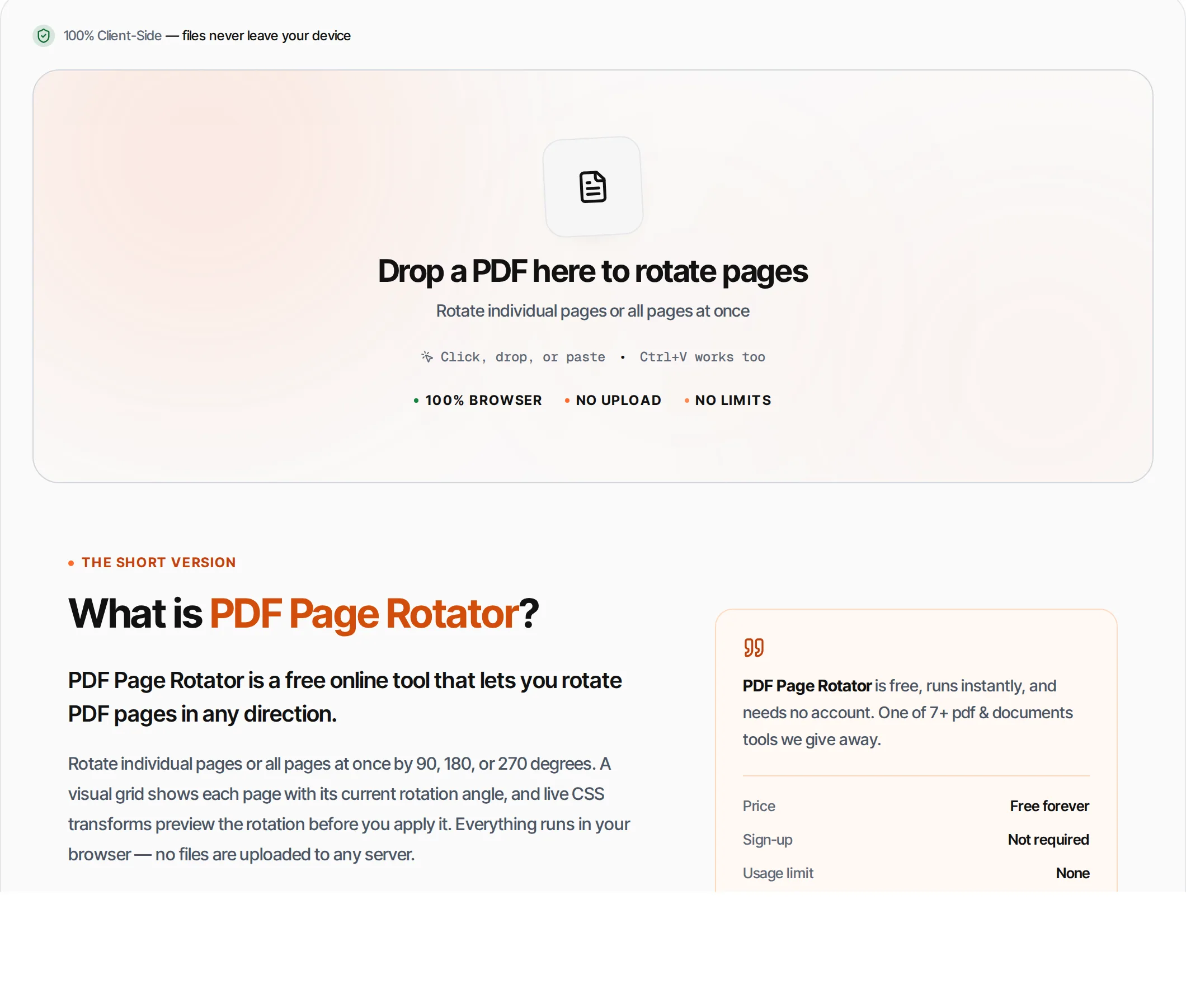
PDF Page Rotator is a free online tool that lets you rotate PDF pages in any direction.
Rotate individual pages or all pages at once by 90, 180, or 270 degrees. A visual grid shows each page with its current rotation angle, and live CSS transforms preview the rotation before you apply it. Everything runs in your browser — no files are uploaded to any server.
How to use PDF Page Rotator
- 1
Upload your PDF
Click the upload area or drag and drop a PDF file. The tool shows a grid of all pages.
- 2
Rotate pages
Use the per-page buttons to rotate individual pages left (90° CCW), right (90° CW), or 180°. Or use Rotate All for bulk rotation.
- 3
Preview
Each page thumbnail shows its current rotation angle in real-time so you can verify before applying.
- 4
Apply
Click Apply Rotation. The tool modifies page rotations in the PDF structure.
- 5
Download
Download your rotated PDF. The original file is not modified.
Everything this tool
does for you
- Rotate individual pages independently
- Bulk rotate all pages at once
- 90° left, 90° right, and 180° rotation
- Visual rotation preview per page
- Rotation counter shows changed pages
- Preserves all content and formatting
- Runs in your browser — files never uploaded
- No signup; PDF files up to 100 MB
Related free tools
Frequently asked questions
Beyond this tool
See the full picture for your website.
Enter your URL for a free audit across eight scored areas. See prioritised issues and clear next steps in one report.
Free to start · No signup required
- Rotate individual pages or all at once
- 90, 180, 270 degree rotation
- Visual page preview
- Preserves all content and links
- Files never leave your browser
- No signup or limits