Skip to tool
Social Media
YouTube Thumbnail Downloader
Download YouTube video thumbnails in all resolutions — no API key needed
- 100% free
- No sign-up
- Clear controls
- Open and use
What this tool does
- 5 resolution options (120px to 1280px)
- Works with any YouTube URL format
- No API key required
- Direct download or copy URL
The short version
What is YouTube Thumbnail Downloader?
A YouTube thumbnail downloader extracts the thumbnail images from any YouTube video.
YouTube stores thumbnails at multiple resolutions (120×90 to 1280×720). This tool uses YouTube's public image URLs — no API key or YouTube account needed.
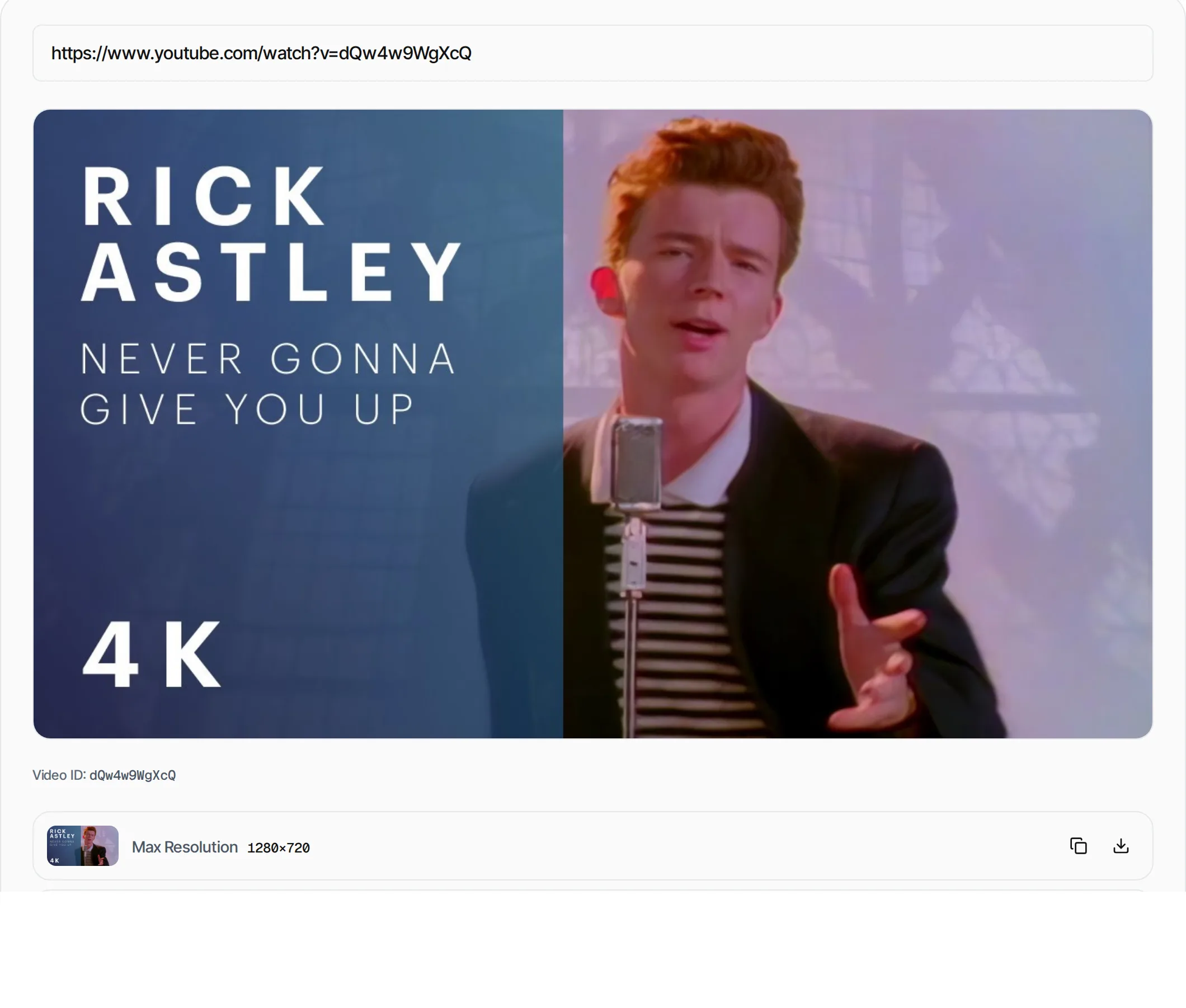
Step by step
How to use YouTube Thumbnail Downloader
- 1
Paste a YouTube URL
Enter any YouTube video URL, short link, or just the 11-character video ID.
- 2
Preview thumbnails
See the main thumbnail and all available resolutions.
- 3
Download or copy
Click Download to save the image, or Copy to get the direct URL.
What's inside
Everything this tool
does for you
- 5 resolution options (default to maxres)
- Supports all YouTube URL formats
- YouTube Shorts support
- Direct download as JPG
- Copy thumbnail URL
- No API key required
Keep going
Related free tools
Questions
Frequently asked questions
YouTube thumbnails are publicly accessible images. Downloading them for personal use, reference or commentary is generally acceptable. Avoid using them for commercial purposes without permission.
Not all videos have a 1280×720 thumbnail. Older or lower-quality videos may only have thumbnails up to 480×360. The tool automatically falls back to the best available resolution.
No. Only thumbnails from public and unlisted videos are accessible.
YouTube stores thumbnails as JPEG images (.jpg). All downloads are in JPEG format.
Beyond this tool
See the full picture for your website.
Enter your URL for a free audit across eight scored areas. See prioritised issues and clear next steps in one report.
Run a free website audit
Free to start · No signup required