CSS Gradient Generator
Build beautiful CSS gradients visually. Pick colors, adjust angles and stops, preview live, and copy production-ready CSS or Tailwind classes.
- 100% free
- No sign-up
- Clear controls
- Open and use
background: linear-gradient(135deg, #1d4ed8 0%, #7b2dff 100%);
bg-gradient-to-br from-[#1d4ed8] to-[#7b2dff]
- Linear, radial, and conic gradients
- Up to 5 color stops with position control
- Live preview as you design
- Copy CSS or Tailwind output
- 8 beautiful presets to start from
- 100% browser — no server calls
What is CSS Gradient Generator?
A CSS gradient generator is a visual design tool that helps you create smooth color transitions for website backgrounds, buttons, cards, and other UI elements without writing code by hand.
CSS gradients replace the need for gradient images, reducing HTTP requests and page weight while giving you infinite scalability since gradients are rendered by the browser at any resolution. This tool supports all three CSS gradient types: linear gradients that transition colors along a straight line at any angle, radial gradients that radiate from a center point in a circle or ellipse, and conic gradients that sweep colors around a center point like a color wheel. You control every aspect — gradient direction, color stops with precise positioning, and shape parameters. The live preview updates instantly as you adjust settings, so you see exactly how your gradient will look before copying the code. The tool outputs standard CSS that works in all modern browsers and also generates Tailwind CSS utility classes when applicable. All processing runs in your browser with zero server interaction.
How to use CSS Gradient Generator
- 1
Choose a gradient type
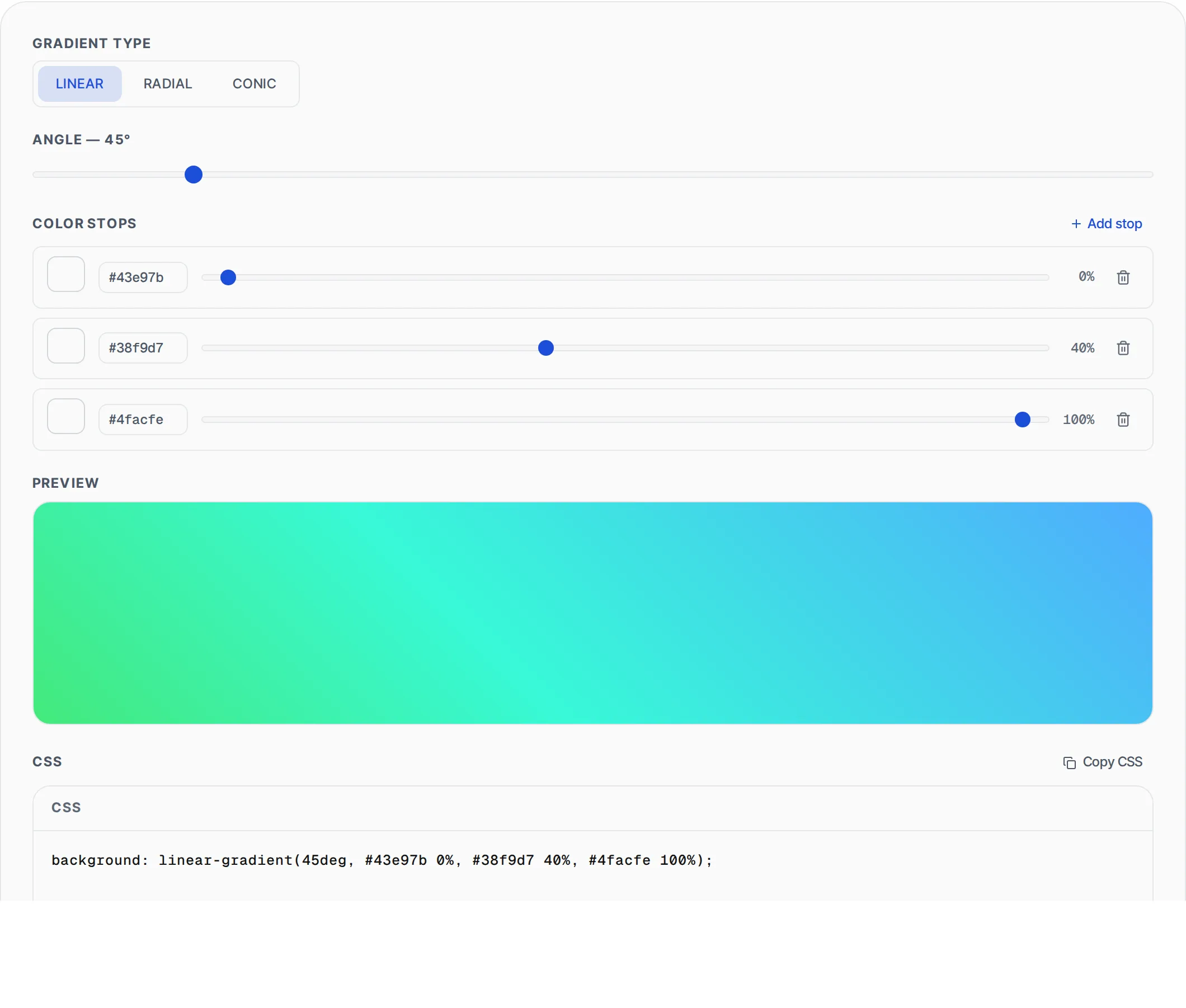
Select linear, radial, or conic gradient. For linear gradients, set the angle using the slider. For radial gradients, choose between circle and ellipse shapes and set the center position. For conic gradients, set the starting angle.
- 2
Configure color stops
Adjust the default two color stops using the color pickers and position sliders. Add up to 5 stops for complex multi-color gradients. Each stop has a color picker, hex input, and a position slider from 0% to 100%.
- 3
Preview and copy
Watch the live preview update as you design. When satisfied, click Copy CSS for the background property or Copy Tailwind for utility classes. You can also start from one of the 8 built-in presets and customize from there.
Everything this tool
does for you
- Linear, radial, and conic gradient support with full parameter control
- Up to 5 color stops with individual color pickers and position sliders
- Live gradient preview that updates instantly as you adjust settings
- Copy production-ready CSS background property with one click
- Tailwind CSS utility class output for compatible gradients
- Eight curated gradient presets to use as starting points
- Hex color input alongside visual color picker for precision
- Zero server calls — all rendering happens in your browser
Related free tools
Frequently asked questions
Beyond this tool
See the full picture for your website.
Enter your URL for a free audit across eight scored areas. See prioritised issues and clear next steps in one report.
Free to start · No signup required