CSS Border Radius Generator
Visually design border-radius for any element. Adjust corners individually or together, pick presets, and copy production-ready CSS instantly.
- 100% free
- No sign-up
- Clear controls
- Open and use
border-radius: 12px;
- Visual live preview
- Link / unlink corners
- 6 ready presets
- px and % units
- 100% browser — no upload
What is CSS Border Radius Generator?
A CSS border radius generator is a visual tool that helps you create rounded corners for any HTML element.
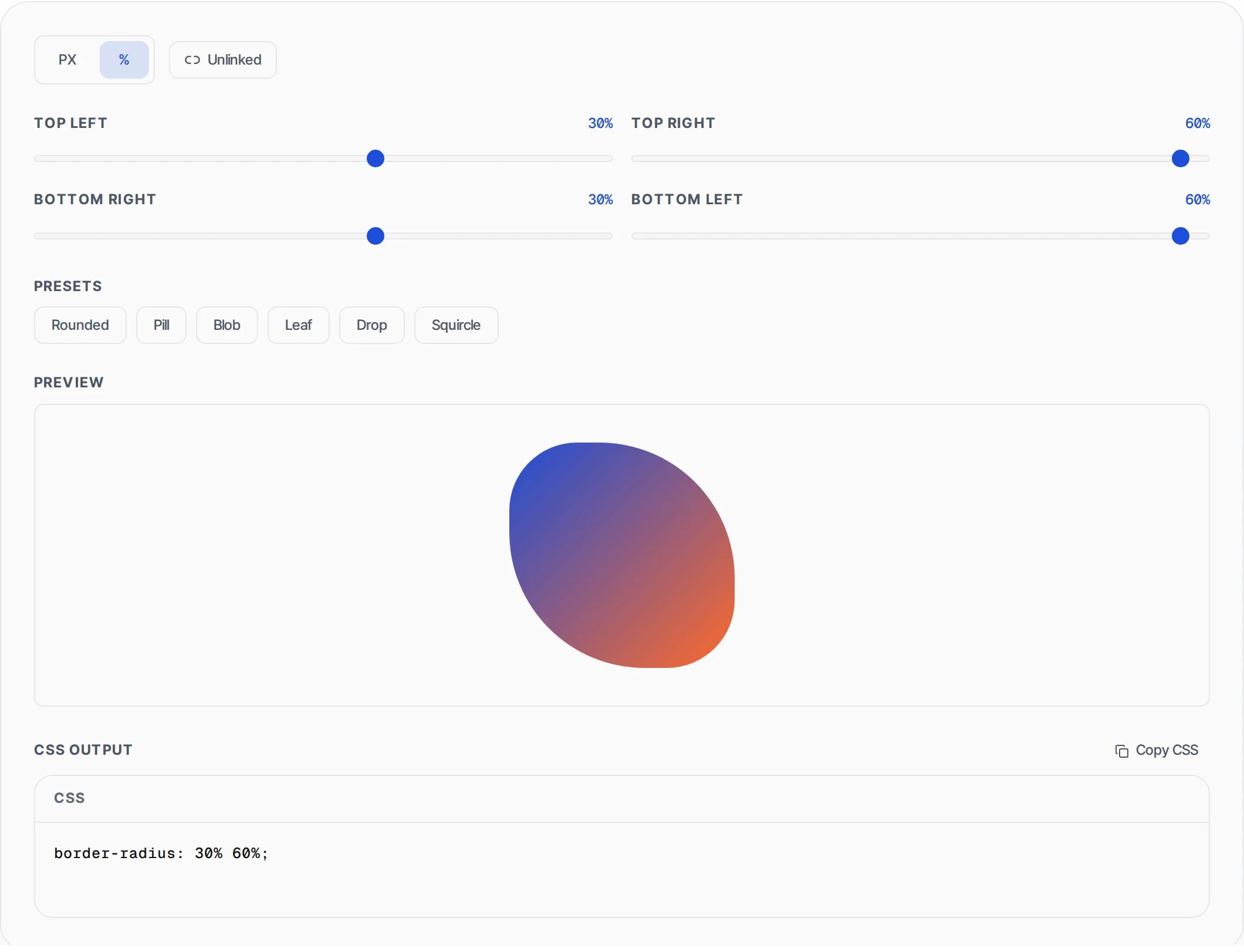
The CSS border-radius property rounds the corners of an element's outer border edge. You can set a single radius for all four corners or specify each corner individually for asymmetric shapes. This tool gives you independent control over top-left, top-right, bottom-right, and bottom-left corners with a live preview. You can also link all corners to adjust them simultaneously. The generated CSS works in all modern browsers without vendor prefixes.
How to use CSS Border Radius Generator
- 1
Adjust corner values
Use the sliders or type values directly for each corner — top-left, top-right, bottom-right, and bottom-left. Toggle the link icon to adjust all corners at once.
- 2
Preview your shape
The live preview box updates instantly as you change values. Watch how different corner combinations create pills, leaves, blobs, and other organic shapes.
- 3
Copy the CSS
Click "Copy CSS" to copy the border-radius property to your clipboard. Paste it into your stylesheet and you're done.
Everything this tool
does for you
- Individual control for all four corners with range sliders
- Link mode to adjust all corners simultaneously
- Live preview that updates in real-time
- Shorthand CSS output (e.g., border-radius: 10px 20px 30px 40px)
- Copy to clipboard with one click
- Works in all modern browsers without prefixes
- Preset shapes for common patterns
- Runs in your browser — no server calls needed
Related free tools
Frequently asked questions
Beyond this tool
See the full picture for your website.
Enter your URL for a free audit across eight scored areas. See prioritised issues and clear next steps in one report.
Free to start · No signup required