Social Media Image Resizer
Resize images to perfect dimensions for Instagram, Facebook, Twitter, LinkedIn, YouTube, TikTok, Pinterest, Threads, Twitch, Discord and more
- 100% free
- No sign-up
- Clear controls
- Open and use
Drop an image, click to upload, or Ctrl+V to paste
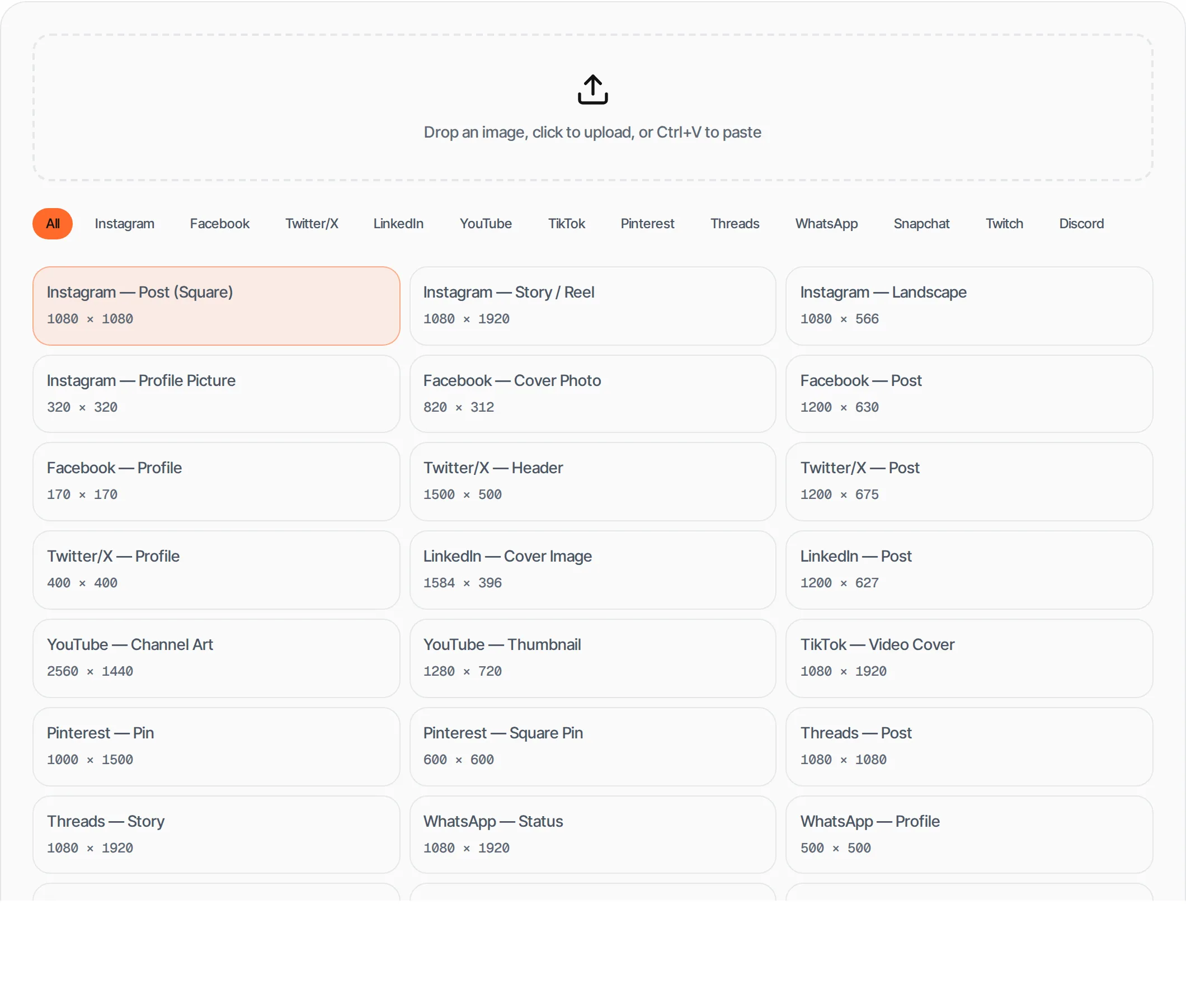
- 27 presets across 11 platforms
- Instagram, Facebook, Twitter, LinkedIn, YouTube
- Pinterest, Threads, WhatsApp, Snapchat, Twitch, Discord
- Cover-fit cropping with visual preview
- One-click download as PNG
- Ctrl+V paste + drag-and-drop
What is Social Media Image Resizer?
Each social media platform has specific image dimension requirements.
This tool resizes your images to the exact pixel dimensions needed for posts, stories, covers, profiles and thumbnails across 11 platforms: Instagram, Facebook, Twitter/X, LinkedIn, YouTube, TikTok, Pinterest, Threads, WhatsApp, Snapchat, Twitch, and Discord.
How to use Social Media Image Resizer
- 1
Upload an image
Drag and drop or click to select an image file.
- 2
Choose platform and size
Filter by platform and select the exact preset you need.
- 3
Preview the crop
See how your image will look at the selected dimensions.
- 4
Download
Click Download to get the resized image as PNG.
Everything this tool
does for you
- 27 platform-specific size presets across 11 platforms
- Instagram, Facebook, Twitter/X, LinkedIn, YouTube, TikTok
- Pinterest, Threads, WhatsApp, Snapchat, Twitch, Discord
- Cover-fit cropping with visual crop preview overlay
- Clipboard paste (Ctrl+V) + drag-and-drop upload
- PNG download at exact dimensions
Related free tools
Frequently asked questions
Beyond this tool
See the full picture for your website.
Enter your URL for a free audit across eight scored areas. See prioritised issues and clear next steps in one report.
Free to start · No signup required