Skip to tool
Social Media
Social Media Preview
Preview how your link will look when shared on Facebook, Twitter and LinkedIn
- 100% free
- No sign-up
- Clear controls
- Open and use
What this tool does
- Facebook, Twitter/X and LinkedIn previews
- Open Graph tag analysis
- Twitter Card detection
- Identifies missing meta tags
The short version
What is Social Media Preview?
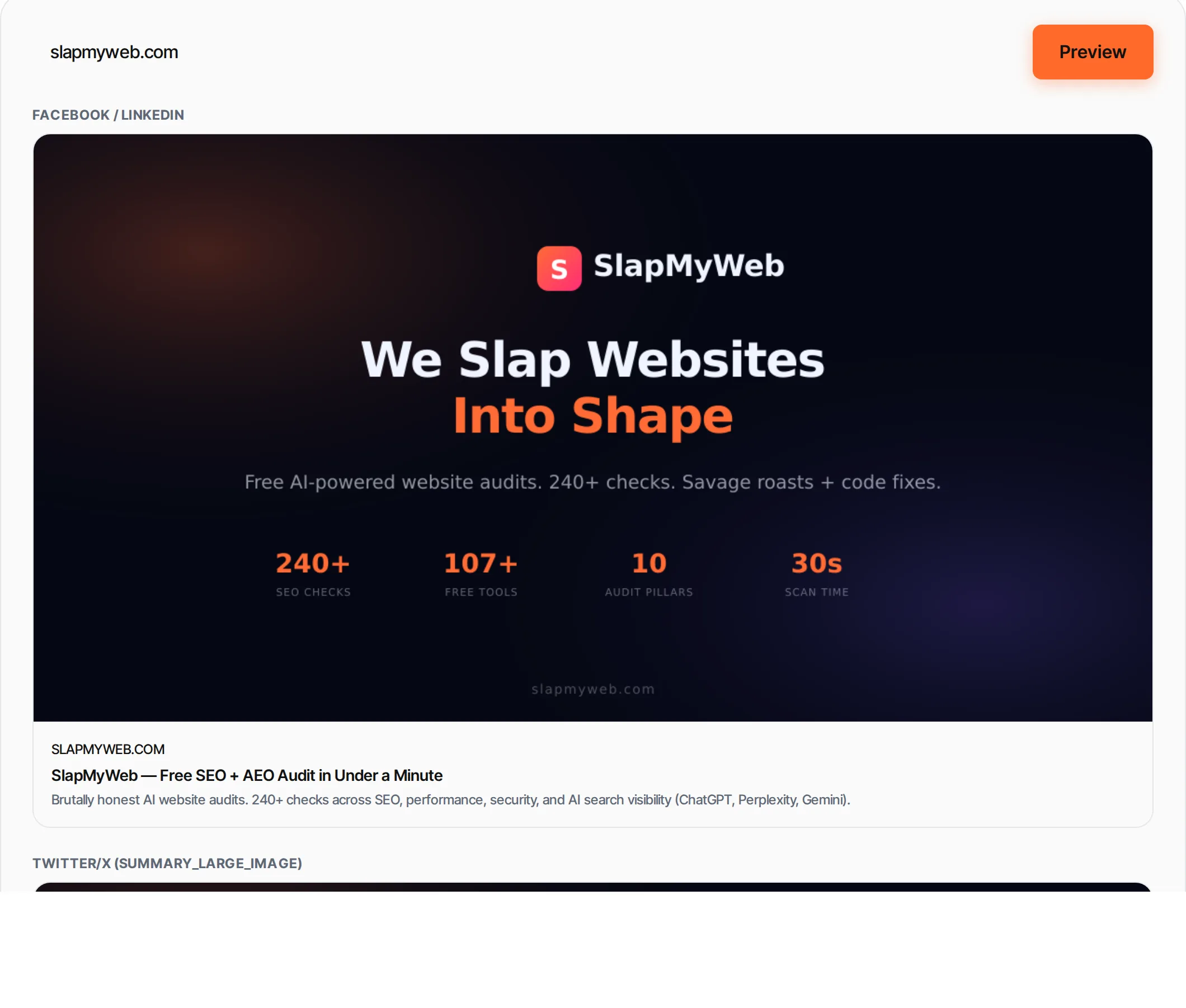
When you share a URL on social media, platforms like Facebook, Twitter and LinkedIn read the page's Open Graph (og:) and Twitter Card meta tags to generate a rich preview with title, description and image.
This tool shows you exactly how your link will appear before you share it.
Step by step
How to use Social Media Preview
- 1
Enter a URL
Paste any public URL you want to preview.
- 2
Click Preview
We fetch the page and extract all Open Graph and Twitter Card meta tags.
- 3
Review previews
See Facebook/LinkedIn and Twitter/X previews side by side.
- 4
Check meta tags
Review all detected meta tags and fix any missing ones.
What's inside
Everything this tool
does for you
- Facebook/LinkedIn preview (og: tags)
- Twitter/X preview (summary + summary_large_image)
- Complete meta tag audit
- Missing tag warnings
- Image preview
- Works with any public URL
Understand the result
Further reading
What the terms mean
How to fix it
Keep going
Related free tools
Questions
Frequently asked questions
Open Graph (og:) tags are HTML meta tags that control how your page appears when shared on Facebook, LinkedIn and other platforms. The key tags are og:title, og:description, og:image and og:url.
Facebook caches previews. After updating your OG tags, use Facebook's Sharing Debugger to clear the cache and fetch new data.
Facebook recommends 1200×630 pixels. Twitter recommends 1200×600 for summary_large_image cards. Use at least 600×315 for both platforms.
Twitter falls back to OG tags if Twitter-specific tags are missing. However, setting both gives you more control over each platform's appearance.
Beyond this tool
See the full picture for your website.
Enter your URL for a free audit across eight scored areas. See prioritised issues and clear next steps in one report.
Run a free website audit
Free to start · No signup required