Color Converter
Convert colors between HEX, RGB, HSL, HSB/HSV, and CMYK instantly. Pick a color or paste any format -- all conversions happen live in your browser.
- 100% free
- No sign-up
- Clear controls
- Open and use
- HEX, RGB, HSL, HSB/HSV, and CMYK formats
- Auto-detect input format from text
- Live color preview swatch
- RGB and HSL slider controls
- One-click copy for each format
- 100% browser -- no server calls
What is Color Converter?
A color converter translates color values between different color models used in web design, graphic design, and print production.
Each color model represents colors differently: HEX uses a six-character hexadecimal code (#RRGGBB) that is the standard for CSS and HTML. RGB defines colors as a mix of Red, Green, and Blue channels from 0 to 255, which maps directly to how screens emit light. HSL describes colors by Hue (0-360 degrees on the color wheel), Saturation (intensity as a percentage), and Lightness (brightness as a percentage) -- making it the most intuitive model for designers who think in terms of 'make this color lighter' or 'more saturated.' HSB (also called HSV) is similar but uses Brightness instead of Lightness, matching how tools like Photoshop and Figma present their color pickers. CMYK (Cyan, Magenta, Yellow, Key/Black) is the subtractive color model used in physical printing -- essential when designing for print. This tool auto-detects which format you paste in and converts to all five formats simultaneously. You can also use the visual color picker or the RGB/HSL sliders for precise adjustments. Every conversion runs entirely in your browser using standard color math -- no data is sent to any server.
How to use Color Converter
- 1
Enter a color
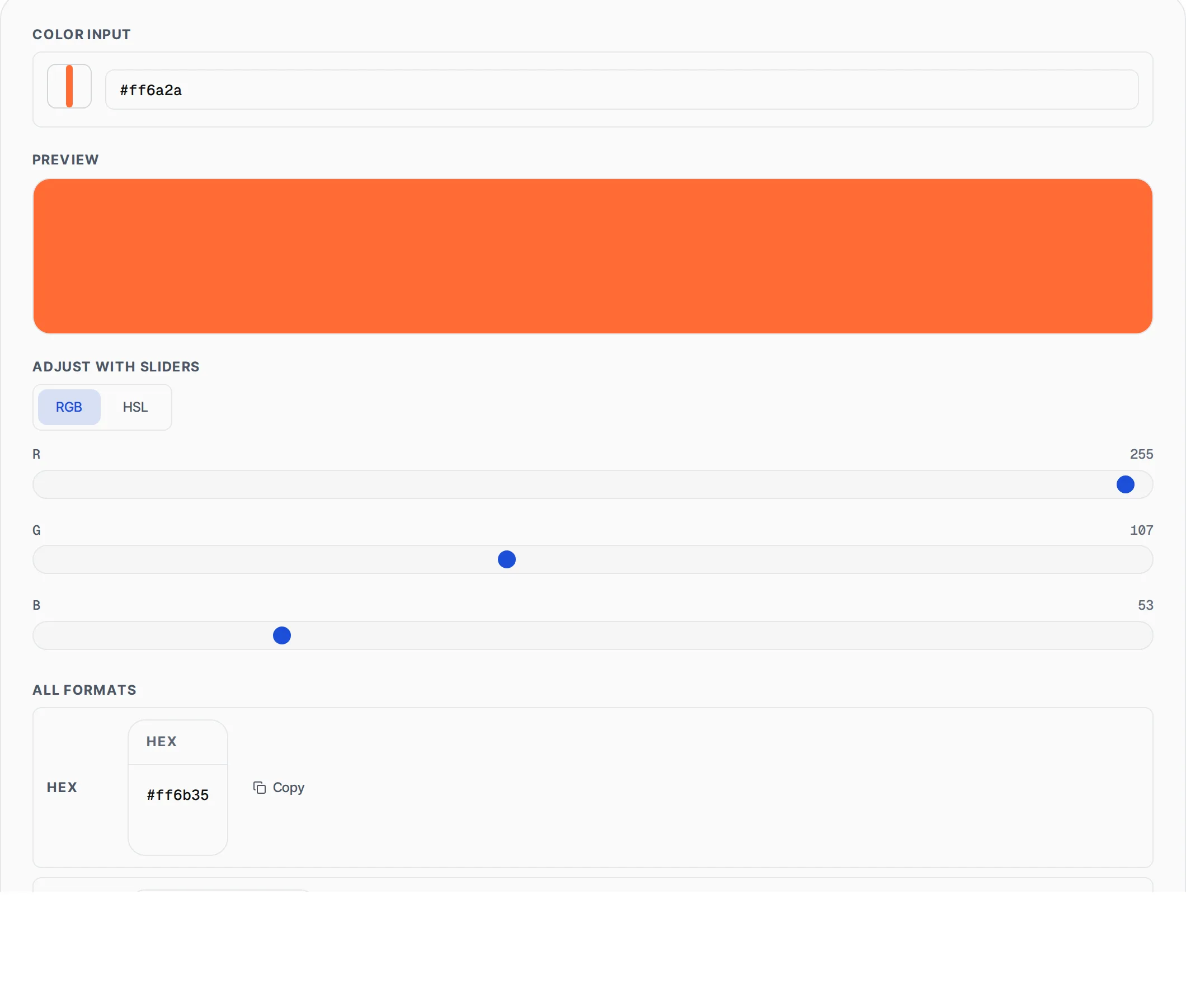
Use the color picker to visually select a color, or type/paste a color value directly into the text input. The tool accepts HEX (#1d4ed8 or #0df), RGB (rgb(0, 212, 255)), HSL (hsl(190, 100%, 50%)), HSB/HSV (hsb(190, 100%, 100%)), or CMYK (cmyk(100%, 17%, 0%, 0%)) formats. The input format is auto-detected.
- 2
Fine-tune with sliders
Switch between RGB and HSL slider modes to adjust the color precisely. RGB sliders control individual Red, Green, and Blue channels from 0 to 255. HSL sliders let you adjust Hue (0-360 degrees), Saturation (0-100%), and Lightness (0-100%). The preview swatch and all format values update in real time.
- 3
Copy the format you need
All five color formats are displayed simultaneously with a Copy button next to each. Click Copy to place the formatted value on your clipboard ready to paste into CSS, design tools, or print specifications.
Everything this tool
does for you
- Converts between HEX, RGB, HSL, HSB/HSV, and CMYK color formats instantly
- Auto-detects input format -- paste any color string and it just works
- Visual color picker for intuitive selection alongside text input
- RGB sliders (0-255) for precise channel-level adjustments
- HSL sliders for hue, saturation, and lightness control
- Large color preview swatch that updates in real time
- One-click copy button for each output format
- Supports shorthand HEX (#0df expands to #00ddff)
- All conversions use standard color math -- no approximations
- Zero server calls -- runs entirely in your browser
Related free tools
Frequently asked questions
Beyond this tool
See the full picture for your website.
Enter your URL for a free audit across eight scored areas. See prioritised issues and clear next steps in one report.
Free to start · No signup required