PDF Splitter
Split a PDF into individual pages or custom page ranges. Extract exactly the pages you need — runs in your browser, so the file never leaves your device.
- 100% free
- No sign-up
- Clear controls
- Open and use
What is PDF Splitter?
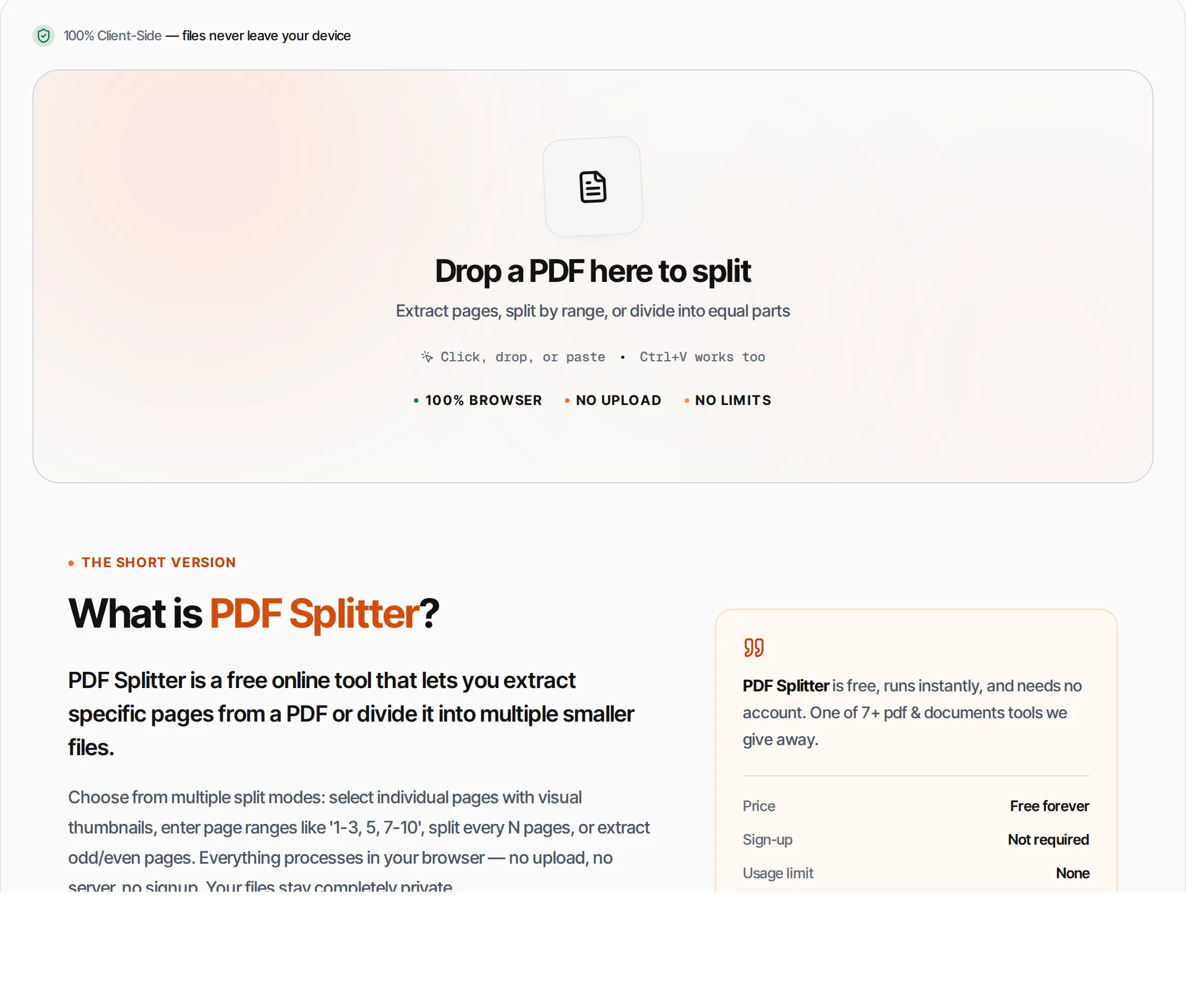
PDF Splitter is a free online tool that lets you extract specific pages from a PDF or divide it into multiple smaller files.
Choose from multiple split modes: select individual pages with visual thumbnails, enter page ranges like '1-3, 5, 7-10', split every N pages, or extract odd/even pages. Everything processes in your browser — no upload, no server, no signup. Your files stay completely private.
How to use PDF Splitter
- 1
Upload your PDF
Click the upload area or drag and drop a PDF file. The tool will display page thumbnails for easy selection.
- 2
Choose split mode
Select how to split: All pages, Selected (click thumbnails), Range (e.g., 1-3, 5), Every N pages, Odd, or Even pages.
- 3
Select pages
For Selected mode, click page thumbnails to toggle them. For Range mode, type page numbers separated by commas and dashes.
- 4
Split
Click Split (or Ctrl+Enter). The tool extracts your chosen pages into new PDF files.
- 5
Download
Download the extracted PDF(s). For multi-file splits, each part gets its own download button.
Everything this tool
does for you
- Six split modes: All, Selected, Range, Every N, Odd, Even
- Visual page thumbnails with click-to-select
- Range input supports complex patterns (1-3, 5, 7-10)
- Split into multiple separate PDF files
- Page count per output file
- Runs in your browser — files never uploaded
- PDF files up to 100 MB; no daily quotas
- Preserves all page content and formatting
Related free tools
Frequently asked questions
Beyond this tool
See the full picture for your website.
Enter your URL for a free audit across eight scored areas. See prioritised issues and clear next steps in one report.
Free to start · No signup required
- Extract specific pages from any PDF
- Split by range, every N pages, odd/even
- Visual page preview with thumbnails
- Multiple output files from one PDF
- Files never leave your browser
- No signup or limits