PDF to Image Converter
Convert PDF pages to high-quality PNG, JPEG or WebP images. Batch export all pages at once — runs in your browser, so the file never leaves your device.
- 100% free
- No sign-up
- Clear controls
- Open and use
What is PDF to Image Converter?
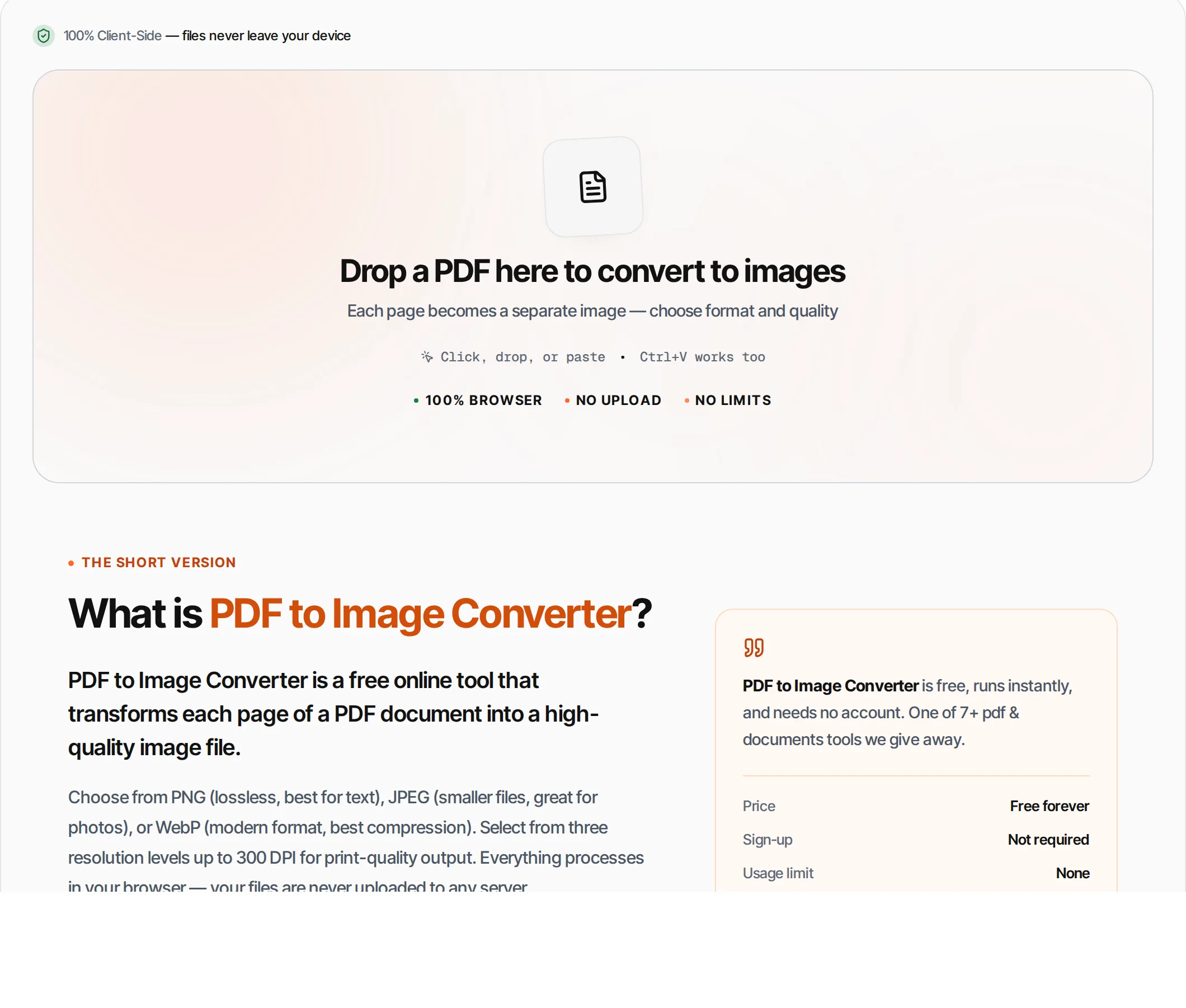
PDF to Image Converter is a free online tool that transforms each page of a PDF document into a high-quality image file.
Choose from PNG (lossless, best for text), JPEG (smaller files, great for photos), or WebP (modern format, best compression). Select from three resolution levels up to 300 DPI for print-quality output. Everything processes in your browser — your files are never uploaded to any server.
How to use PDF to Image Converter
- 1
Upload your PDF
Click the upload area or drag and drop a PDF file. The tool displays page thumbnails for easy selection.
- 2
Choose format
Select PNG for lossless quality, JPEG for smaller files, or WebP for the best balance of quality and size.
- 3
Set resolution
Choose 1x (72 DPI, fastest), 2x (150 DPI, recommended), or 3x (300 DPI, print quality).
- 4
Select pages
Convert all pages or select specific ones using the page selector. Supports individual pages, ranges, odd/even.
- 5
Convert and download
Click Convert. Each page renders to an image that you can download individually or all at once.
Everything this tool
does for you
- Convert to PNG, JPEG, or WebP format
- Three resolution levels: 1x, 2x, 3x (up to 300 DPI)
- JPEG quality slider for fine-tuned compression
- Visual image gallery of converted pages
- Individual and batch download
- Page selection: all, specific, odd, even, ranges
- Runs in your browser — files never uploaded
- PDF files up to 100 MB; no signup required
Frequently asked questions
Beyond this tool
See the full picture for your website.
Enter your URL for a free audit across eight scored areas. See prioritised issues and clear next steps in one report.
Free to start · No signup required
- Convert PDF pages to PNG, JPEG or WebP
- Three resolution options up to 300 DPI
- Batch convert all pages at once
- Select specific pages to convert
- Files never leave your browser
- No signup or limits