Image to PDF Converter
Convert JPEG, PNG and WebP images to a single PDF document. Custom page size, orientation and margins — runs in your browser, so the file never leaves your device.
- 100% free
- No sign-up
- Clear controls
- Open and use
What is Image to PDF Converter?
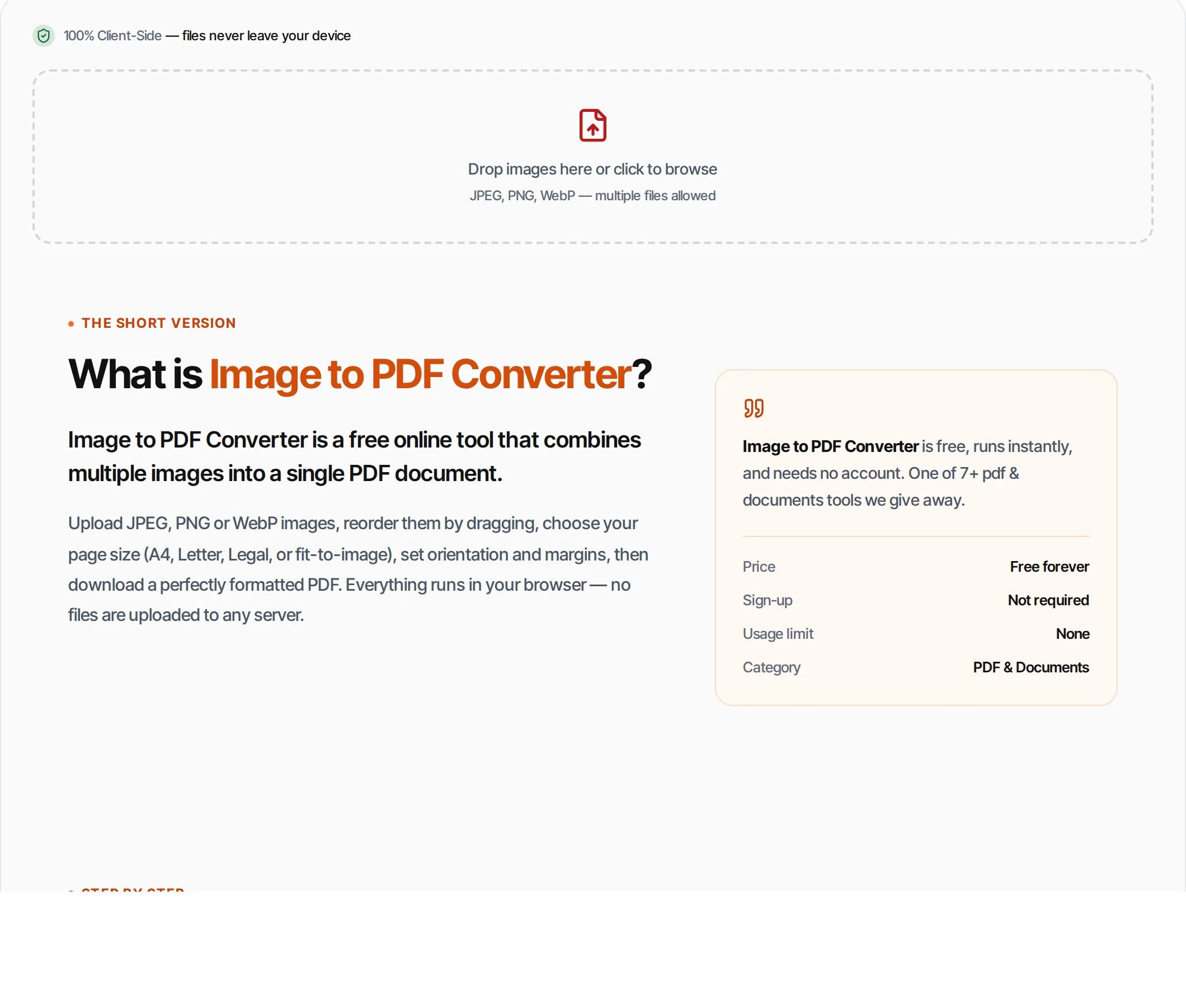
Image to PDF Converter is a free online tool that combines multiple images into a single PDF document.
Upload JPEG, PNG or WebP images, reorder them by dragging, choose your page size (A4, Letter, Legal, or fit-to-image), set orientation and margins, then download a perfectly formatted PDF. Everything runs in your browser — no files are uploaded to any server.
How to use Image to PDF Converter
- 1
Upload images
Click the upload area or drag and drop JPEG, PNG, or WebP images. Add as many as you need.
- 2
Reorder
Drag images to arrange them in the order you want them to appear in the PDF.
- 3
Configure
Choose page size (A4, Letter, Legal, or Fit), orientation (Auto, Portrait, Landscape), and margin width.
- 4
Convert
Click Create PDF. Each image becomes a page, centered and scaled to fit within your chosen margins.
- 5
Download
Download your PDF. The original images are not modified.
Everything this tool
does for you
- Convert JPEG, PNG, and WebP to PDF
- Multiple images in one PDF document
- Drag-and-drop reordering
- Page sizes: A4, Letter, Legal, Fit-to-Image
- Auto, Portrait, or Landscape orientation
- Adjustable margins (0-50mm)
- Processed in your browser
- No signup, no limits, no watermarks
Frequently asked questions
Beyond this tool
See the full picture for your website.
Enter your URL for a free audit across eight scored areas. See prioritised issues and clear next steps in one report.
Free to start · No signup required
- Convert multiple images to one PDF
- Drag-and-drop reordering
- Page size: A4, Letter, Legal, Fit
- Auto/portrait/landscape orientation
- Custom margins
- Files never leave your browser