PDF Text Extractor
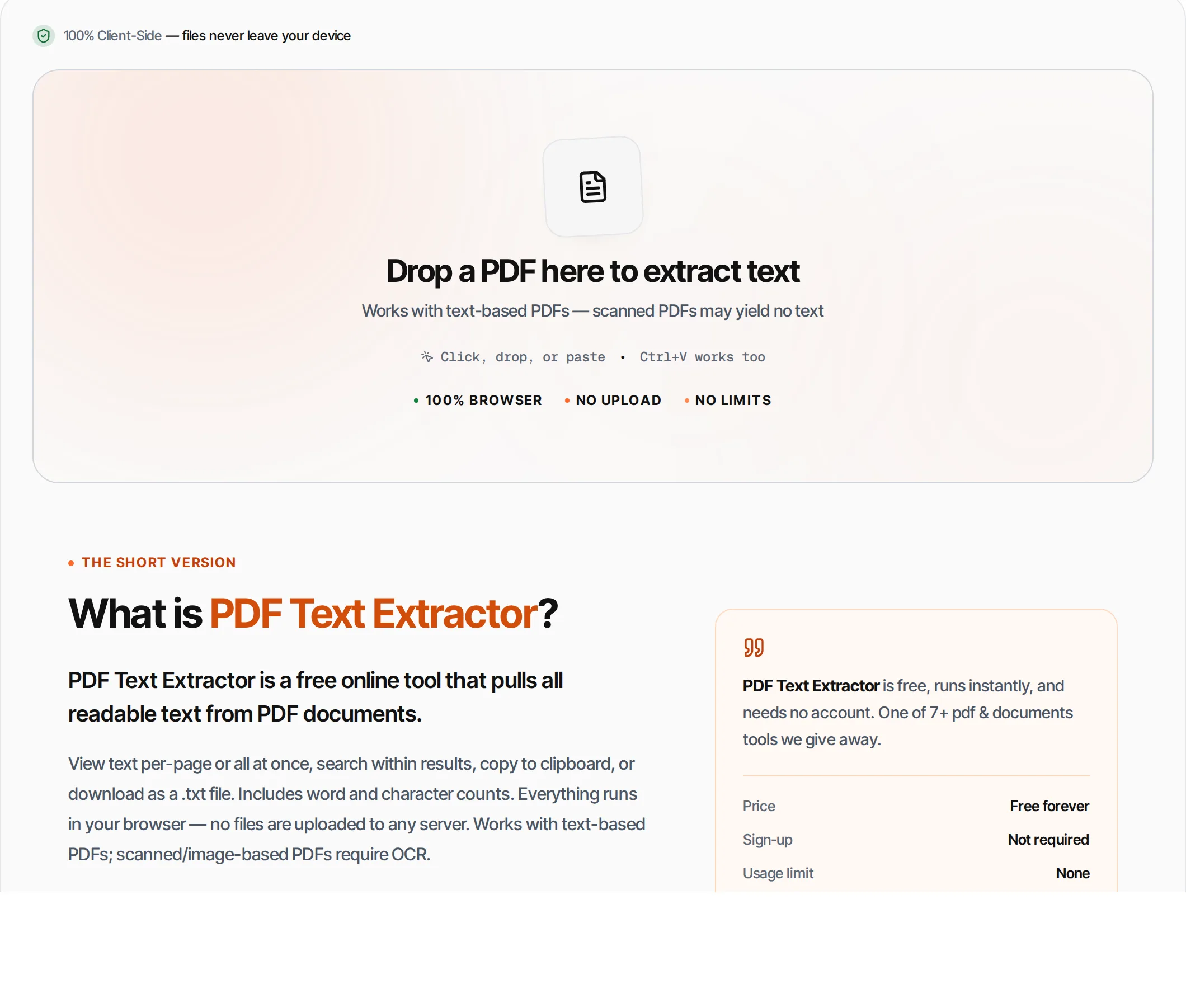
Extract all text content from PDF files. View per-page, search, copy or download as .txt — runs in your browser, so the file never leaves your device.
- 100% free
- No sign-up
- Clear controls
- Open and use
What is PDF Text Extractor?
PDF Text Extractor is a free online tool that pulls all readable text from PDF documents.
View text per-page or all at once, search within results, copy to clipboard, or download as a .txt file. Includes word and character counts. Everything runs in your browser — no files are uploaded to any server. Works with text-based PDFs; scanned/image-based PDFs require OCR.
How to use PDF Text Extractor
- 1
Upload your PDF
Click the upload area or drag and drop a PDF file.
- 2
Extract
Click Extract Text. The tool reads each page and displays the text content.
- 3
Browse pages
Use the page tabs to view text from specific pages, or select All Pages for the complete document.
- 4
Search
Type in the search box to filter extracted text and find specific content.
- 5
Export
Copy all text to clipboard or download as a .txt file.
Everything this tool
does for you
- Extract text from any text-based PDF
- Per-page text view with tab navigation
- Word count and character count stats
- Search within extracted text
- Copy all text to clipboard
- Download as .txt file
- Runs in your browser — files never uploaded
- No signup; PDF files up to 100 MB
Related free tools
Frequently asked questions
Beyond this tool
See the full picture for your website.
Enter your URL for a free audit across eight scored areas. See prioritised issues and clear next steps in one report.
Free to start · No signup required
- Extract text from any PDF
- Per-page text view with tabs
- Word and character count
- Search within extracted text
- Copy to clipboard or download .txt
- Files never leave your browser