WHOIS Lookup
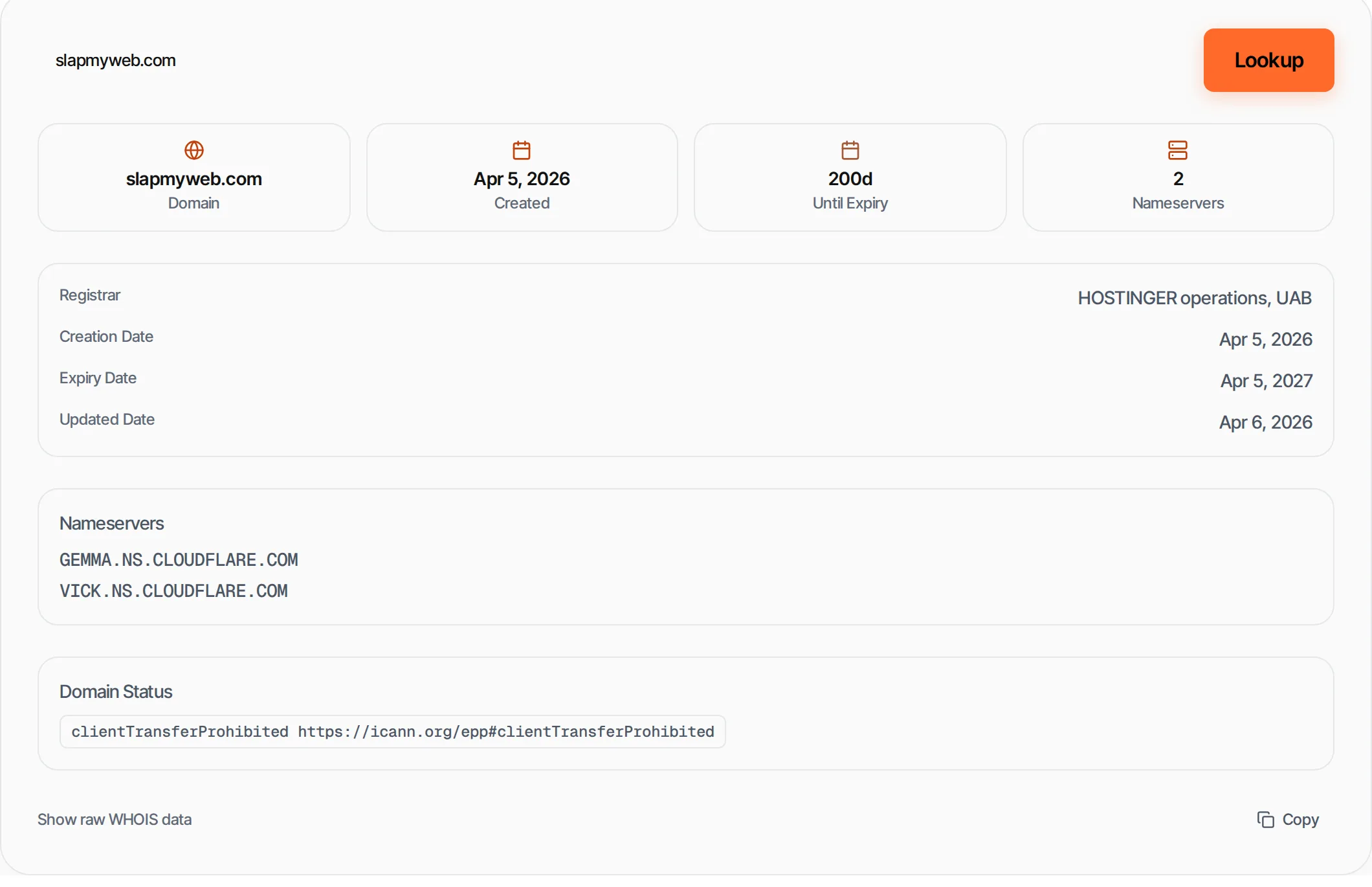
Look up domain registration details — registrar, creation date, expiry and nameservers
- 100% free
- No sign-up
- Clear controls
- Open and use
- Domain registration info
- Registrar and creation date
- Expiry countdown
- Nameservers and status codes
What is WHOIS Lookup?
WHOIS is a protocol that queries domain registration databases.
A WHOIS lookup reveals who registered a domain, when it was created, when it expires, which registrar manages it, and the authoritative nameservers. This information is essential for domain research, brand protection and checking domain availability.
How to use WHOIS Lookup
- 1
Enter a domain
Type a domain like google.com — subdomains are automatically stripped.
- 2
Click Lookup
We query WHOIS servers (Verisign + registrar referral) for complete data.
- 3
Review details
See registrar, dates, nameservers and domain status codes.
- 4
View raw data
Toggle raw WHOIS output for the complete unformatted response.
Everything this tool
does for you
- Registrar and registration dates
- Expiry countdown
- Nameserver listing
- Domain status codes
- Registrant organization and country
- Raw WHOIS data toggle
Related free tools
Frequently asked questions
Beyond this tool
See the full picture for your website.
Enter your URL for a free audit across eight scored areas. See prioritised issues and clear next steps in one report.
Free to start · No signup required