HTTP Header Checker
View any URL's HTTP response headers including security headers and caching
- 100% free
- No sign-up
- Clear controls
- Open and use
- View all response headers
- Security header audit
- Highlights missing security headers
- Copy all headers at once
What is HTTP Header Checker?
An HTTP header checker sends a HEAD request to any URL and displays all response headers returned by the server.
It audits security headers like Strict-Transport-Security, Content-Security-Policy and X-Content-Type-Options — essential for protecting your site against XSS, clickjacking and MIME-sniffing attacks.
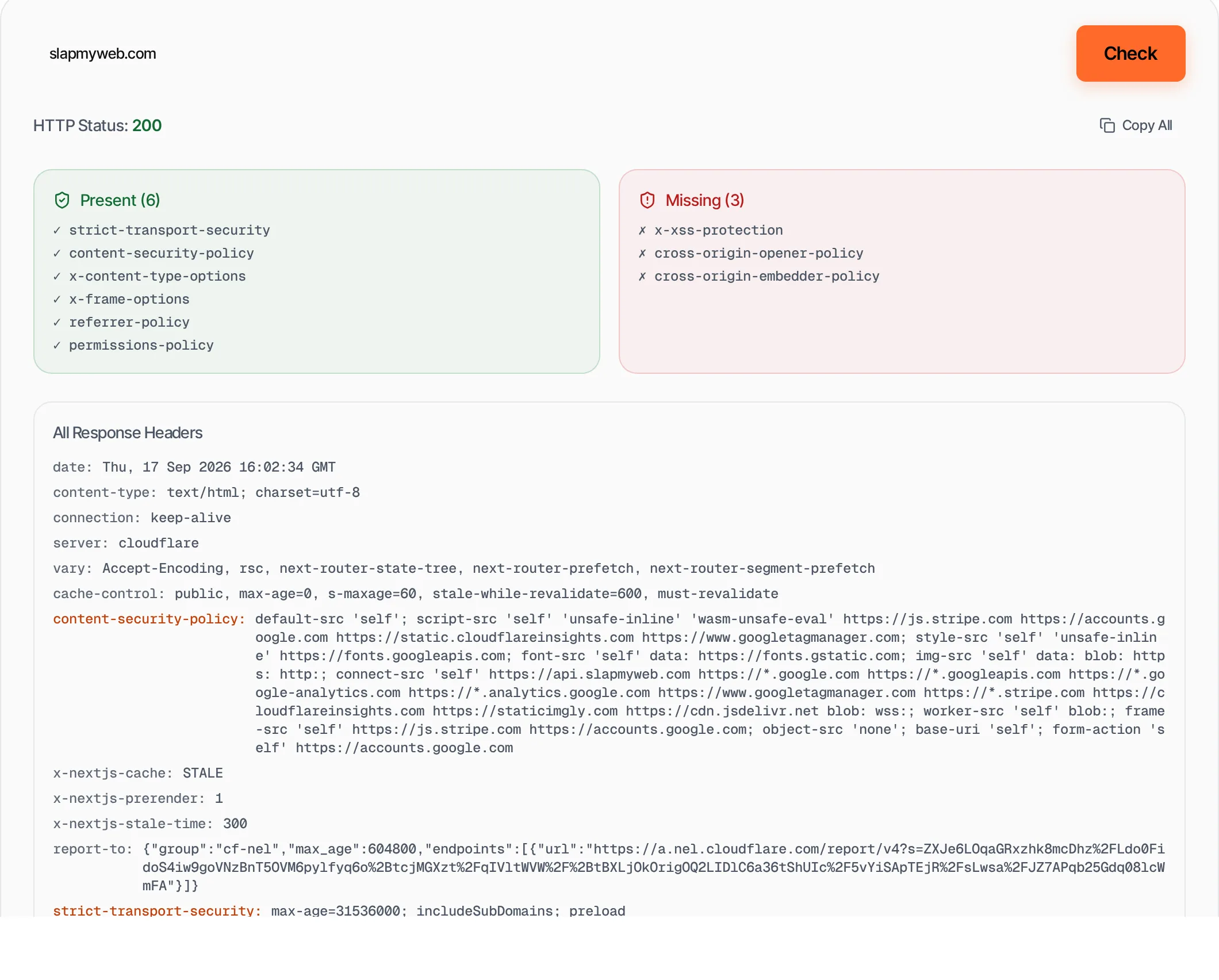
How to use HTTP Header Checker
- 1
Enter a URL
Type or paste any website URL. HTTPS is added automatically if omitted.
- 2
Click Check
We send a HEAD request and display all response headers.
- 3
Review security audit
See which security headers are present and which are missing.
- 4
Copy results
Copy all headers to share with your development team.
Everything this tool
does for you
- View all HTTP response headers
- Security header audit (9 key headers)
- Highlights present vs missing headers
- One-click copy all headers
- HTTP status code display
- Works with any public URL
Further reading
Related free tools
Frequently asked questions
Beyond this tool
See the full picture for your website.
Enter your URL for a free audit across eight scored areas. See prioritised issues and clear next steps in one report.
Free to start · No signup required