HTML Formatter & Minifier
Beautify messy HTML with proper indentation or minify it for production. Strips comments when minifying. runs in your browser.
- 100% free
- No sign-up
- Clear controls
- Open and use
<div class="container"><h1>Hello World</h1><p>This is a paragraph with <strong>bold</strong> and <em>italic</em> text.</p><ul><li>Item 1</li><li>Item 2</li></ul></div>- Beautify with 2/4 space indent
- Minify for production
- Strips HTML comments
- Handles void elements
- 100% browser — no upload
What is HTML Formatter & Minifier?
An HTML formatter is a web development tool that restructures messy or minified HTML markup into clean, properly indented code that is easy to read, edit, and debug.
When you view source on most production websites, the HTML is compressed into a single line or inconsistently indented, making it nearly impossible to understand the document structure. This tool parses your HTML and rebuilds it with consistent indentation based on nesting depth, correctly handling void elements like img, br, input, and meta that do not have closing tags. In minify mode, the tool does the opposite — it strips all HTML comments, collapses whitespace, and removes unnecessary characters to produce the smallest possible output for production deployment. Smaller HTML files mean faster page loads and better Core Web Vitals scores. The formatter works entirely in your browser with no server upload required. It handles real-world HTML including complex attribute lists, inline styles, script tags, and deeply nested component structures. Whether you are debugging a template, cleaning up generated markup, or optimizing HTML for deployment, this tool handles both directions instantly.
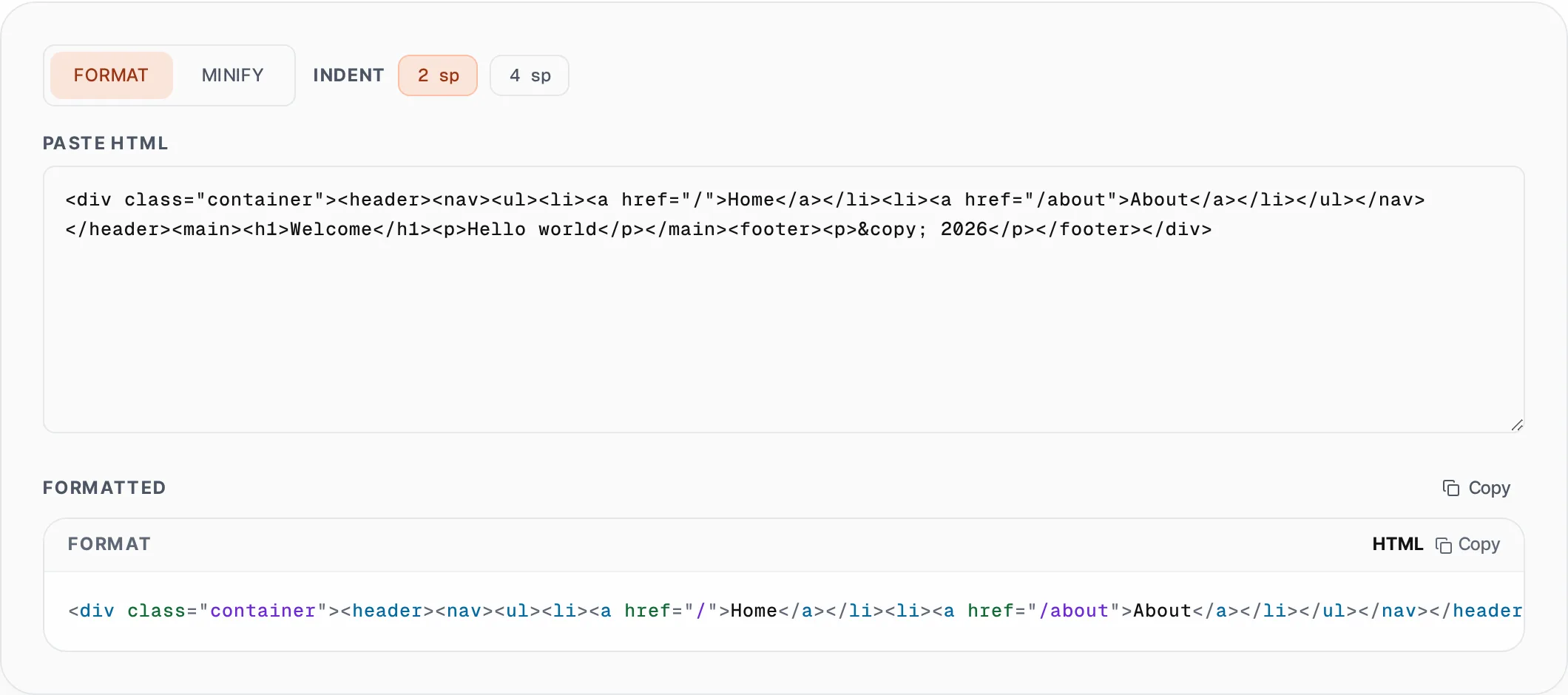
How to use HTML Formatter & Minifier
- 1
Choose format or minify mode
Select Format to beautify your HTML with proper indentation, or Minify to compress it for production. In format mode, pick 2-space or 4-space indentation to match your project style.
- 2
Paste your HTML
Paste raw HTML from your source code, browser DevTools, or template engine output into the input area. The tool processes it instantly and shows the result below.
- 3
Copy the result
Click Copy to place the formatted or minified HTML on your clipboard. Use the formatted version for development and the minified version for production deployment.
Everything this tool
does for you
- Beautify with consistent 2-space or 4-space indentation
- Minify by stripping comments and collapsing all whitespace
- Correctly handles void elements (img, br, input, meta, etc.)
- Preserves attribute order and inline content
- Instant processing with no file upload or server roundtrip
- One-click copy to clipboard for fast workflow integration
Related free tools
Frequently asked questions
Beyond this tool
See the full picture for your website.
Enter your URL for a free audit across eight scored areas. See prioritised issues and clear next steps in one report.
Free to start · No signup required