Contrast Ratio Checker
Check WCAG 2.1 color contrast ratios instantly. Verify your text and background colors meet AA and AAA accessibility standards.
- 100% free
- No sign-up
- Clear controls
- Open and use
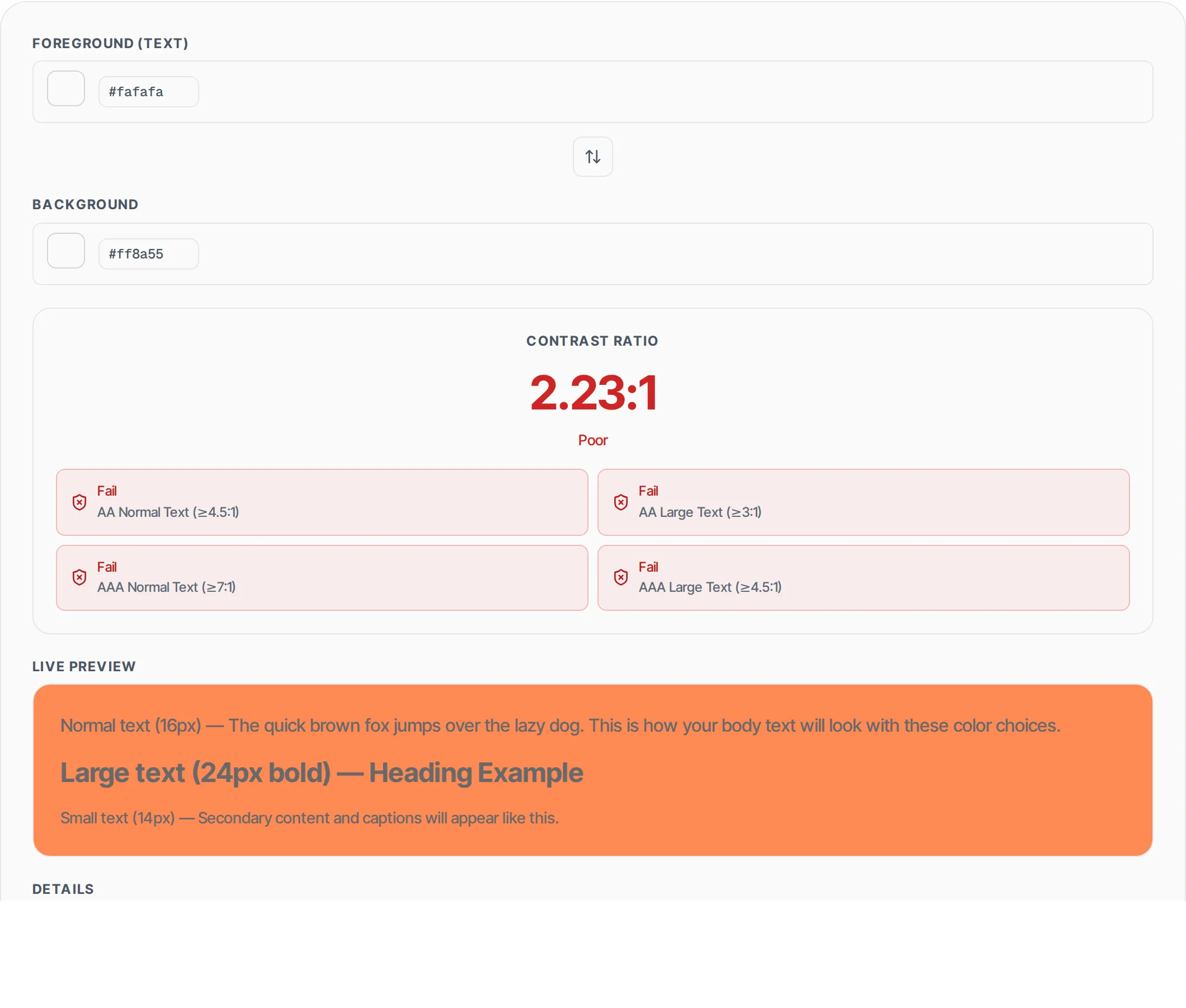
Normal text (16px) — The quick brown fox jumps over the lazy dog. This is how your body text will look with these color choices.
Large text (24px bold) — Heading Example
Small text (14px) — Secondary content and captions will appear like this.
Foreground: #000000
Background: #ffffff
Contrast Ratio: 21.00:1
Rating: Excellent

WCAG 2.1 Results:
  ✓ AA Normal Text: Pass (requires 4.5:1)
  ✓ AA Large Text: Pass (requires 3:1)
  ✓ AAA Normal Text: Pass (requires 7:1)
  ✓ AAA Large Text: Pass (requires 4.5:1)
- WCAG AA and AAA compliance checks
- Live preview with sample text
- Instant contrast ratio calculation
- Color picker + hex input
- Normal and large text thresholds
- 100% browser — no server calls
What is Contrast Ratio Checker?
A contrast ratio checker is an accessibility testing tool that calculates the luminance difference between two colors according to the WCAG (Web Content Accessibility Guidelines) 2.1 specification.
Color contrast is one of the most critical factors in web accessibility — if text does not have sufficient contrast against its background, users with low vision, color blindness, or those viewing screens in bright sunlight cannot read the content. The WCAG 2.1 standard defines specific minimum contrast ratios: 4.5:1 for normal text (AA level), 3:1 for large text (AA level), 7:1 for normal text (AAA level), and 4.5:1 for large text (AAA level). Large text is defined as 18pt (24px) or 14pt bold (approximately 18.66px bold). This tool calculates contrast ratios using the relative luminance formula defined in WCAG 2.1, which linearizes sRGB color values and applies weighted coefficients (0.2126 for red, 0.7152 for green, 0.0722 for blue) to compute perceived brightness. The ratio is then calculated as (L1 + 0.05) / (L2 + 0.05) where L1 is the lighter color's luminance. All processing runs entirely in your browser — no data is sent to any server.
How to use Contrast Ratio Checker
- 1
Enter your colors
Use the color pickers or type hex values directly to set your foreground (text) color and background color. The tool accepts standard 3-digit or 6-digit hex color codes like #000 or #1a2b3c.
- 2
Read the contrast ratio
The contrast ratio is displayed immediately as a value between 1:1 (no contrast) and 21:1 (maximum contrast, black on white). The rating label tells you at a glance whether your combination is Excellent (7+), Good (4.5+), Fair (3+), or Poor.
- 3
Check WCAG compliance
Four pass/fail badges show you exactly which WCAG 2.1 levels your color combination meets: AA Normal Text, AA Large Text, AAA Normal Text, and AAA Large Text. The live preview panel shows how your text actually looks at different sizes.
Everything this tool
does for you
- Accurate WCAG 2.1 contrast ratio calculation using the relative luminance formula
- Pass/fail badges for all four WCAG compliance levels (AA/AAA, Normal/Large text)
- Live text preview showing normal (16px), large (24px bold), and small (14px) text
- Color picker and hex input for both foreground and background colors
- One-click swap button to quickly reverse foreground and background
- Instant calculation — results update in real time as you adjust colors
- Rating system from Poor to Excellent for quick assessment
- Zero server calls — all calculations run in your browser
Further reading
Related free tools
Frequently asked questions
Beyond this tool
See the full picture for your website.
Enter your URL for a free audit across eight scored areas. See prioritised issues and clear next steps in one report.
Free to start · No signup required