CSP Header Generator
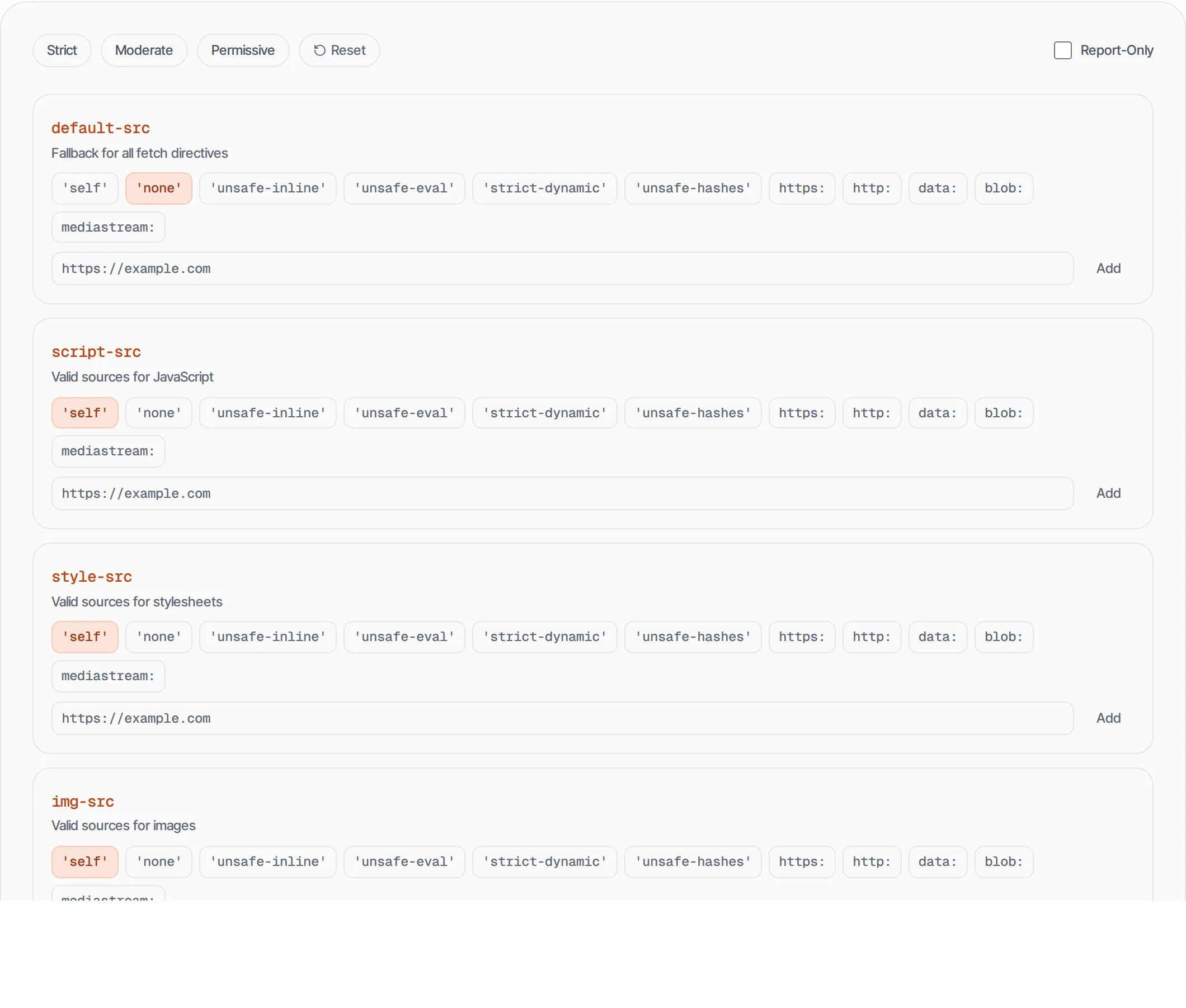
Build Content-Security-Policy headers visually with presets and per-directive controls
- 100% free
- No sign-up
- Clear controls
- Open and use
default-srcFallback for all fetch directives
script-srcValid sources for JavaScript
style-srcValid sources for stylesheets
img-srcValid sources for images
font-srcValid sources for fonts
connect-srcValid targets for fetch/XHR/WebSocket
media-srcValid sources for audio/video
frame-srcValid sources for iframes
object-srcValid sources for plugins (Flash, etc.)
base-uriValid URLs for <base> element
form-actionValid targets for form submissions
frame-ancestorsWho can embed this page (clickjacking protection)
upgrade-insecure-requestsAuto-upgrade HTTP to HTTPS
Content-Security-Policy: default-src 'self'- Visual per-directive configuration
- 3 security presets (Strict, Moderate, Permissive)
- Custom domain allowlisting
- Report-Only mode toggle
What is CSP Header Generator?
A Content-Security-Policy (CSP) header tells browsers which resources are allowed to load on your page.
It prevents XSS attacks, data injection and clickjacking by restricting scripts, styles, images, fonts and other resources to trusted sources. This tool lets you build CSP headers visually instead of writing the complex syntax by hand.
How to use CSP Header Generator
- 1
Start with a preset
Choose Strict, Moderate or Permissive as a starting point based on your security needs.
- 2
Configure directives
Toggle source values for each directive. Add custom domains where needed.
- 3
Test with Report-Only
Enable Report-Only mode to test your policy without breaking your site.
- 4
Copy and deploy
Copy the generated header and add it to your server configuration.
Everything this tool
does for you
- 13 CSP directives with visual toggles
- 3 security presets (Strict, Moderate, Permissive)
- Custom domain allowlisting per directive
- Report-Only mode for safe testing
- Apache, Nginx and meta tag output
- Real-time header preview
Related free tools
Frequently asked questions
Beyond this tool
See the full picture for your website.
Enter your URL for a free audit across eight scored areas. See prioritised issues and clear next steps in one report.
Free to start · No signup required