User Agent Parser
Parse any user agent string to identify browser, OS, device type, and rendering engine. Auto-detects your current browser.
- 100% free
- No sign-up
- Clear controls
- Open and use
- Auto-detects your browser user agent
- Identifies browser name and version
- Detects OS, device type, and engine
- Parse any custom user agent string
- No external APIs or libraries
What is User Agent Parser?
A user agent parser analyzes the user agent string that every browser sends with HTTP requests.
It extracts structured information including the browser name and version, operating system and version, device type (desktop, mobile, tablet, or bot), and the rendering engine (Blink, WebKit, Gecko, or Trident). This tool auto-detects your current browser's user agent on page load and lets you paste any custom user agent string for analysis.
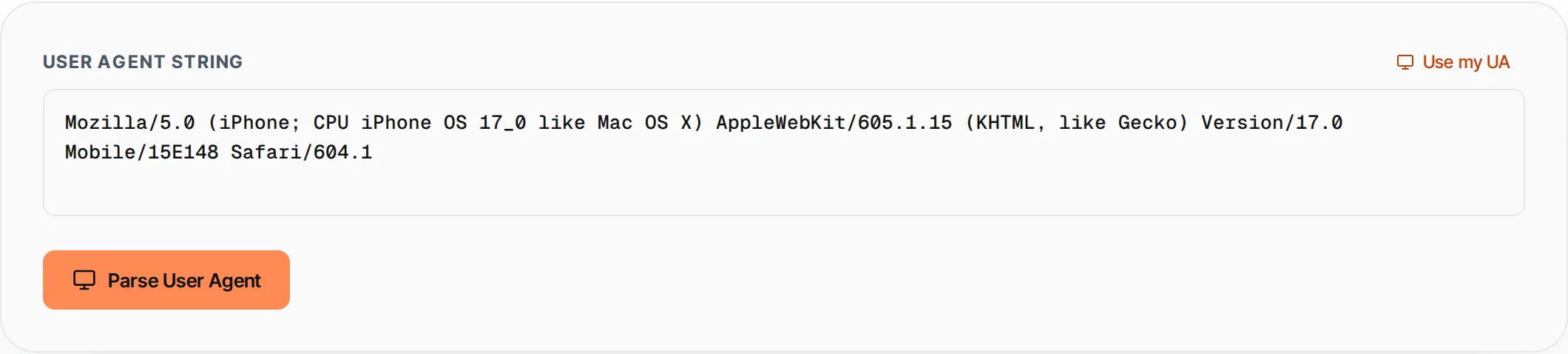
How to use User Agent Parser
- 1
Auto-detect or paste
Your browser user agent is auto-detected on load. Click Use my UA to reset, or paste any custom user agent string.
- 2
Click Parse
Press Parse or Ctrl+Enter to analyze the user agent string.
- 3
View results
See the browser, OS, device type, and engine in the result cards with a summary line.
- 4
Copy results
Click Copy to copy the parsed results to your clipboard in a readable format.
Everything this tool
does for you
- Auto-detects your current browser user agent
- Identifies 15+ browsers: Chrome, Firefox, Safari, Edge, Opera, Brave, and more
- Detects Windows, macOS, Linux, iOS, Android, and Chrome OS
- Classifies device as Desktop, Mobile, Tablet, or Bot
- Identifies rendering engine: Blink, WebKit, Gecko, Trident
- Clean card-based results with color coding
- Copy parsed results to clipboard
- No external libraries or API calls needed
Related free tools
Frequently asked questions
Beyond this tool
See the full picture for your website.
Enter your URL for a free audit across eight scored areas. See prioritised issues and clear next steps in one report.
Free to start · No signup required