How to Do a Complete SEO Audit in 2026 (Step-by-Step)
Run a complete SEO audit step by step: crawl, on-page, Core Web Vitals, content, links, security and schema — in priority order with code and free tools.

A complete SEO audit is a systematic review of your website against the technical, on-page, content, and off-page signals search engines use to rank pages — done in priority order so you fix what actually moves rankings first. The fastest path is to run an automated crawl to surface issues, then work through seven layers: crawlability and indexation, on-page optimization, technical performance, content quality and E-E-A-T, link architecture, security, and structured data. This guide walks through each step with the exact checks, code, and thresholds you need in 2026.
If your site isn't ranking, the cause is almost never mysterious. It's usually a handful of fixable issues hiding in plain sight — title tags that all say the same thing, images with no alt text, broken internal links, or pages Google can't even crawl. A proper audit finds them, ranks them by impact, and tells you what to fix first.
What a Complete SEO Audit Actually Covers
An SEO audit evaluates your website against proven ranking factors to find issues that hurt search visibility — then prioritizes the fixes by impact. Think of it as a full health checkup for your site: instead of blood pressure and cholesterol, you're measuring crawlability, page speed, content depth, and the hundreds of other signals Google weighs.
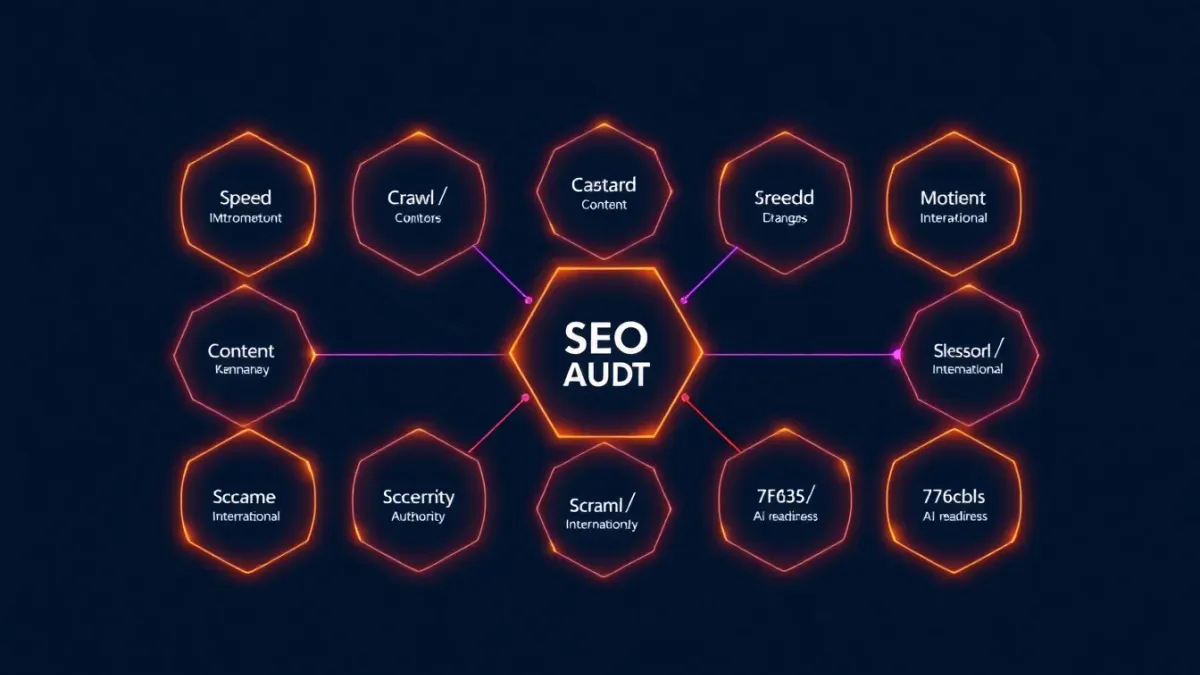
A thorough audit spans three layers:
- Technical — can search engines crawl, render, and index your pages at all?
- On-page — are titles, headings, content, and internal links optimized per page?
- Off-page — do authoritative sites link to you, and is your domain trusted?
In 2026 the scope is wider than it used to be. With Google's AI Overviews, the Core Web Vitals shift to INP, and answer engines like ChatGPT and Perplexity citing pages directly, a modern audit also has to cover AI search readiness, E-E-A-T signals, and structured data — exactly the areas most outdated checklists skip. For the deeper technical layer beneath this audit, the complete technical SEO guide is the pillar reference.
The goal is never just "find problems." It's to rank fixes so you get the biggest ranking gain for the least effort.
Why an SEO Audit Matters More in 2026
Search has changed in ways that make a stale checklist actively misleading. Three shifts matter most:
- Core Web Vitals are confirmed ranking signals, and INP replaced FID as the responsiveness metric. A site that felt fine on the old metric can quietly fail INP.
- AI Overviews and answer engines pull from pages with clear, well-structured answers and valid schema. Content that buries its answer or lacks markup gets passed over.
- Mobile-first indexing is universal — Google crawls and ranks the mobile version of your site, so a desktop-only review checks the wrong page.
On top of that, E-E-A-T (Experience, Expertise, Authoritativeness, Trustworthiness) directly shapes which content Google surfaces, especially for "Your Money or Your Life" topics like health and finance. An audit that ignores authorship, citations, and trust signals is leaving the most consequential signals untested.
You can run all of this manually, or let a scanner do the crawl in seconds. Run a free SlapMyWeb audit to see which of these issues your site actually has before you start fixing.
1. Check Crawlability and Indexation
Before anything else, confirm search engines can find and index your pages. This is the foundation — nothing downstream matters if your pages aren't in the index.
Check these signals:
- robots.txt — is it accidentally blocking important paths? A single misplaced
Disallowcan wipe out a section of your site. See the robots.txt guide to write and test rules safely. - XML sitemap — does it exist, list your canonical URLs, and is it submitted in Google Search Console? The XML sitemap walkthrough covers structure and submission.
- Canonical tags — are they pointing to the URL you actually want indexed? Misconfigured canonicals cause Google to drop the wrong version. The canonical tags explainer shows the common traps.
- Noindex directives — an accidental
noindexsilently removes a page from results.
<!-- Check for accidental noindex — this removes the page from search -->
<meta name="robots" content="noindex, nofollow">

<!-- This is what you want on pages you want ranked -->
<meta name="robots" content="index, follow">
Run site:yourdomain.com in Google to see roughly how many pages are indexed. If that number is far below your real page count, you have an indexation problem worth tracing. For a reliable per-URL check, use Search Console's URL Inspection tool — the indexation check guide explains how to read the results.
2. Run the On-Page SEO Audit
On-page factors are the signals you control most directly, and they're the highest-leverage early wins. Check every important page for:
- Title tags — unique per page, roughly 50–60 characters, primary keyword near the front. The title-tag guide covers length and click psychology.
- Meta descriptions — compelling, roughly 140–155 characters, with a reason to click. See meta description best practices.
- H1 and heading hierarchy — one H1 per page, then a clean H2 → H3 structure with no skipped levels. The heading tags guide shows what a rankable structure looks like.
- Image alt text — descriptive, accessible, with keywords only where natural. The alt text guide covers the SEO and accessibility balance.
- Internal links — every page should link to and from several relevant pages so authority and crawl paths flow.
- Open Graph tags — control how pages look when shared, which affects social click-through. See the Open Graph guide.
<!-- BAD: Generic, keyword-stuffed title -->
<title>SEO | SEO Services | Best SEO | SEO Company</title>

<!-- GOOD: Specific, compelling, keyword-led -->
<title>Complete SEO Audit Checklist 2026 — 240+ Checks | SlapMyWeb</title>
3. Audit Technical Performance and Core Web Vitals
Speed and stability affect both rankings and conversions — slow pages lose users before they ever read your content. Google groups the core experience signals into three Core Web Vitals, each with published thresholds:
| Metric | Good | Needs Work | Poor |
|---|---|---|---|
| LCP (Largest Contentful Paint) | ≤ 2.5s | ≤ 4.0s | > 4.0s |
| INP (Interaction to Next Paint) | ≤ 200ms | ≤ 500ms | > 500ms |
| CLS (Cumulative Layout Shift) | ≤ 0.1 | ≤ 0.25 | > 0.25 |
These thresholds are defined by Google on web.dev. When auditing, separate the three failure modes — they have different causes and fixes:
- LCP is about how fast your main content paints. Slow servers, render-blocking resources, and unoptimized hero images are the usual culprits. The LCP optimization guide breaks down each.
- INP measures responsiveness to user input. Heavy JavaScript and long main-thread tasks are the typical cause — see INP optimization.
- CLS is visual stability. Images without dimensions and late-loading ads cause layout jumps; the CLS fix guide covers the patterns.
For a quick read on overall speed, your PageSpeed score is a useful starting point, though field data matters more than lab scores. If your store struggles here, Core Web Vitals for e-commerce targets the heavy template patterns. If images are the bottleneck — and they often are — work through image optimization, lazy loading, and the broader website speed guide.
4. Assess Content Quality and E-E-A-T
Google's Quality Rater Guidelines lean heavily on E-E-A-T — Experience, Expertise, Authoritativeness, and Trustworthiness. Your content audit should check:
- Thin or weak content — pages that don't fully answer their query rarely rank. Expand them or consolidate overlapping pages into one strong resource.
- Duplicate content — the same content on multiple URLs splits signals and confuses Google. Resolve it with canonical tags.
- Content freshness — outdated facts and dates erode trust. Update information and revisit older posts on a schedule.
- Authorship and credentials — show who wrote the content and why they're qualified, with links to their expertise.
- Topical depth — covering a subject thoroughly across related pages builds authority. The topical authority strategy explains how clusters earn rankings, and search intent matching ensures each page targets the right kind of query.
This is also where keyword strategy intersects with auditing. If pages aren't ranking, confirm they target terms you can realistically win — the keyword difficulty guide and low-competition keyword tactics help you judge that honestly.
5. Map Your Link Architecture
Internal and external links distribute authority across your site and define how crawlers move through it. A healthy architecture has:
- No orphan pages — every page should be reachable within a few clicks from the homepage.
- No broken links — 404s waste crawl budget and frustrate users. Audit your HTTP status codes to catch broken redirects and dead links.
- Strategic internal linking — point links from high-authority pages to the pages you want to rank.
- A clean backlink profile — review who links to you and disavow genuinely spammy domains. For earning quality links, the link building strategies guide covers what still works in 2026.
6. Verify Security and Trust Signals
Security is a trust layer search engines reward — and a broken one users notice instantly:
- HTTPS — non-negotiable. Browsers flag HTTP pages as "not secure," and HTTPS is a lightweight ranking signal. The HTTPS and SEO guide covers SSL setup and edge cases.
- Security headers — HSTS, CSP, and X-Frame-Options harden your site and signal a well-maintained domain.
- Mixed content — loading HTTP resources on an HTTPS page triggers browser warnings and breaks the lock icon.
# Essential security headers for SEO trust
add_header Strict-Transport-Security "max-age=31536000; includeSubDomains; preload" always;
add_header X-Content-Type-Options "nosniff" always;
add_header X-Frame-Options "SAMEORIGIN" always;
add_header Referrer-Policy "strict-origin-when-cross-origin" always;
7. Validate Structured Data and Schema Markup
Structured data helps search engines understand your content and unlocks rich results — the enhanced listings that win more clicks. Audit your pages for the schema types that match your content:
- Organization — tells Google who you are and feeds your knowledge panel.
- BreadcrumbList — enables breadcrumb trails in search results.
- FAQPage — can surface expandable Q&A under your listing. The FAQ schema guide shows the exact markup.
- HowTo — eligible for step-by-step rich results on instructional content.
- Article / BlogPosting — proper content markup with author and date.
If structured data is new to you, start with schema markup for beginners, then validate every block against schema.org definitions and Google's Rich Results Test. Invalid JSON-LD silently disqualifies you from rich results, so validation is part of the audit, not an afterthought.
Common SEO Audit Mistakes to Avoid
- Fixing everything at once. Prioritize by impact. Resolve crawl and indexation blockers before polishing meta descriptions.
- Ignoring mobile. Google ranks the mobile version. A desktop-only review checks a page Google doesn't use for ranking.
- Treating Core Web Vitals as optional. "Loads fine for me" isn't a measurement — pull real field data and check all three vitals.
- Using outdated tools. Tools that don't test INP, AI search readiness, or E-E-A-T leave blind spots in your audit. See how the options compare in SlapMyWeb vs Semrush vs Ahrefs.
- One-and-done thinking. SEO isn't a one-time fix. Re-audit on a schedule to catch regressions from new deployments and algorithm updates.
- Skipping competitor context. Rankings are relative — see what rivals rank for with competitor keyword analysis and group the gaps using keyword clustering.
How to Prioritize What You Find
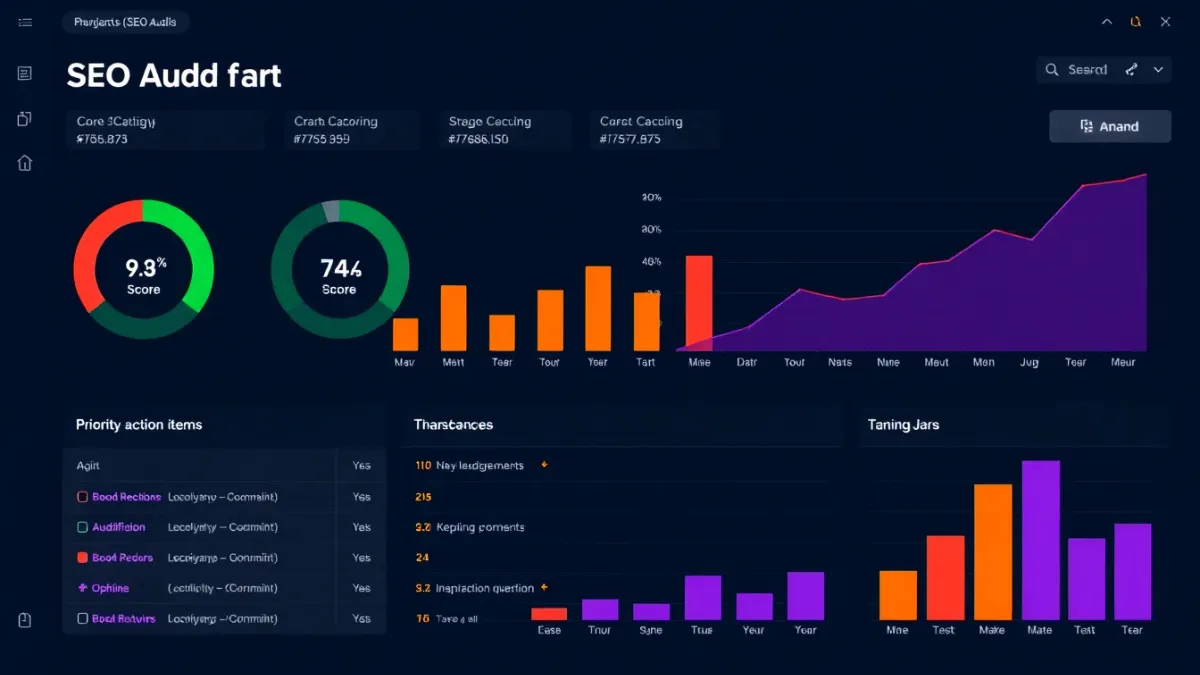
A long list of issues is paralyzing. Sort findings into three buckets and work top-down:
- Blockers — anything stopping Google from crawling, rendering, or indexing pages (robots.txt mistakes, accidental noindex, broken canonicals, server errors). Fix these first; everything else depends on them.
- High-impact — Core Web Vitals failures on key pages, missing or duplicate title tags on commercial URLs, thin content on pages meant to rank, broken HTTPS.
- Refinements — schema additions, alt-text gaps, internal-linking improvements, freshness updates. High value over time, but only after the foundation is sound.
Platform-specific audits follow the same order with extra steps. If you run a store, the e-commerce SEO guide and Shopify SEO checklist add product and category checks; WordPress sites have their own quirks in the WordPress SEO guide. Local businesses should also audit their Google Business Profile and follow the local SEO guide.
Don't Forget AI Search Readiness
Traditional rankings are only half the picture now. Answer engines and AI Overviews increasingly intercept queries before a user clicks anything, so your audit should also test whether your content can be cited by an AI. That means clear, self-contained answers near the top of each section, valid structured data, and pages that load cleanly without heavy client-side rendering. The AEO vs SEO guide and the practical AI Overviews playbook cover how to optimize for citations, and if you've heard of the emerging standard, what llms.txt is and whether to create one is worth a read.
Frequently Asked Questions
What is an SEO audit?
An SEO audit is a structured review of a website against the technical, content, and off-page factors search engines use to rank pages. It identifies issues hurting your visibility — crawl blocks, slow pages, weak content, missing schema — and produces a prioritized plan to fix them. The output is an action list ordered by impact, not just a pile of warnings.
How do I do an SEO audit step by step?
Work through seven layers in order: crawlability and indexation, on-page optimization, technical performance and Core Web Vitals, content quality and E-E-A-T, link architecture, security, and structured data. Start with anything blocking Google from crawling or indexing, since every other fix depends on your pages being reachable. Then move to high-impact on-page and performance issues before refinements like schema and alt text.
How often should I run an SEO audit?
Run a comprehensive audit roughly monthly for active sites and quarterly for stable ones. Google updates its algorithms continuously, and your site changes with every deployment, so regular audits catch regressions before they compound into ranking drops. A quick crawl after any major site change is also worth the few minutes it takes.
Does an SEO audit improve Google rankings?
The audit itself doesn't change rankings — fixing the issues it uncovers does. Resolving crawl blockers, slow Core Web Vitals, thin content, and missing structured data removes the friction that holds pages back. The size and speed of the improvement depend on how severe the original issues were and how competitive the keywords are.
What's the difference between a free and a paid SEO audit?
A free automated audit crawls your site and flags issues against known ranking factors in seconds, which is enough to find and prioritize most fixes yourself. Paid audits typically add expert interpretation, competitor benchmarking, and bespoke strategy. For most sites, starting with a thorough free crawl surfaces the critical problems before any spend is needed.
SlapMyWeb Team
We build SlapMyWeb — a brutally honest AI website audit that scans 240+ SEO, performance and Core Web Vitals signals and hands you the fix code.