PDF to Grayscale
Convert color PDF pages to black and white — save ink when printing. Pages are rebuilt as images, so the text stops being selectable.
- 100% free
- No sign-up
- Clear controls
- Open and use
What is PDF to Grayscale?
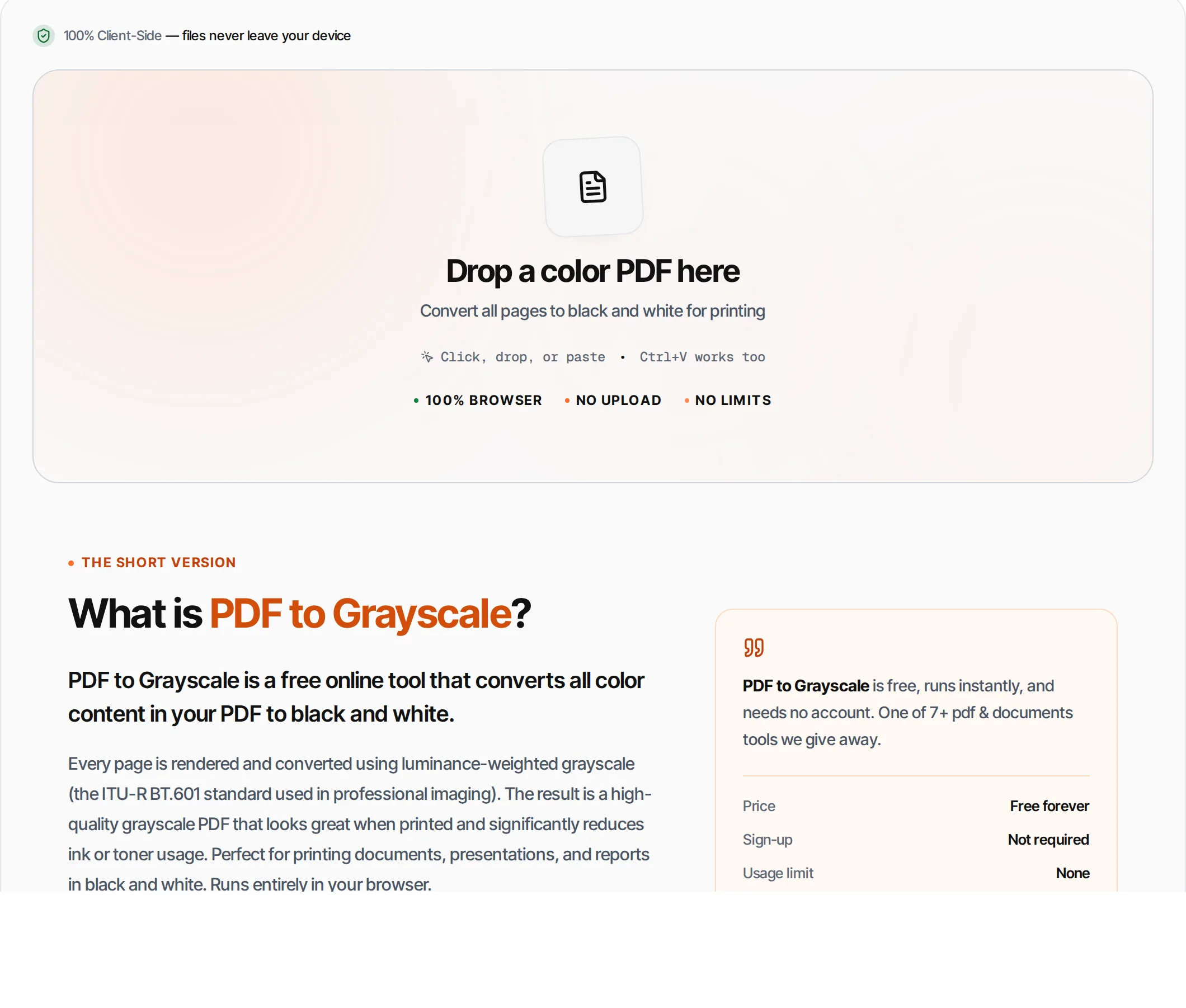
PDF to Grayscale is a free online tool that converts all color content in your PDF to black and white.
Every page is rendered and converted using luminance-weighted grayscale (the ITU-R BT.601 standard used in professional imaging). The result is a high-quality grayscale PDF that looks great when printed and significantly reduces ink or toner usage. Perfect for printing documents, presentations, and reports in black and white. Note that each page is rebuilt as an image, which is the only way to grey an embedded photograph — so the text in the result can no longer be selected, searched, or read by a screen reader. Runs entirely in your browser.
How to use PDF to Grayscale
- 1
Upload your PDF
Click the upload area or drag and drop a color PDF file. The tool shows the total page count.
- 2
Review
The tool shows a visual preview of the color-to-grayscale conversion process.
- 3
Convert
Click Convert or press Ctrl+Enter. Each page is rendered, converted to grayscale, and embedded in a new PDF.
- 4
Wait for processing
Watch the progress bar as each page is processed. Large documents may take a minute.
- 5
Download
Download the grayscale PDF. All pages maintain their original dimensions.
Everything this tool
does for you
- Luminance-weighted grayscale (ITU-R BT.601 standard)
- High-quality 2x rendering for sharp output
- Preserves original page dimensions exactly
- Page-by-page progress tracking
- Significantly reduces ink/toner usage
- Runs in your browser — files never uploaded
- Works with any PDF content including images
- PDF files up to 100 MB; no daily quotas
Related free tools
Frequently asked questions
Beyond this tool
See the full picture for your website.
Enter your URL for a free audit across eight scored areas. See prioritised issues and clear next steps in one report.
Free to start · No signup required
- Convert any color PDF to grayscale
- Save ink and toner when printing
- High-quality luminance conversion
- Preserves original page dimensions
- Files never leave your browser
- No signup or limits