PDF Page Numbers
Add page numbers to any position on your PDF pages. Custom font, size, format and starting number — runs in your browser, so the file never leaves your device.
- 100% free
- No sign-up
- Clear controls
- Open and use
What is PDF Page Numbers?
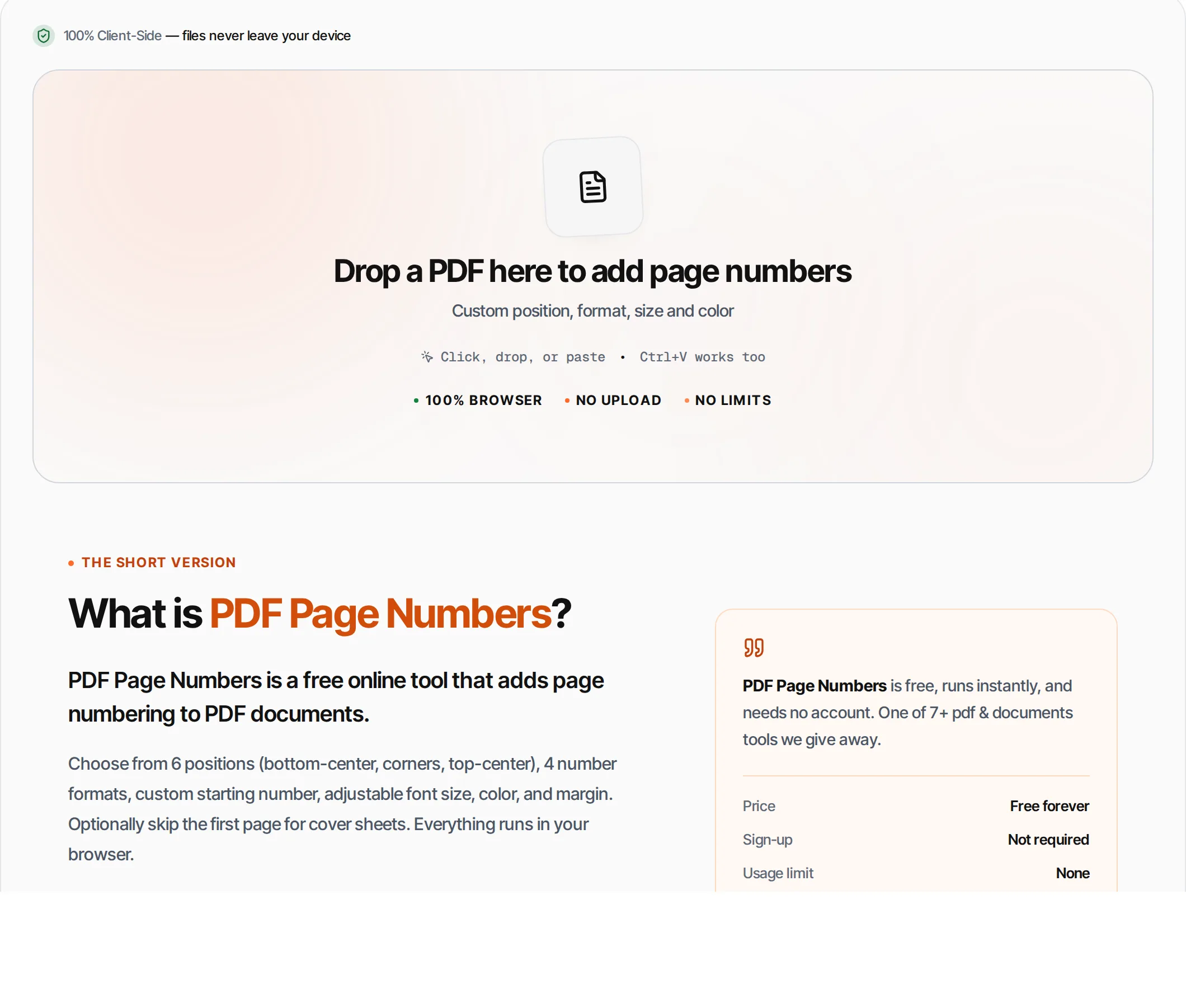
PDF Page Numbers is a free online tool that adds page numbering to PDF documents.
Choose from 6 positions (bottom-center, corners, top-center), 4 number formats, custom starting number, adjustable font size, color, and margin. Optionally skip the first page for cover sheets. Everything runs in your browser.
How to use PDF Page Numbers
- 1
Upload your PDF
Drag and drop or click to upload a PDF file.
- 2
Choose position
Select where page numbers appear: bottom-center (most common), corners, or top.
- 3
Pick format
Choose from "1", "Page 1", "Page 1 of 12", or "1/12" formats.
- 4
Customize
Set starting number, font size, color, margin, and whether to skip the cover page.
- 5
Download
Click Add Page Numbers and download the result.
Everything this tool
does for you
- 6 position presets
- 4 number formats
- Custom starting number
- Skip cover page option
- Adjustable font size (6-24pt)
- Full color picker
- Custom margin from edge
- Processed in your browser
Related free tools
Frequently asked questions
Beyond this tool
See the full picture for your website.
Enter your URL for a free audit across eight scored areas. See prioritised issues and clear next steps in one report.
Free to start · No signup required
- 6 position presets
- 4 number formats
- Custom starting number
- Skip cover page option
- Adjustable font size and color
- Files never leave your browser