Online PDF Reader
Read PDF files directly in your browser — zoom, search text, navigate pages. No download needed.
- 100% free
- No sign-up
- Clear controls
- Open and use
What is Online PDF Reader?
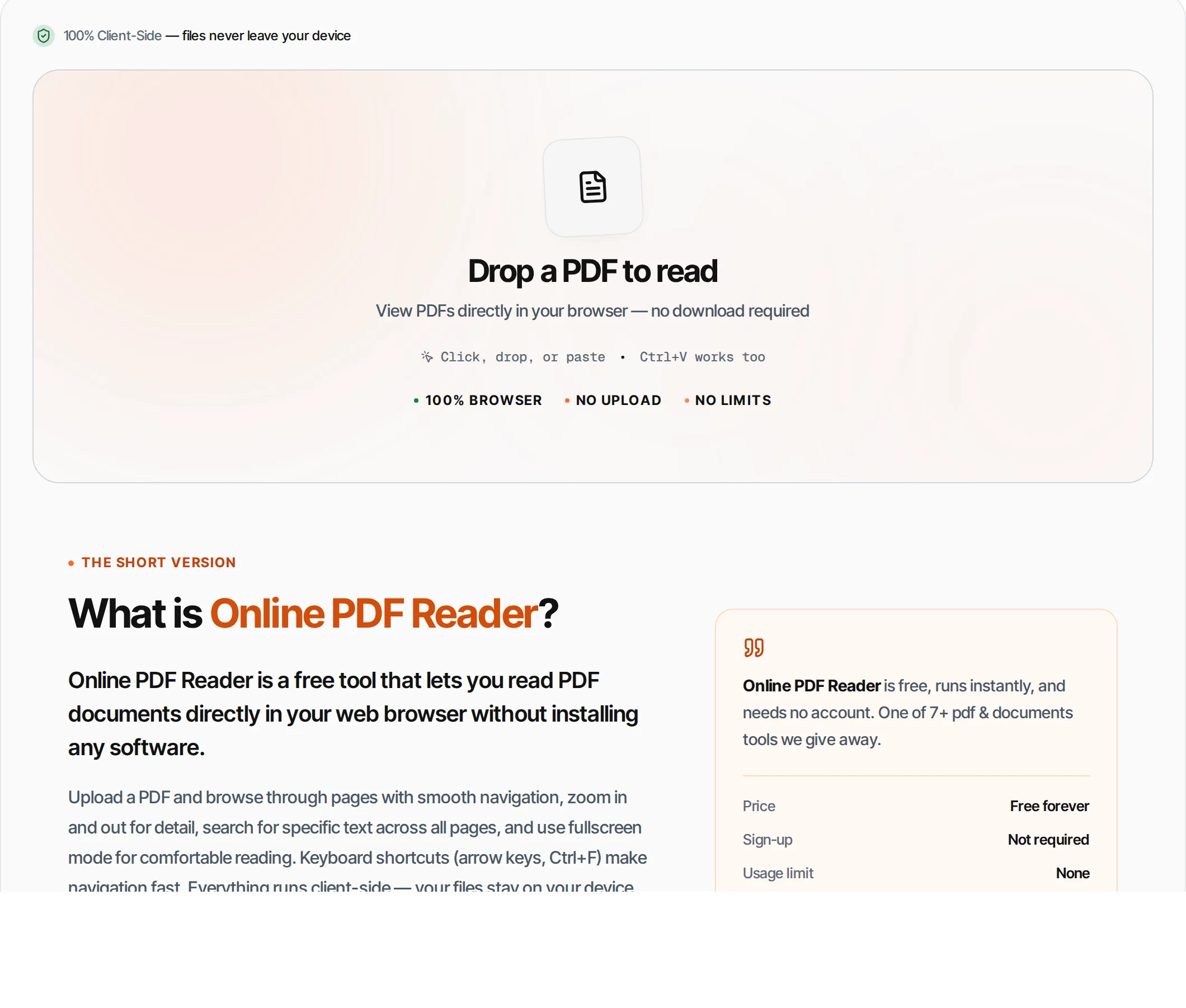
Online PDF Reader is a free tool that lets you read PDF documents directly in your web browser without installing any software.
Upload a PDF and browse through pages with smooth navigation, zoom in and out for detail, search for specific text across all pages, and use fullscreen mode for comfortable reading. Keyboard shortcuts (arrow keys, Ctrl+F) make navigation fast. Everything runs client-side — your files stay on your device.
How to use Online PDF Reader
- 1
Upload a PDF
Click the upload area or drag and drop any PDF file. The first page renders immediately.
- 2
Navigate pages
Use the arrow buttons, type a page number, or press arrow keys on your keyboard to move between pages.
- 3
Zoom in and out
Click the zoom buttons or use the Fit button to reset. The zoom percentage is shown in the toolbar.
- 4
Search text
Click the search icon or press Ctrl+F. Type your query and results show which pages contain your text.
- 5
Go fullscreen
Click the fullscreen button for a distraction-free reading experience. Press Escape to exit.
Everything this tool
does for you
- Smooth page rendering with pdf.js
- Zoom in/out from 40% to 300%
- Full-text search across all pages
- Jump to any page by number
- Keyboard navigation (arrow keys)
- Fullscreen reading mode
- Click search results to jump to page
- File size and page count display
- Runs in your browser — files never uploaded
- No signup or ads; PDF files up to 100 MB
Related free tools
Frequently asked questions
Beyond this tool
See the full picture for your website.
Enter your URL for a free audit across eight scored areas. See prioritised issues and clear next steps in one report.
Free to start · No signup required
- Read PDFs without downloading software
- Zoom in/out with smooth scaling
- Full-text search across all pages
- Keyboard navigation (arrow keys)
- Fullscreen reading mode
- Files never leave your browser