XML Sitemap Generator
Generate a valid XML sitemap from a list of URLs. Set priority, change frequency, and last modified date per URL.
- 100% free
- No sign-up
- Clear controls
- Open and use
- Generate valid XML sitemaps per the sitemaps.org protocol
- Add URLs one-by-one or paste in bulk
- Per-URL priority, changefreq, and lastmod settings
- Default settings applied to all new URLs
- Syntax-highlighted XML output
- Download as sitemap.xml
What is XML Sitemap Generator?
An XML sitemap is a file that lists all important pages on your website so search engines like Google, Bing, and Yahoo can discover and crawl them efficiently.
The sitemaps protocol (sitemaps.org) defines the format, which includes the URL, last modification date, change frequency, and priority for each page. This tool generates a standards-compliant XML sitemap from your URLs, ready to upload to your web server root.
How to use XML Sitemap Generator
- 1
Set default values
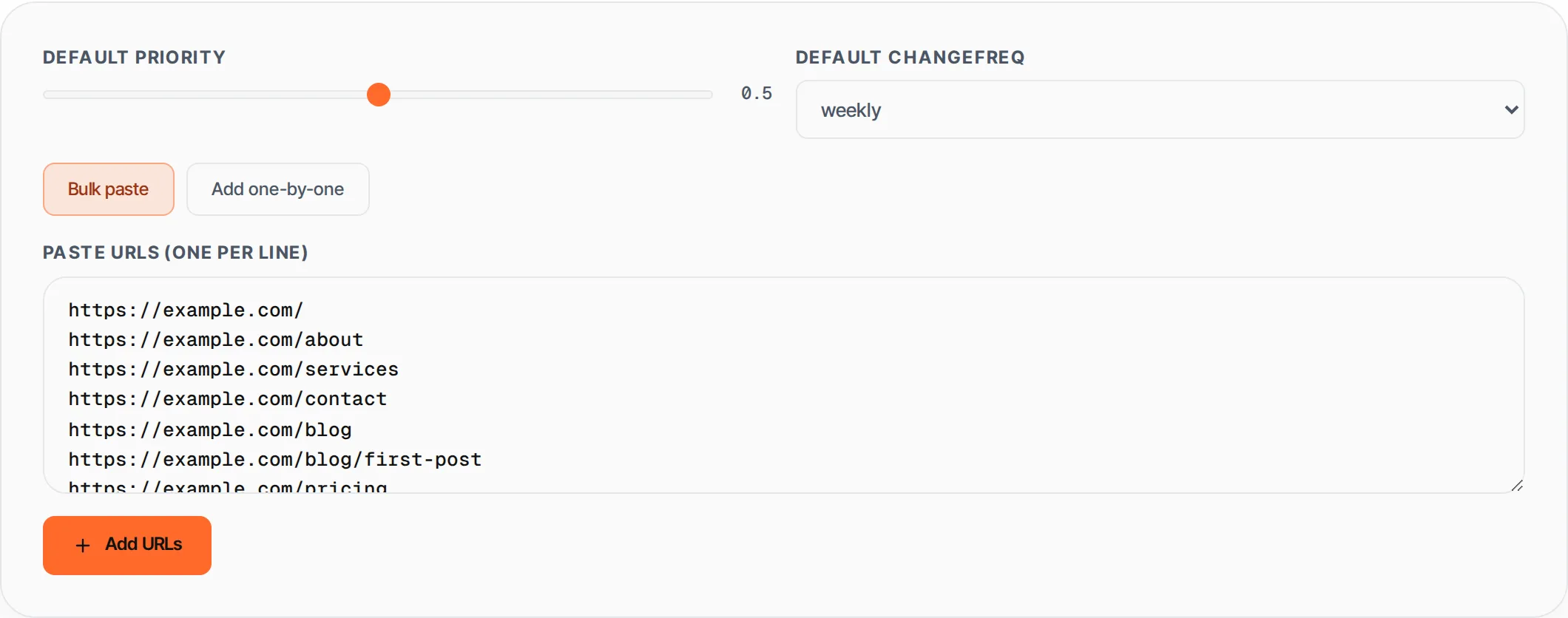
Choose the default priority (0.0 to 1.0) and change frequency (daily, weekly, monthly, etc.) that will be applied to all new URLs. You can override these per-URL later.
- 2
Add your URLs
Paste URLs in bulk (one per line) or add them one at a time. Each URL must start with http:// or https://. Duplicates and invalid URLs are flagged.
- 3
Customize per URL
For each URL, you can adjust the priority, change frequency, and last modified date individually. Expand any URL entry to see its settings.
- 4
Generate and download
Click Generate Sitemap. Review the XML output, then copy it to your clipboard or download it as sitemap.xml. Upload the file to your website root directory.
Everything this tool
does for you
- Generates valid XML following the sitemaps.org protocol spec
- Bulk URL input -- paste hundreds of URLs at once
- Per-URL priority, changefreq, and lastmod settings
- Default values applied automatically to new URLs
- URL validation (requires http/https scheme)
- Duplicate detection prevents the same URL from appearing twice
- One-click copy or download as sitemap.xml
- Properly XML-escaped output (handles ampersands and special characters)
Related free tools
Frequently asked questions
Beyond this tool
See the full picture for your website.
Enter your URL for a free audit across eight scored areas. See prioritised issues and clear next steps in one report.
Free to start · No signup required