Base64 Encoder & Decoder
Encode text to Base64 or decode Base64 strings back to readable text. Supports full Unicode including emojis. runs in your browser.
- 100% free
- No sign-up
- Clear controls
- Open and use
SGVsbG8sIFdvcmxkISBUaGlzIGlzIGEgQmFzZTY0IGVuY29kaW5nIHRlc3Qu
- Encode text → Base64
- Decode Base64 → text
- Full Unicode support
- Handles emojis & special chars
- 100% browser — no upload
What is Base64 Encoder & Decoder?
Base64 is a binary-to-text encoding scheme that represents binary data using 64 ASCII characters (A-Z, a-z, 0-9, +, /).
It is widely used in web development to embed images in CSS or HTML (data URIs), encode email attachments (MIME), transmit binary data in JSON APIs, and store credentials in HTTP Basic Authentication headers. This free Base64 encoder and decoder tool lets you convert any text to its Base64 representation or decode a Base64 string back to readable text. Unlike many online tools, this one fully supports Unicode characters including emojis, accented letters, CJK characters, and other multi-byte text through proper UTF-8 encoding. The entire conversion runs in your browser using the native btoa/atob functions with UTF-8 wrapping — nothing is sent to a server, making it safe for encoding API keys, tokens, or other sensitive strings.
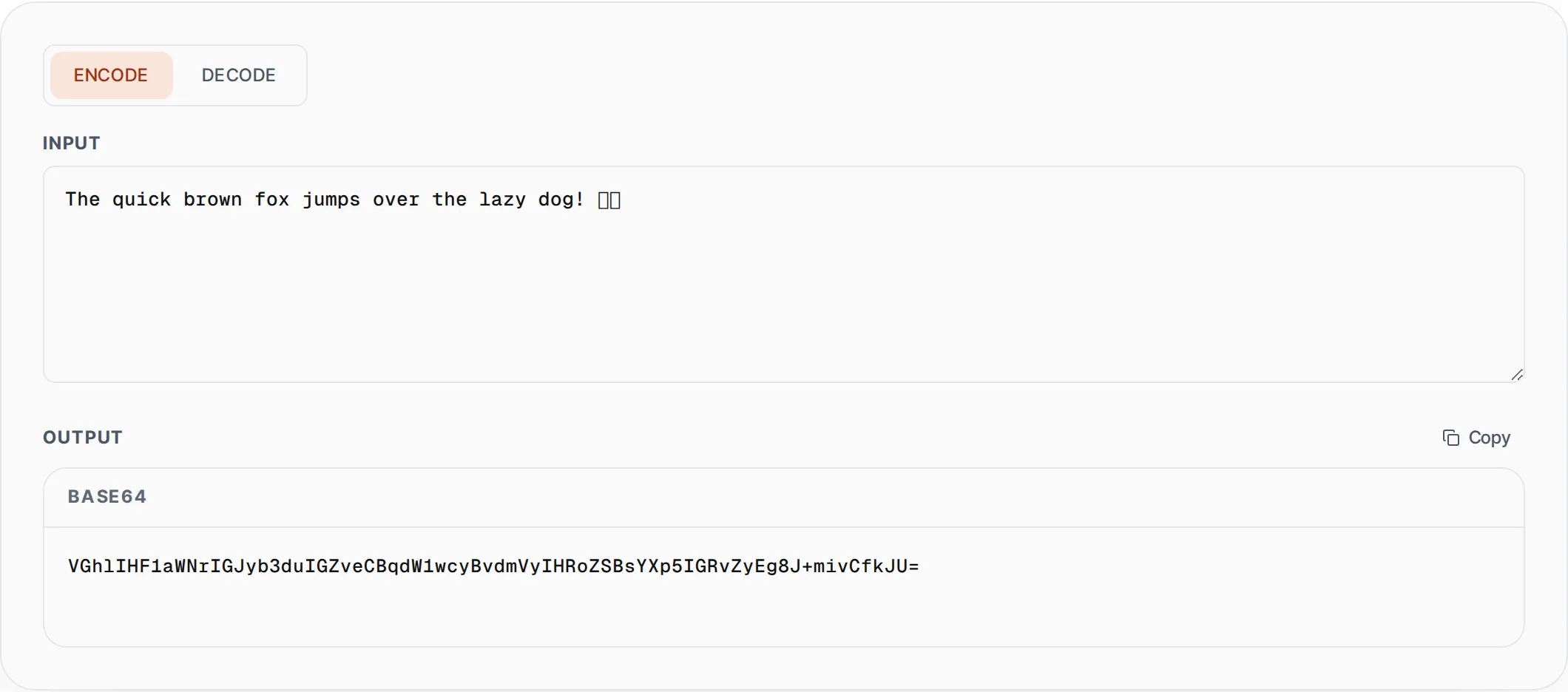
How to use Base64 Encoder & Decoder
- 1
Select encode or decode mode
Choose "Encode" to convert plain text into a Base64 string, or "Decode" to convert a Base64 string back into readable text. The mode switch is at the top of the tool.
- 2
Enter your text or Base64 string
Type or paste your input into the text area. For encoding, enter any text including Unicode and emojis. For decoding, paste a valid Base64 string. Invalid Base64 input will show a clear error message.
- 3
Copy the converted output
The result appears instantly as you type. Click the Copy button to copy the encoded or decoded output to your clipboard for use in your code, API calls, or configuration files.
Everything this tool
does for you
- Encode any text to Base64 with full Unicode and UTF-8 support
- Decode Base64 strings back to readable plain text instantly
- Handles emojis, accented characters, and multi-byte Unicode correctly
- Clear error messages for invalid Base64 input during decoding
- Real-time conversion as you type with zero server round-trips
- One-click copy to clipboard for quick integration into your workflow
Related free tools
Frequently asked questions
Beyond this tool
See the full picture for your website.
Enter your URL for a free audit across eight scored areas. See prioritised issues and clear next steps in one report.
Free to start · No signup required