.htaccess Redirect Generator
Generate Apache .htaccess redirect rules — 301, 302, regex patterns and domain redirects
- 100% free
- No sign-up
- Clear controls
- Open and use
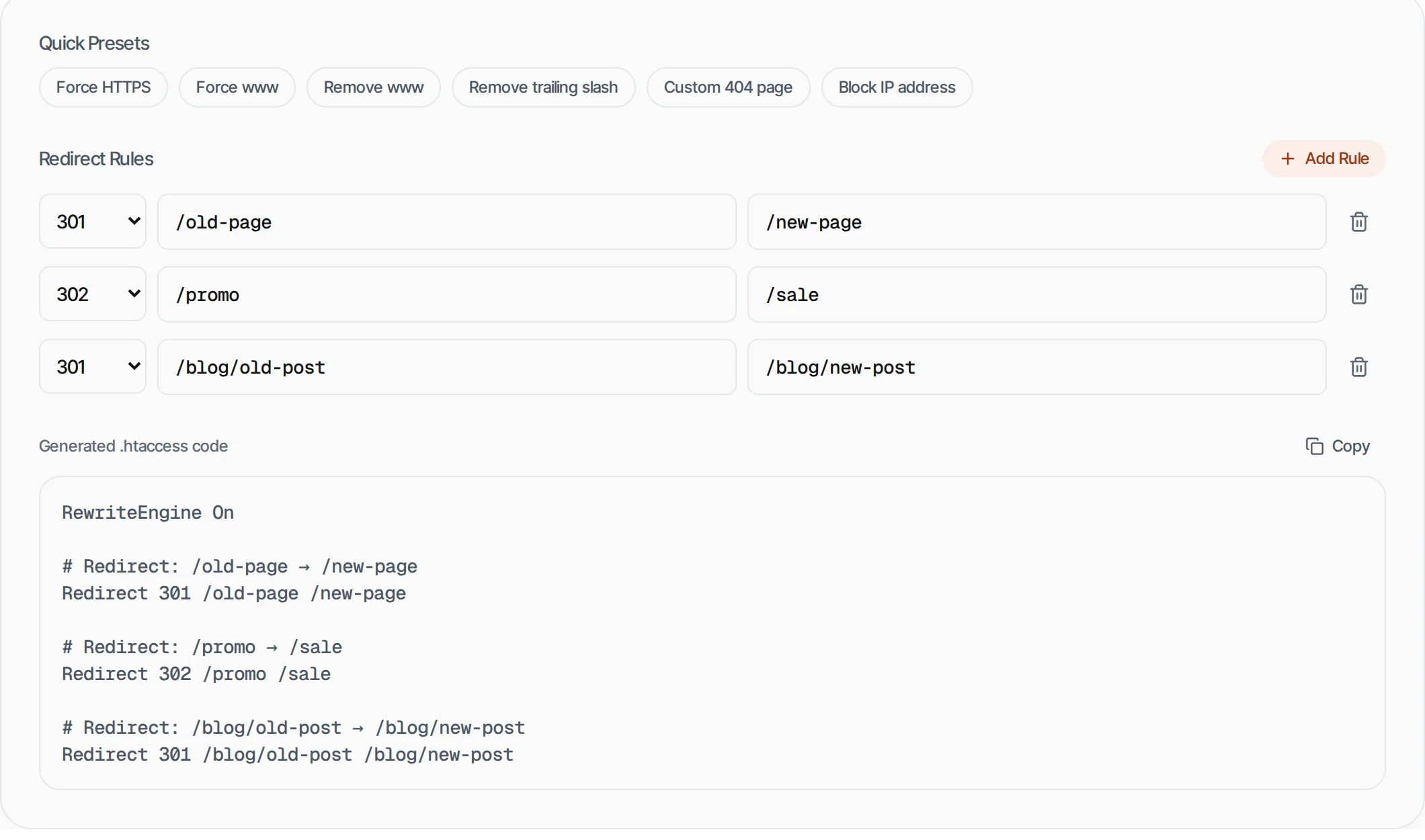
Quick Presets
Redirect Rules
RewriteEngine On

# Redirect: /old-page → /new-page
Redirect 301 /old-page /new-page
- 301 permanent and 302 temporary redirects
- Regex pattern support
- Quick presets for HTTPS, www, trailing slash
- Copy-ready .htaccess code
What is .htaccess Redirect Generator?
An .htaccess redirect generator creates Apache web server redirect rules without manually writing mod_rewrite syntax.
It supports 301 (permanent), 302 (temporary) and 307 redirects, plus common presets like forcing HTTPS, managing www subdomains and removing trailing slashes.
How to use .htaccess Redirect Generator
- 1
Add redirect rules
Enter the old path and new destination. Choose 301 for permanent or 302 for temporary redirects.
- 2
Use presets
Click a quick preset for common redirects like Force HTTPS or Remove www.
- 3
Copy the code
Click Copy to copy the generated .htaccess code to your clipboard.
- 4
Paste in .htaccess
Add the code to your .htaccess file in your website root directory.
Everything this tool
does for you
- 301, 302 and 307 redirect types
- Regex pattern support for complex rules
- 6 quick presets (HTTPS, www, trailing slash, 404, IP block)
- Multiple rules at once
- Clean, commented output
- Runs in your browser generation
Further reading
Related free tools
Frequently asked questions
Beyond this tool
See the full picture for your website.
Enter your URL for a free audit across eight scored areas. See prioritised issues and clear next steps in one report.
Free to start · No signup required