JSON to YAML
Convert JSON to YAML format instantly. Handles nested objects, arrays, strings, numbers, booleans and null values.
- 100% free
- No sign-up
- Clear controls
- Open and use
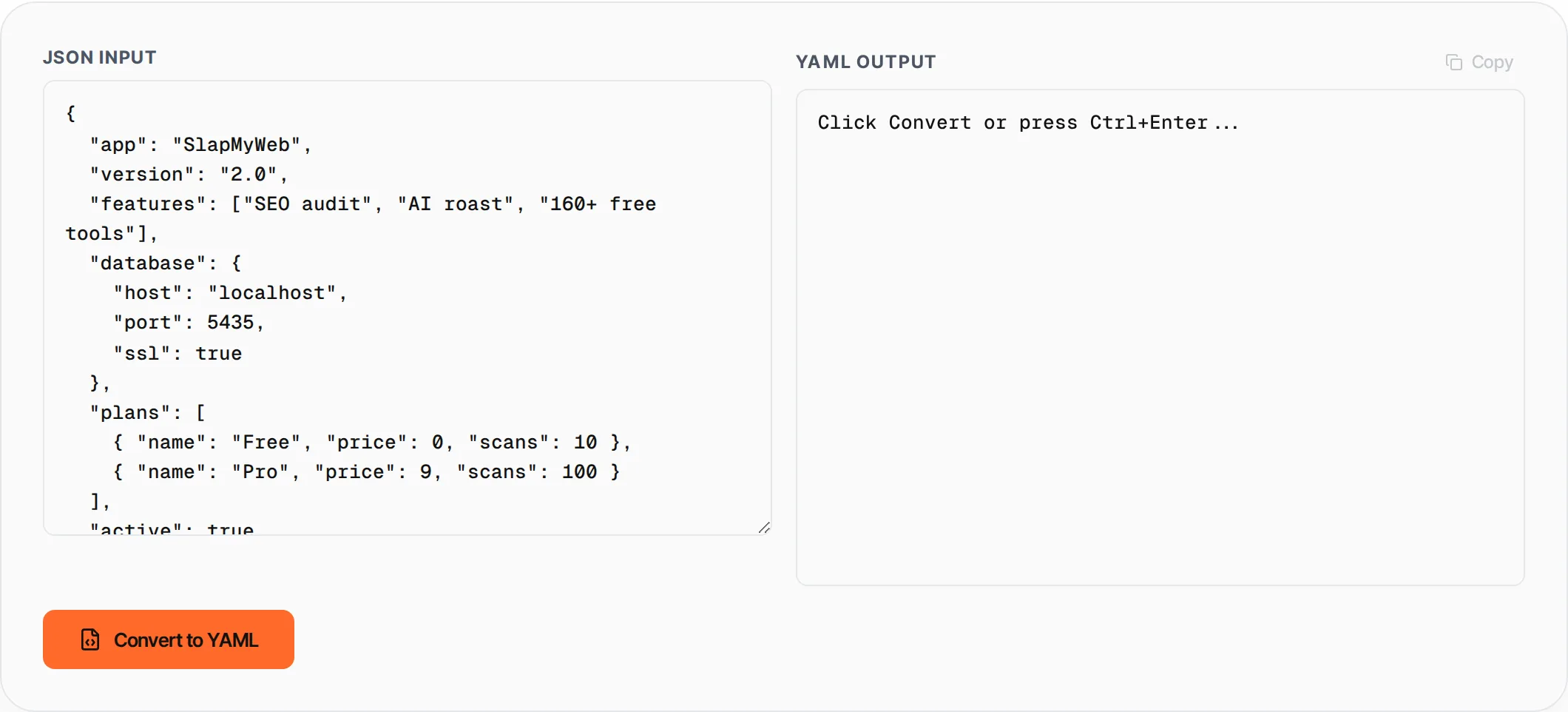
Click Convert or press Ctrl+Enter...
- Converts any valid JSON to clean YAML
- Handles nested objects and arrays
- Proper string quoting for special characters
- Clear error messages for invalid JSON
- No external libraries needed
What is JSON to YAML Converter?
JSON to YAML is a developer tool that converts JavaScript Object Notation (JSON) data into YAML Ain't Markup Language (YAML) format.
YAML is widely used in configuration files (Docker, Kubernetes, GitHub Actions, Ansible) because of its human-readable indentation-based syntax. This converter handles all JSON data types including nested objects, arrays, strings with special characters, numbers, booleans, and null values.
How to use JSON to YAML Converter
- 1
Paste your JSON
Enter or paste valid JSON into the left text area. You can also click Load Example for a sample.
- 2
Click Convert
Press the Convert button or use Ctrl+Enter to transform your JSON into YAML.
- 3
Review the output
The YAML output appears in the right panel with proper indentation and formatting.
- 4
Copy the result
Click Copy to copy the YAML to your clipboard for use in your config files.
Everything this tool
does for you
- Converts any valid JSON to properly formatted YAML
- Handles deeply nested objects and arrays
- Automatic string quoting for YAML-reserved characters
- Supports booleans, numbers, null, and empty values
- Inline error messages for invalid JSON input
- Copy output with one click
- Load example data to see it in action
- Runs entirely in your browser — no server processing
Related free tools
Frequently asked questions
Beyond this tool
See the full picture for your website.
Enter your URL for a free audit across eight scored areas. See prioritised issues and clear next steps in one report.
Free to start · No signup required