PDF Page Deleter
Select and remove unwanted pages from your PDF — visual thumbnails make it easy.
- 100% free
- No sign-up
- Clear controls
- Open and use
What is PDF Page Deleter?
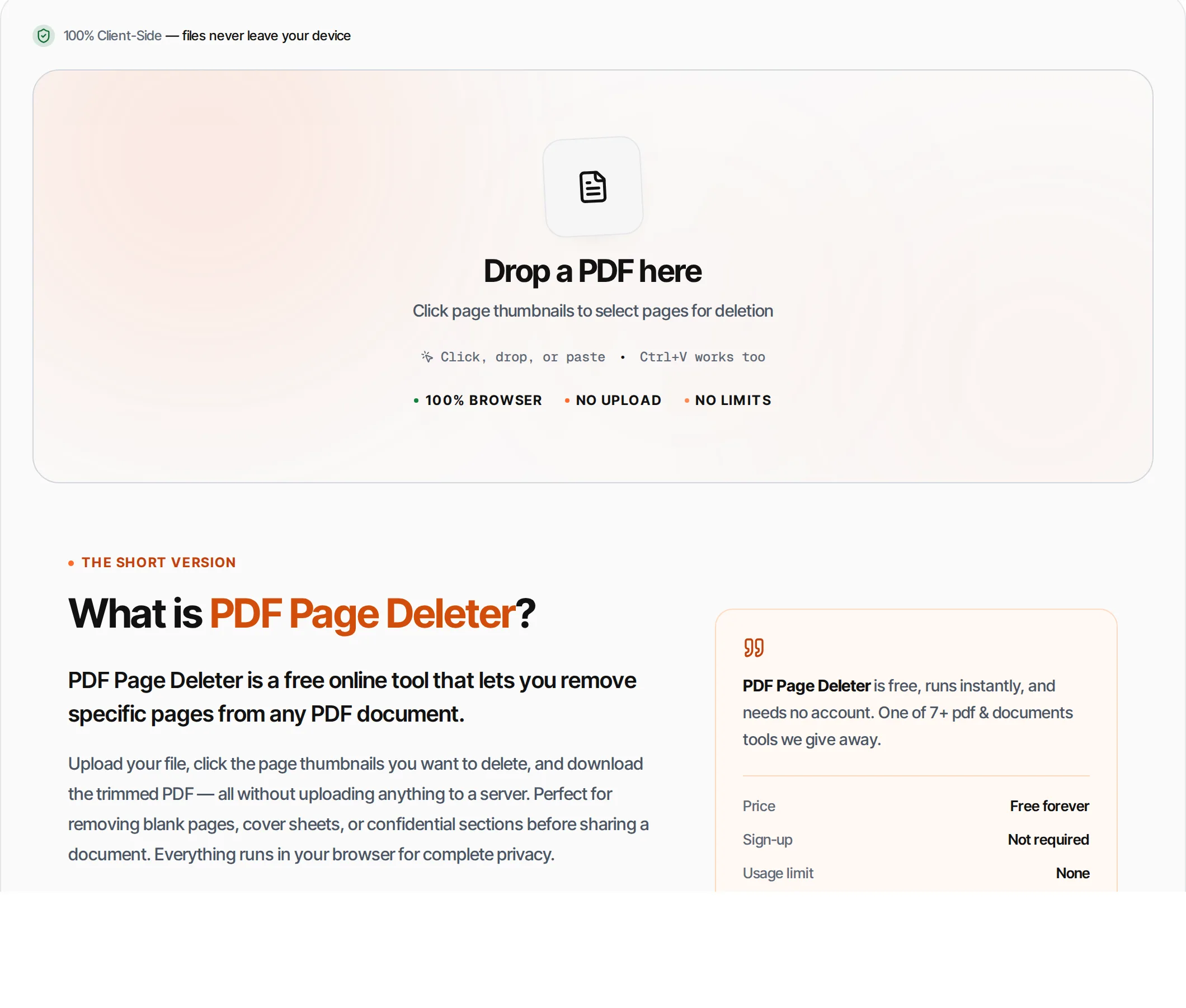
PDF Page Deleter is a free online tool that lets you remove specific pages from any PDF document.
Upload your file, click the page thumbnails you want to delete, and download the trimmed PDF — all without uploading anything to a server. Perfect for removing blank pages, cover sheets, or confidential sections before sharing a document. Everything runs in your browser for complete privacy.
How to use PDF Page Deleter
- 1
Upload your PDF
Click the upload area or drag and drop a PDF file. The tool renders visual thumbnails of every page.
- 2
Select pages to delete
Click on page thumbnails to mark them for deletion. Selected pages are highlighted. Click again to deselect.
- 3
Review your selection
The counter shows how many pages will be deleted and how many will remain in the final document.
- 4
Delete pages
Click the Delete button or press Ctrl+Enter. The tool creates a new PDF with only the pages you want to keep.
- 5
Download result
Download the trimmed PDF. The original file is never modified.
Everything this tool
does for you
- Visual page thumbnails for easy selection
- Click to toggle pages for deletion
- Keeps remaining pages in original order
- Preserves all text, images, and formatting
- PDF files up to 100 MB; no daily quotas
- Runs in your browser — files never uploaded
- Works with scanned and interactive PDFs
- Safety check prevents deleting all pages
Related free tools
Frequently asked questions
Beyond this tool
See the full picture for your website.
Enter your URL for a free audit across eight scored areas. See prioritised issues and clear next steps in one report.
Free to start · No signup required
- Click thumbnails to select pages to delete
- Preview all pages before removing
- Keeps remaining pages in original order
- Files never leave your browser
- No signup; PDF files up to 100 MB
- Works with any PDF document