PDF Page Reorder
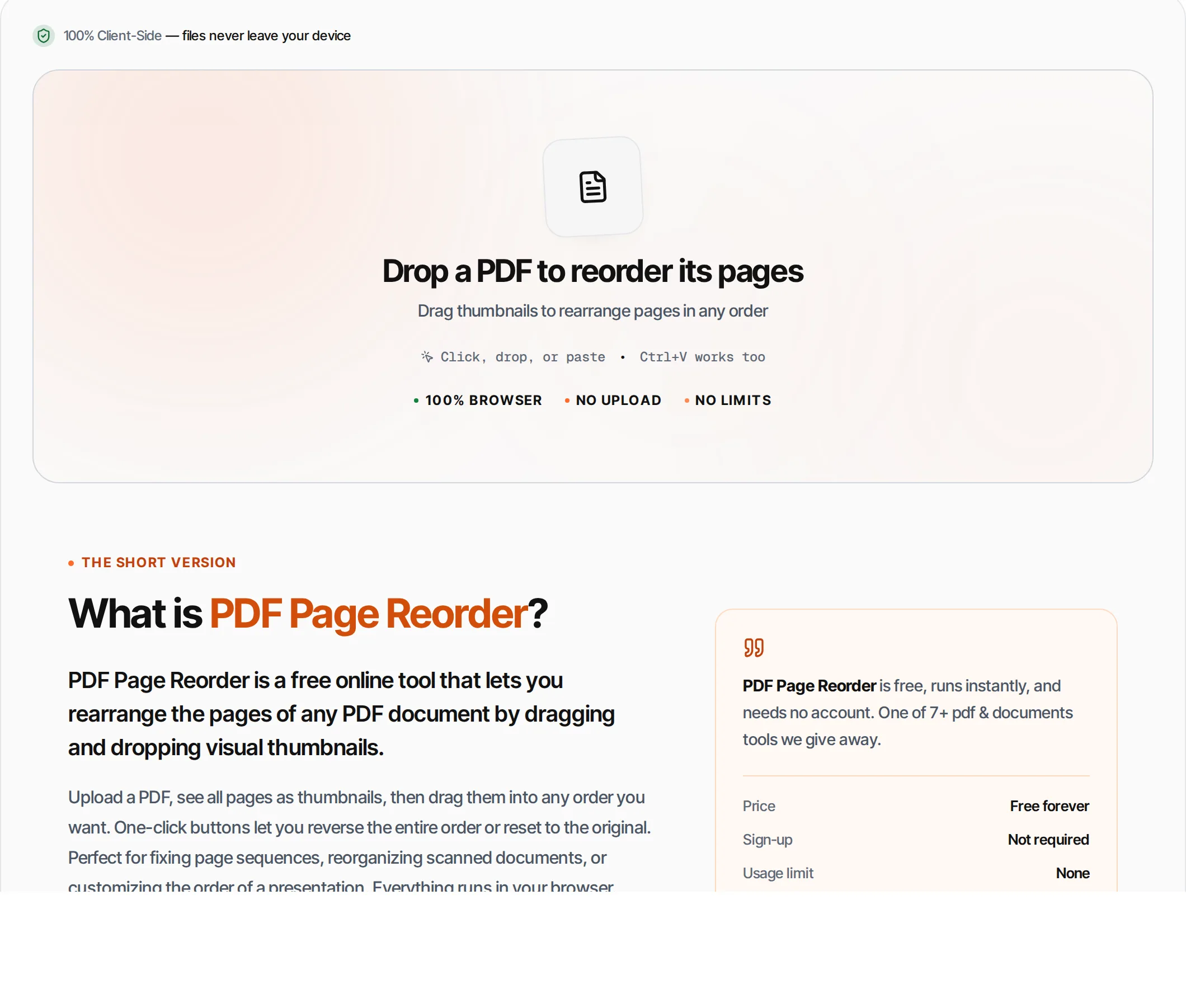
Drag and drop to rearrange PDF pages — visual thumbnails make it easy to organize.
- 100% free
- No sign-up
- Clear controls
- Open and use
What is PDF Page Reorder?
PDF Page Reorder is a free online tool that lets you rearrange the pages of any PDF document by dragging and dropping visual thumbnails.
Upload a PDF, see all pages as thumbnails, then drag them into any order you want. One-click buttons let you reverse the entire order or reset to the original. Perfect for fixing page sequences, reorganizing scanned documents, or customizing the order of a presentation. Everything runs in your browser.
How to use PDF Page Reorder
- 1
Upload your PDF
Click the upload area or drag and drop a PDF. The tool renders a thumbnail for every page.
- 2
Drag to rearrange
Grab any page thumbnail and drag it to a new position. The other pages shift automatically.
- 3
Use quick actions
Click Reverse to flip the entire order, or Reset to return to the original page sequence.
- 4
Save
Click Save New Page Order or press Ctrl+Enter. A new PDF is created with pages in your custom order.
- 5
Download
Download the reordered PDF. The original file is never modified.
Everything this tool
does for you
- Visual drag-and-drop page reordering
- Thumbnails for every page at a glance
- One-click reverse order
- One-click reset to original
- Page numbers shown on each thumbnail
- Runs in your browser — files never uploaded
- PDF files up to 100 MB; no daily quotas
- Works with any number of pages
Related free tools
Frequently asked questions
Beyond this tool
See the full picture for your website.
Enter your URL for a free audit across eight scored areas. See prioritised issues and clear next steps in one report.
Free to start · No signup required
- Drag-and-drop page reordering
- Visual thumbnails for every page
- Reverse order with one click
- Reset to original order anytime
- Files never leave your browser
- No signup or limits