PDF Form Filler
Detect and fill interactive PDF form fields — text, checkboxes, dropdowns and radio buttons.
- 100% free
- No sign-up
- Clear controls
- Open and use
What is PDF Form Filler?
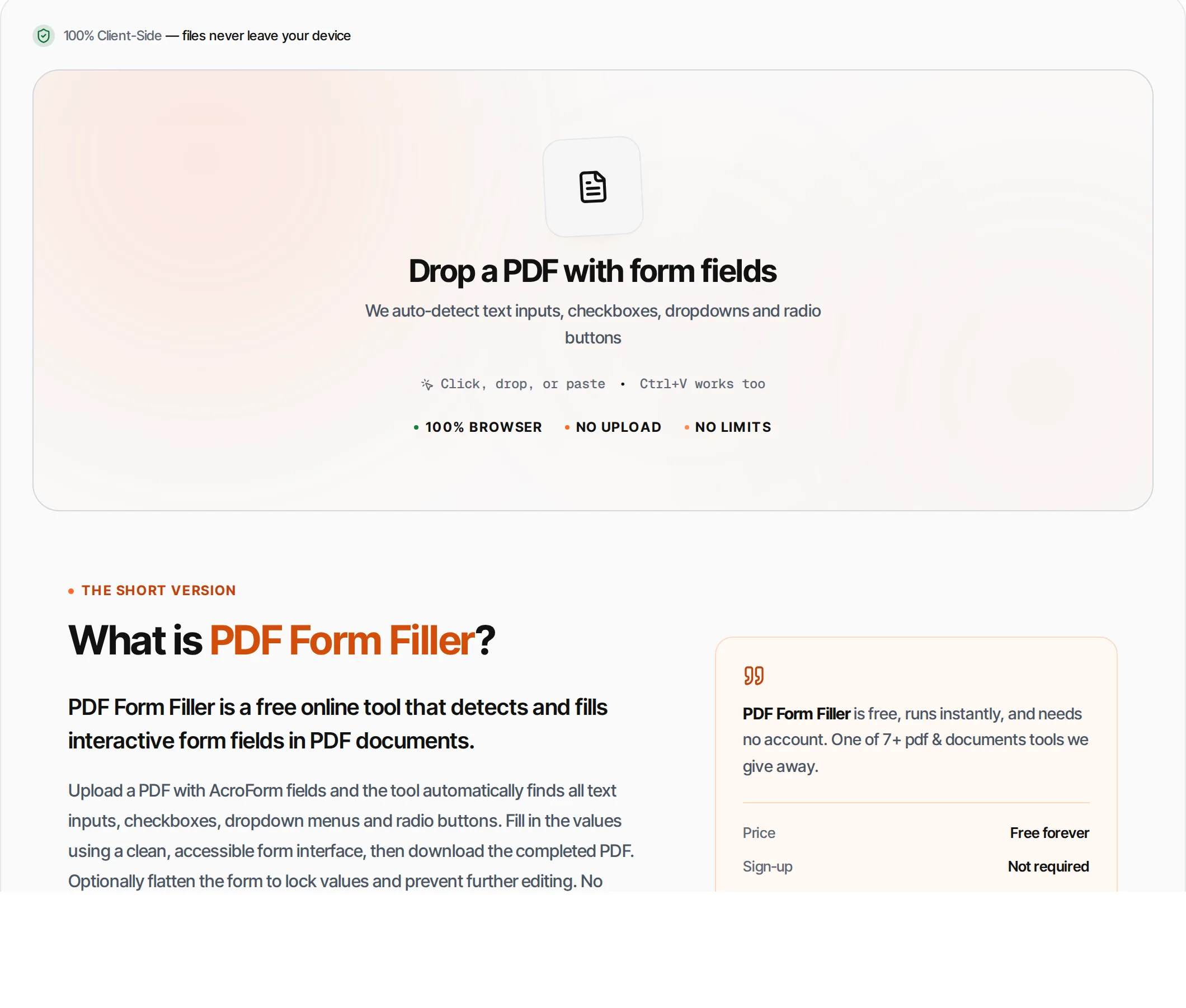
PDF Form Filler is a free online tool that detects and fills interactive form fields in PDF documents.
Upload a PDF with AcroForm fields and the tool automatically finds all text inputs, checkboxes, dropdown menus and radio buttons. Fill in the values using a clean, accessible form interface, then download the completed PDF. Optionally flatten the form to lock values and prevent further editing. No printing, scanning or special software needed — runs entirely in your browser.
How to use PDF Form Filler
- 1
Upload a PDF form
Click the upload area or drag and drop a PDF file that contains interactive form fields.
- 2
Review detected fields
The tool scans the PDF and lists all form fields with their types: text, checkbox, dropdown, radio.
- 3
Fill in values
Type text, check boxes, select dropdown options, or choose radio buttons. All fields are labeled with their PDF field names.
- 4
Optional: flatten
Enable Flatten to make the filled form non-editable. This locks your values into the PDF permanently.
- 5
Download
Click Fill & Download to get your completed PDF form. It includes all filled values.
Everything this tool
does for you
- Auto-detects text fields, checkboxes, dropdowns and radio buttons
- Clean form UI with labeled fields
- Shows existing field values from the PDF
- Optional flatten to lock form values
- Handles complex multi-field PDF forms
- Shows field count and types
- Clear warning if PDF has no form fields
- Runs in your browser — files never uploaded
- No signup or limits
- Preserves all non-form PDF content
Related free tools
Frequently asked questions
Beyond this tool
See the full picture for your website.
Enter your URL for a free audit across eight scored areas. See prioritised issues and clear next steps in one report.
Free to start · No signup required
- Auto-detects all form fields in PDF
- Supports text, checkbox, dropdown, radio fields
- Edit field values with a clean form UI
- Optionally flatten to lock filled values
- No printing or scanning needed
- Files never leave your browser