PDF Signer
Sign PDF documents by drawing, typing or uploading your signature — place it anywhere.
- 100% free
- No sign-up
- Clear controls
- Open and use
What is PDF Signer?
PDF Signer is a free online tool that lets you add your signature to PDF documents without printing or scanning.
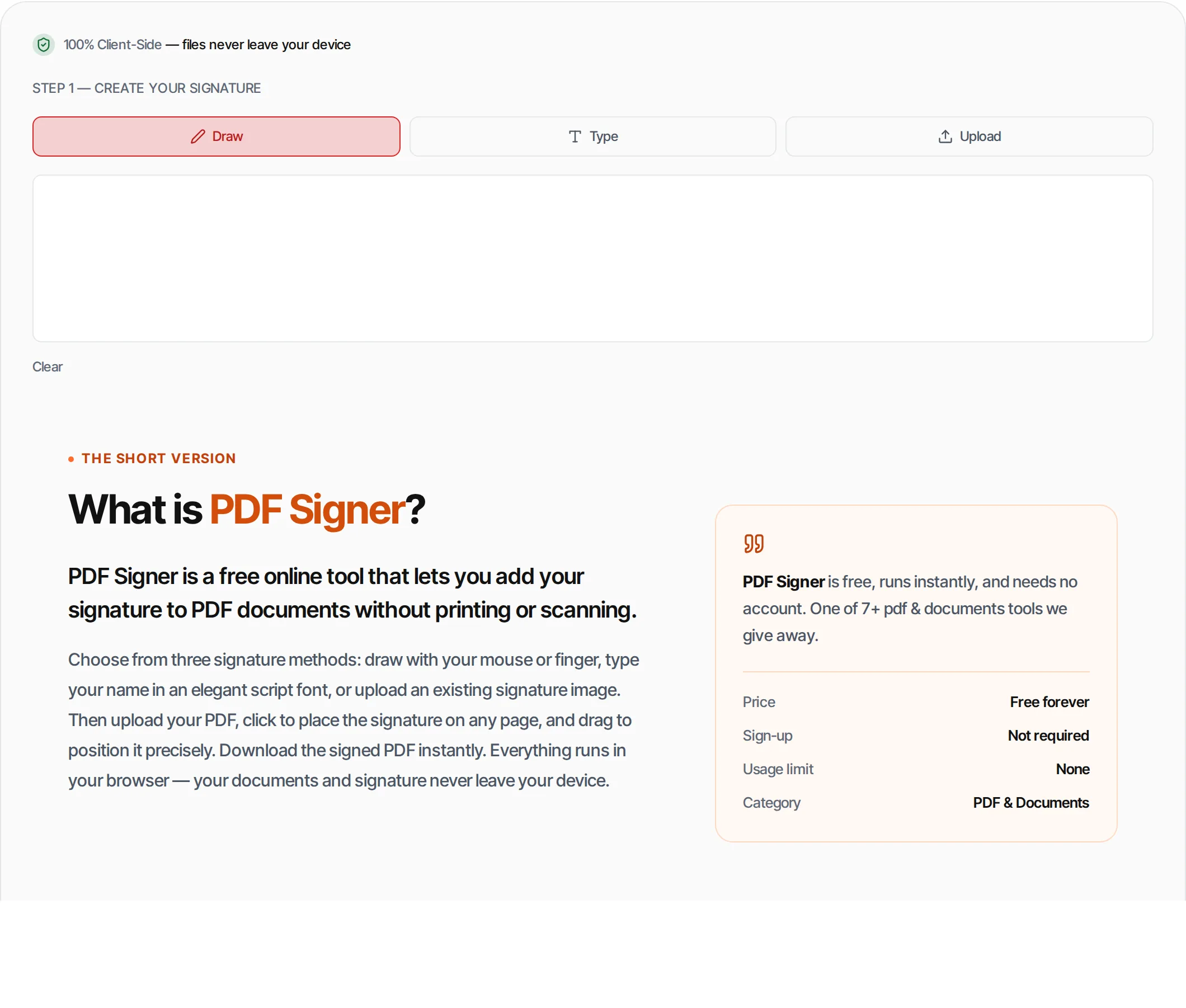
Choose from three signature methods: draw with your mouse or finger, type your name in an elegant script font, or upload an existing signature image. Then upload your PDF, click to place the signature on any page, and drag to position it precisely. Download the signed PDF instantly. Everything runs in your browser — your documents and signature never leave your device.
How to use PDF Signer
- 1
Create your signature
Draw your signature on the canvas, type your name for a script font signature, or upload a signature image.
- 2
Upload your PDF
Drag and drop or click to upload the PDF document you want to sign.
- 3
Place the signature
Click anywhere on the PDF page where you want to place your signature. A preview appears immediately.
- 4
Position precisely
Drag the signature overlay to adjust its exact position on the page. Use page navigation for multi-page PDFs.
- 5
Download
Click Sign PDF to embed the signature permanently, then download the signed document.
Everything this tool
does for you
- Draw signature with mouse, trackpad or touch screen
- Type name in elegant script/serif font
- Upload existing signature image (PNG, JPEG)
- Click to place on any page
- Drag to reposition precisely
- Multi-page PDF support
- Signature embedded permanently in PDF
- Transparent background preserved for PNG signatures
- Runs in your browser — files never uploaded
- No account or watermarks; PDF files up to 100 MB
Related free tools
Frequently asked questions
Beyond this tool
See the full picture for your website.
Enter your URL for a free audit across eight scored areas. See prioritised issues and clear next steps in one report.
Free to start · No signup required
- Draw your signature with mouse or touch
- Type your name in a script font
- Upload a signature image
- Click to place on any page
- Drag to reposition precisely
- No account or signup required