PDF Metadata Editor
View and edit PDF document properties — title, author, subject, keywords and more.
- 100% free
- No sign-up
- Clear controls
- Open and use
What is PDF Metadata Editor?
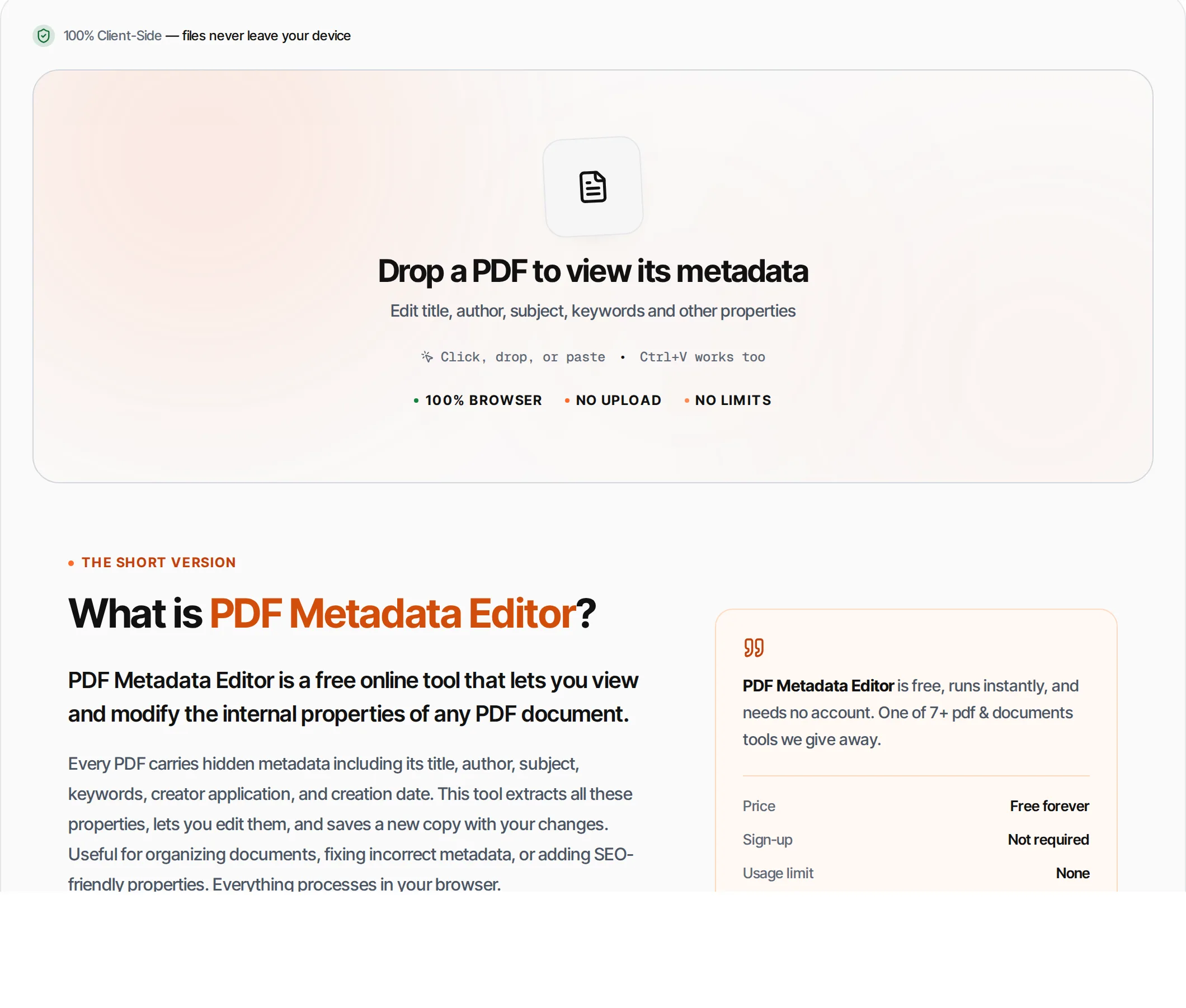
PDF Metadata Editor is a free online tool that lets you view and modify the internal properties of any PDF document.
Every PDF carries hidden metadata including its title, author, subject, keywords, creator application, and creation date. This tool extracts all these properties, lets you edit them, and saves a new copy with your changes. Useful for organizing documents, fixing incorrect metadata, or adding SEO-friendly properties. Everything processes in your browser.
How to use PDF Metadata Editor
- 1
Upload your PDF
Click the upload area or drag and drop a PDF file. The tool extracts and displays all existing metadata.
- 2
Review properties
See the current title, author, subject, keywords, creator, producer, and dates for your document.
- 3
Edit fields
Modify any editable field — type a new title, author name, subject, or keywords. Creation date is read-only.
- 4
Save changes
Click Save Metadata or press Ctrl+Enter. The tool creates a new PDF with your updated properties.
- 5
Download
Download the updated PDF with the new metadata embedded.
Everything this tool
does for you
- View all 8 standard PDF metadata fields
- Edit title, author, subject, and keywords
- View creation and modification dates
- See creator application and PDF producer
- Auto-updates modification date on save
- Runs in your browser — files never uploaded
- PDF files up to 100 MB; no daily quotas
- Works with encrypted PDFs (owner password)
Related free tools
Frequently asked questions
Beyond this tool
See the full picture for your website.
Enter your URL for a free audit across eight scored areas. See prioritised issues and clear next steps in one report.
Free to start · No signup required
- View all PDF document properties
- Edit title, author, subject, keywords
- Update creator and producer fields
- See creation and modification dates
- Files never leave your browser
- No signup or limits