PDF Password Remover
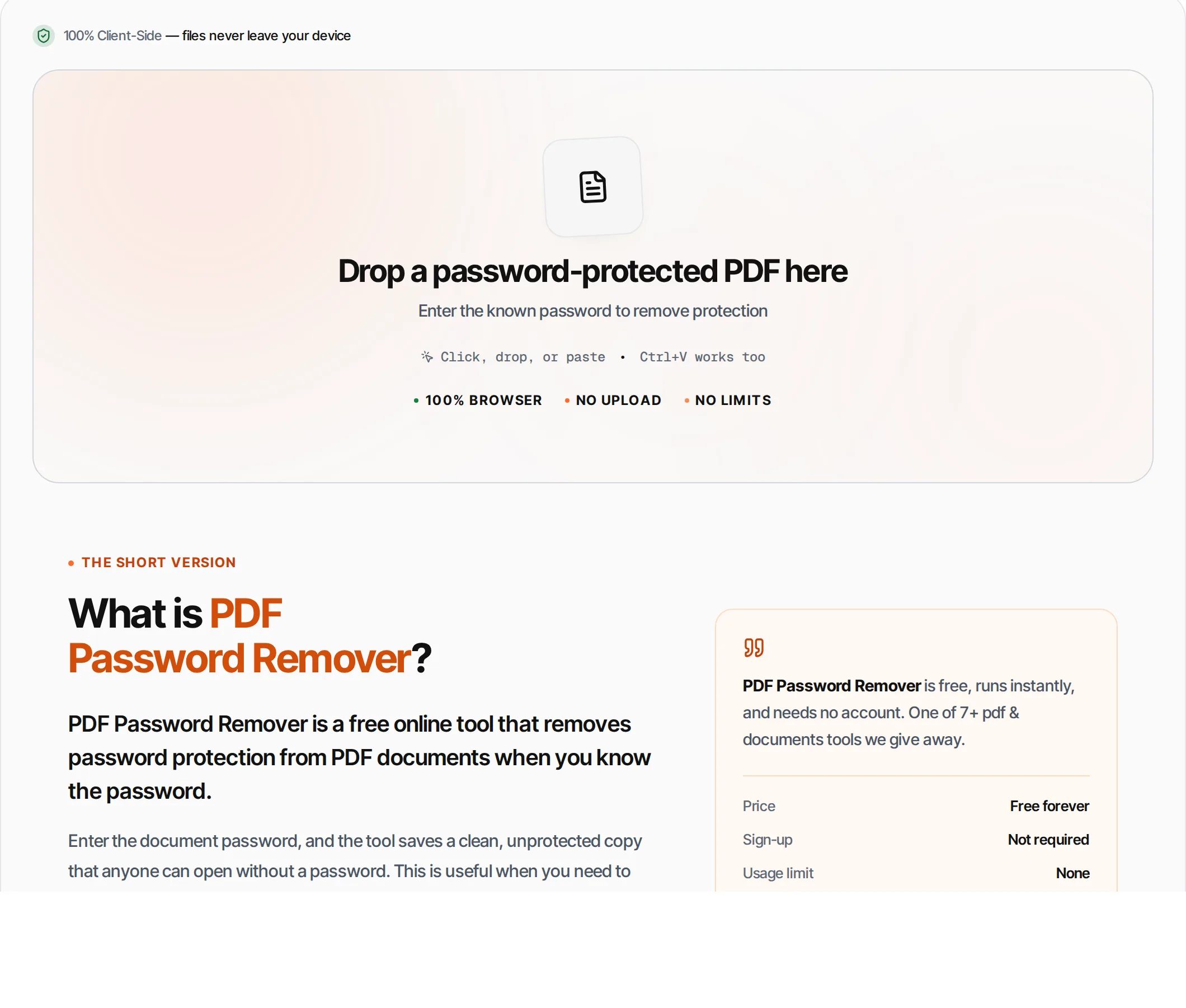
Remove password protection from a PDF when you know the password, and save a clean copy. Runs in your browser — the file and the password never leave your device.
- 100% free
- No sign-up
- Clear controls
- Open and use
What is PDF Password Remover?
PDF Password Remover takes a password-protected PDF and, given the correct password, writes out a copy that opens without one.
The password is checked: an incorrect password is refused rather than quietly producing a file. The result is a genuinely decrypted document — it neither needs a password nor carries an encryption dictionary claiming it does. Useful for sharing a document with colleagues, archiving it, or clearing restrictive permissions on a file you own. The PDF and the password stay on your device.
How to use PDF Password Remover
- 1
Upload encrypted PDF
Drag and drop or click to upload a password-protected PDF file.
- 2
Enter password
Type the password that was used to protect the PDF. This is the password you use to open it.
- 3
Unlock
Click Unlock PDF. The tool opens the file with your password and saves a new copy without encryption.
- 4
Download
Download the unlocked PDF. It can now be opened, printed, and edited without any password.
Everything this tool
does for you
- Remove user password (open password)
- Remove owner password (permissions)
- Saves clean unprotected copy
- Your password stays in your browser
- Works with common encryption methods
- Processed in your browser
- No signup; PDF files up to 100 MB
- Instant processing
Related free tools
Frequently asked questions
Beyond this tool
See the full picture for your website.
Enter your URL for a free audit across eight scored areas. See prioritised issues and clear next steps in one report.
Free to start · No signup required
- Remove user and owner passwords
- Saves a copy that needs no password
- Your password never leaves your device
- Wrong passwords are rejected, not ignored
- Files processed locally
- No signup or limits