SQL Formatter
Format and beautify SQL queries with proper indentation, keyword uppercasing, and clause separation. Minify option included.
- 100% free
- No sign-up
- Clear controls
- Open and use
- Uppercase SQL keywords automatically
- Proper clause separation with newlines
- Column indentation in SELECT statements
- Keyword syntax highlighting in output
- Minify SQL to a single line
What is SQL Formatter?
SQL Formatter is a developer tool that takes messy, single-line, or poorly indented SQL queries and reformats them into clean, readable code.
It uppercases SQL keywords (SELECT, FROM, WHERE, JOIN), adds proper newlines between clauses, indents columns and subqueries, and highlights syntax in the output. It also includes a minify option to collapse formatted SQL back to a single line for use in code or scripts.
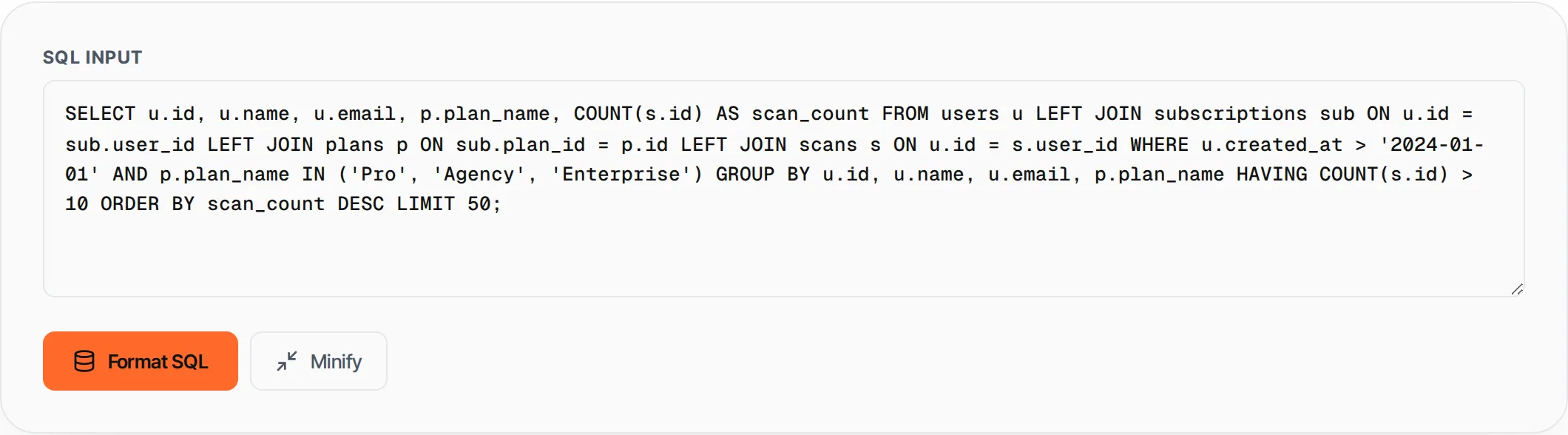
How to use SQL Formatter
- 1
Paste your SQL
Enter or paste your SQL query into the input area. It can be messy, single-line, or already partially formatted.
- 2
Click Format
Press Format SQL or Ctrl+Enter to beautify the query with proper indentation and keyword uppercasing.
- 3
Or minify
Click Minify to collapse the SQL to a single compact line, useful for embedding in code.
- 4
Copy the result
The output includes syntax highlighting. Click Copy to get the plain-text formatted SQL.
Everything this tool
does for you
- Automatic SQL keyword uppercasing
- Clause separation (SELECT, FROM, WHERE, GROUP BY, etc.)
- JOIN statement indentation
- AND/OR logic operator indentation
- SELECT column list formatting
- Syntax highlighting with color-coded keywords, strings, and numbers
- One-click minify to single line
- Works with SELECT, INSERT, UPDATE, DELETE, CREATE and more
Related free tools
Frequently asked questions
Beyond this tool
See the full picture for your website.
Enter your URL for a free audit across eight scored areas. See prioritised issues and clear next steps in one report.
Free to start · No signup required