YAML to JSON
Convert YAML configuration to JSON format. Handles key-value pairs, nested objects, arrays, and common YAML types.
- 100% free
- No sign-up
- Clear controls
- Open and use
Click Convert or press Ctrl+Enter...
- Converts YAML to formatted JSON instantly
- Handles nested structures and arrays
- Parses YAML booleans, numbers, null values
- Supports inline arrays and objects
- Clear error messages for parse failures
What is YAML to JSON Converter?
YAML to JSON is a developer tool that converts YAML (YAML Ain't Markup Language) data into JSON (JavaScript Object Notation) format.
YAML is popular in DevOps config files (Docker Compose, Kubernetes manifests, GitHub Actions workflows), and sometimes you need the equivalent JSON for APIs, scripts, or tools that only accept JSON. This converter handles key-value pairs, nested maps, sequences (arrays), inline syntax, and common YAML scalar types like booleans, numbers, and null.
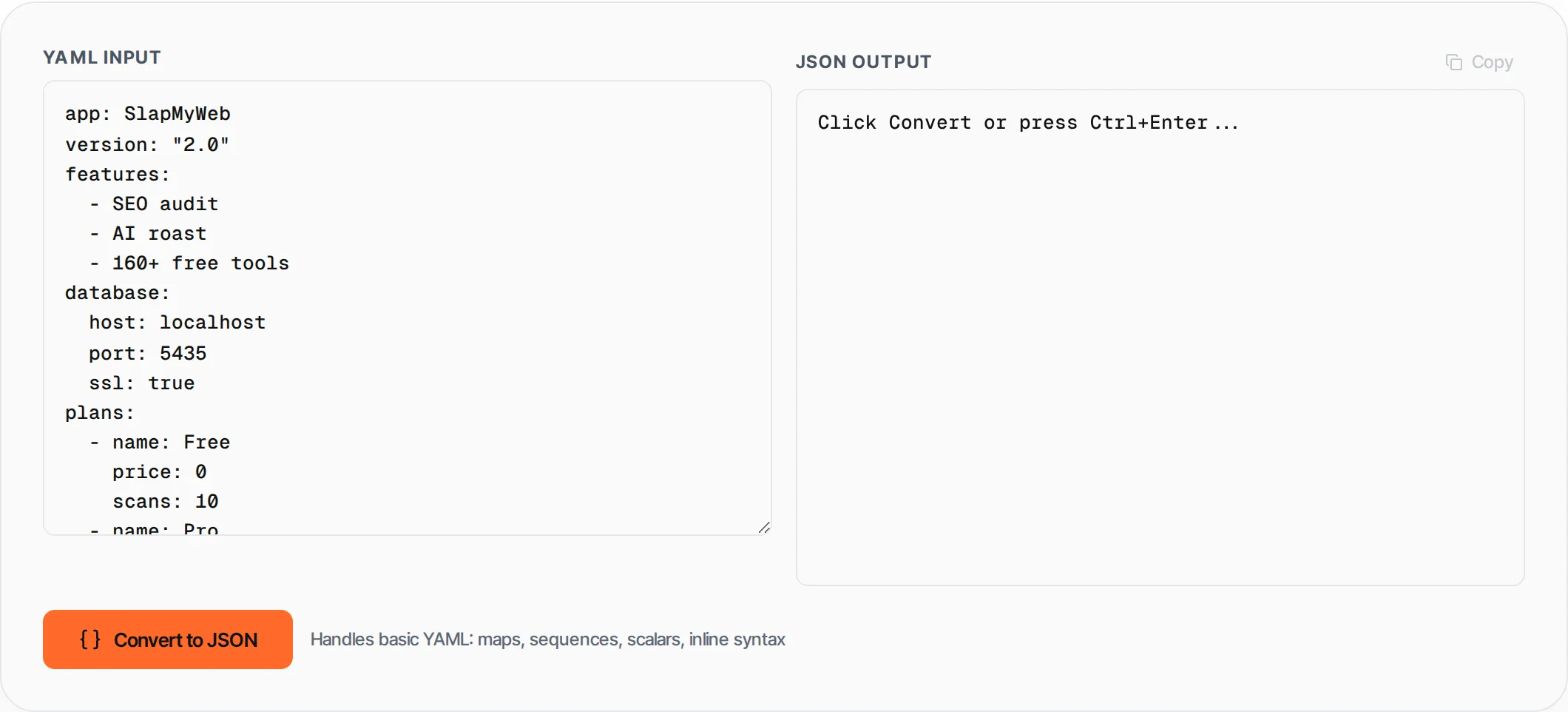
How to use YAML to JSON Converter
- 1
Paste your YAML
Enter or paste YAML content into the left text area. Click Load Example for a sample.
- 2
Click Convert
Press the Convert button or Ctrl+Enter to transform YAML to JSON.
- 3
Review the JSON
The formatted JSON output appears in the right panel with proper indentation.
- 4
Copy the result
Click Copy to copy the JSON to your clipboard.
Everything this tool
does for you
- Converts YAML maps to JSON objects
- Converts YAML sequences to JSON arrays
- Handles nested structures with any depth
- Parses YAML booleans (true/false/yes/no), numbers, and null
- Supports inline arrays [a, b] and objects {a: b}
- Skips comments and blank lines
- Pretty-printed JSON output with 2-space indent
- Runs in your browser — no data leaves your browser
Related free tools
Frequently asked questions
Beyond this tool
See the full picture for your website.
Enter your URL for a free audit across eight scored areas. See prioritised issues and clear next steps in one report.
Free to start · No signup required