PDF Page Resizer
Change PDF page size to A4, Letter, Legal or custom dimensions — scale, center, or stretch content.
- 100% free
- No sign-up
- Clear controls
- Open and use
What is PDF Page Resizer?
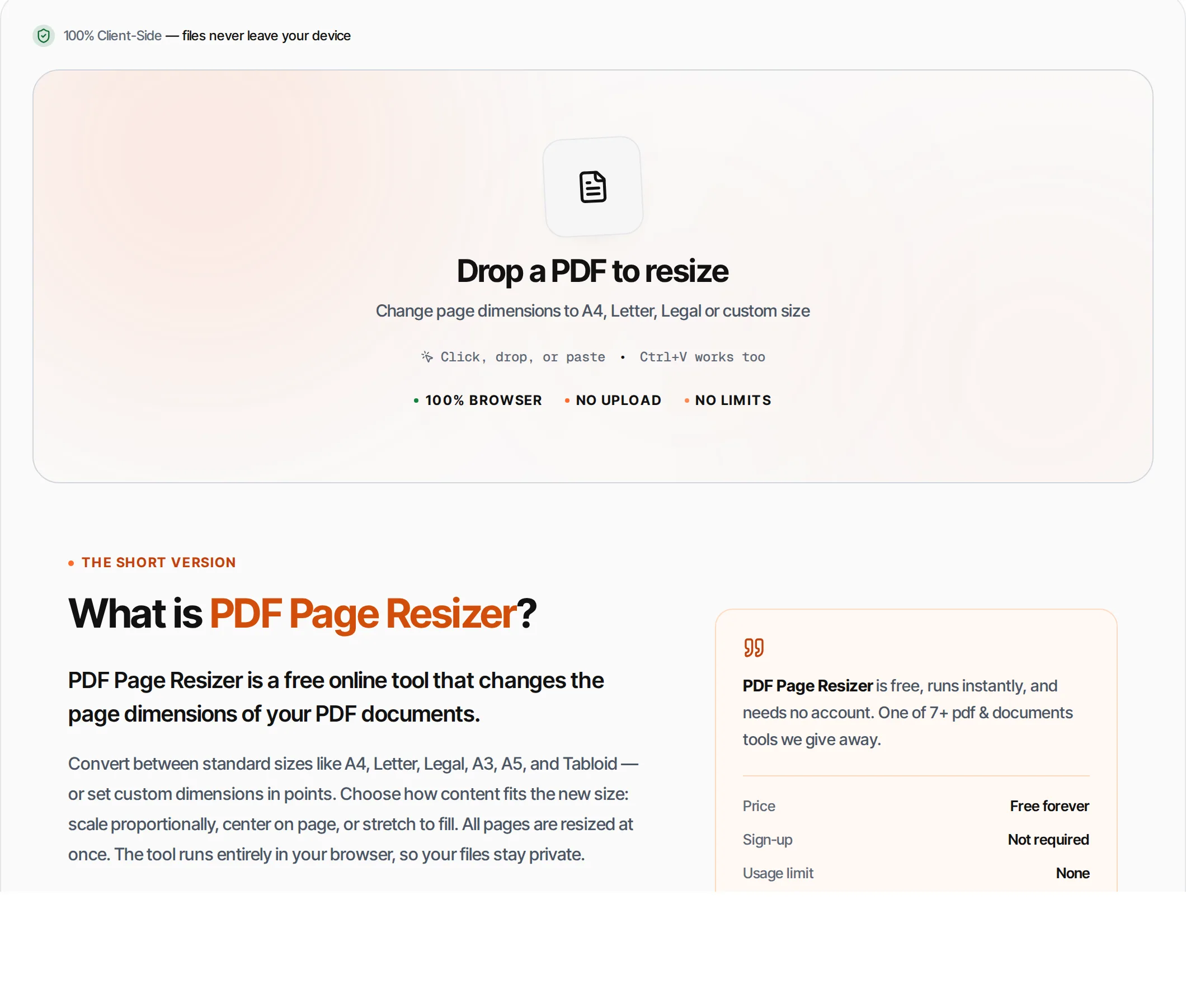
PDF Page Resizer is a free online tool that changes the page dimensions of your PDF documents.
Convert between standard sizes like A4, Letter, Legal, A3, A5, and Tabloid — or set custom dimensions in points. Choose how content fits the new size: scale proportionally, center on page, or stretch to fill. All pages are resized at once. The tool runs entirely in your browser, so your files stay private.
How to use PDF Page Resizer
- 1
Upload your PDF
Click the upload area or drag and drop a PDF file. The tool detects and displays the current page size.
- 2
Choose target size
Select a standard page size (A4, Letter, Legal, etc.) or enter custom width and height in points.
- 3
Select fit mode
Choose Scale to Fit (proportional), Center (original size centered), or Stretch (fill new dimensions).
- 4
Resize
Click the Resize button or press Ctrl+Enter. All pages are resized to the new dimensions.
- 5
Download
Download the resized PDF with all content adjusted to the new page size.
Everything this tool
does for you
- Six standard sizes: A3, A4, A5, Letter, Legal, Tabloid
- Custom dimensions in points (1 inch = 72 points)
- Three fit modes: Scale, Center, Stretch
- Auto-detects current page size
- Resizes all pages at once
- Runs in your browser — files never uploaded
- Preserves all content and formatting
- PDF files up to 100 MB; no daily quotas
Related free tools
Frequently asked questions
Beyond this tool
See the full picture for your website.
Enter your URL for a free audit across eight scored areas. See prioritised issues and clear next steps in one report.
Free to start · No signup required
- Convert between A4, Letter, Legal, Tabloid
- Custom dimensions in points
- Scale, center, or stretch content to fit
- Detects current page size automatically
- Files never leave your browser
- No signup or limits