PDF to Excel Converter
Convert PDF tables and data to editable XLSX spreadsheets. Powered by LibreOffice — preserves rows, columns and formatting.
- 100% free
- No sign-up
- Clear controls
- Open and use
What is PDF to Excel Converter?
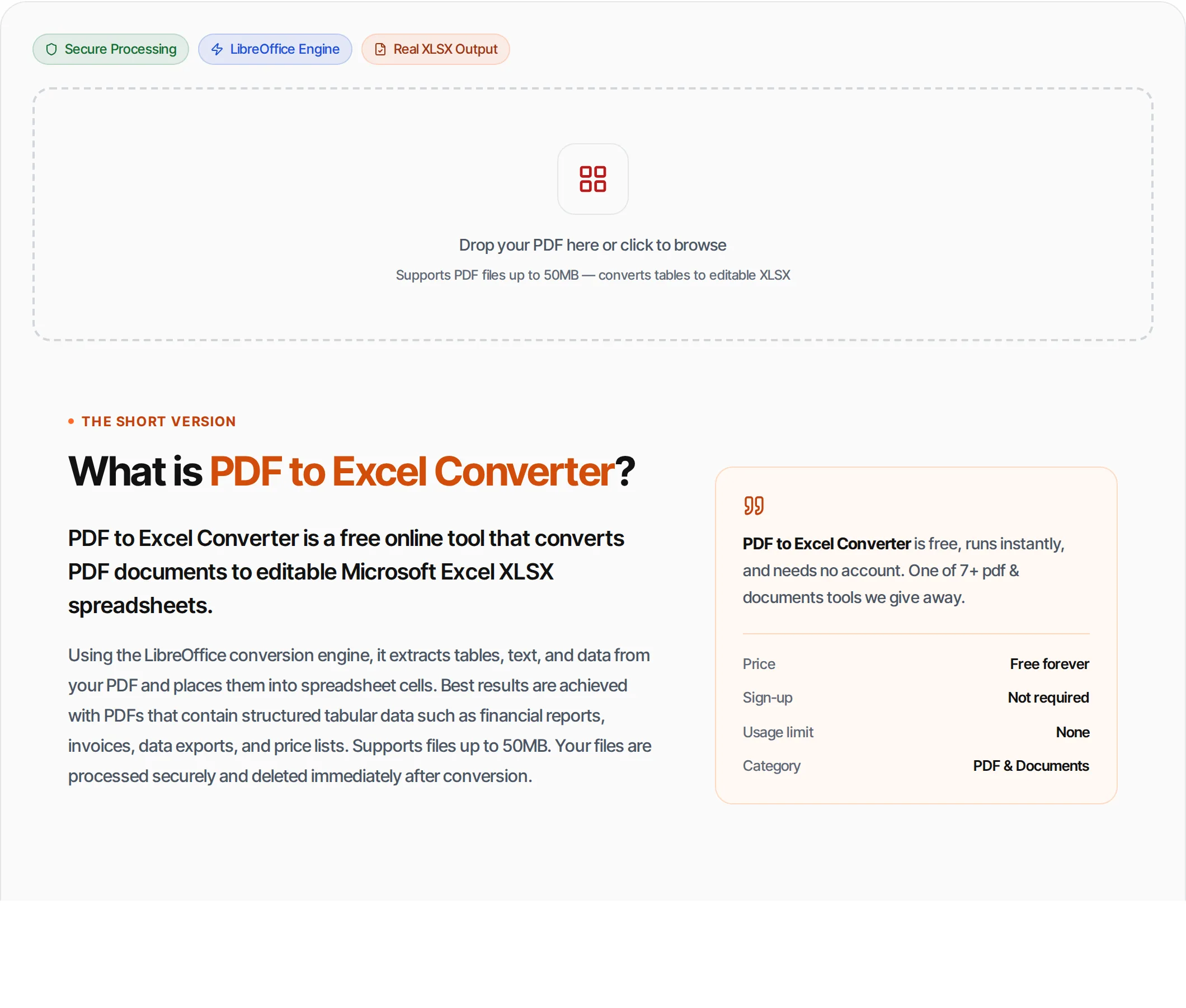
PDF to Excel Converter is a free online tool that converts PDF documents to editable Microsoft Excel XLSX spreadsheets.
Using the LibreOffice conversion engine, it extracts tables, text, and data from your PDF and places them into spreadsheet cells. Best results are achieved with PDFs that contain structured tabular data such as financial reports, invoices, data exports, and price lists. Supports files up to 50MB. Your files are processed securely and deleted immediately after conversion.
How to use PDF to Excel Converter
- 1
Upload your PDF
Drag and drop or click to upload any PDF file up to 50MB. Works best with PDFs containing tables, reports, invoices and structured data.
- 2
Click Convert
Hit the Convert button. Our server processes your PDF through the LibreOffice engine — typically takes 2-15 seconds.
- 3
Download your XLSX
Download your editable spreadsheet. Open it in Microsoft Excel, Google Sheets, or any spreadsheet application and start editing.
Everything this tool
does for you
- Extracts tables from PDF to Excel cells
- Preserves rows and column structure
- Handles multi-page PDF documents
- Text content placed into cells
- Powered by LibreOffice conversion engine
- Real .xlsx output (opens in Excel, Google Sheets)
- Up to 50MB file support
- Fast server-side processing
- Files deleted immediately after conversion
- No signup or account required
- Free with no daily limits
- Works with any PDF containing tabular data
Related free tools
Frequently asked questions
Beyond this tool
See the full picture for your website.
Enter your URL for a free audit across eight scored areas. See prioritised issues and clear next steps in one report.
Free to start · No signup required
- Extract tables from PDF to Excel
- Preserves rows, columns & formatting
- Handles multi-page documents
- Powered by LibreOffice engine
- Up to 50MB file size
- No signup required